76 VISIONEER STROBE XP 450 SCANNER USER’S GUIDE
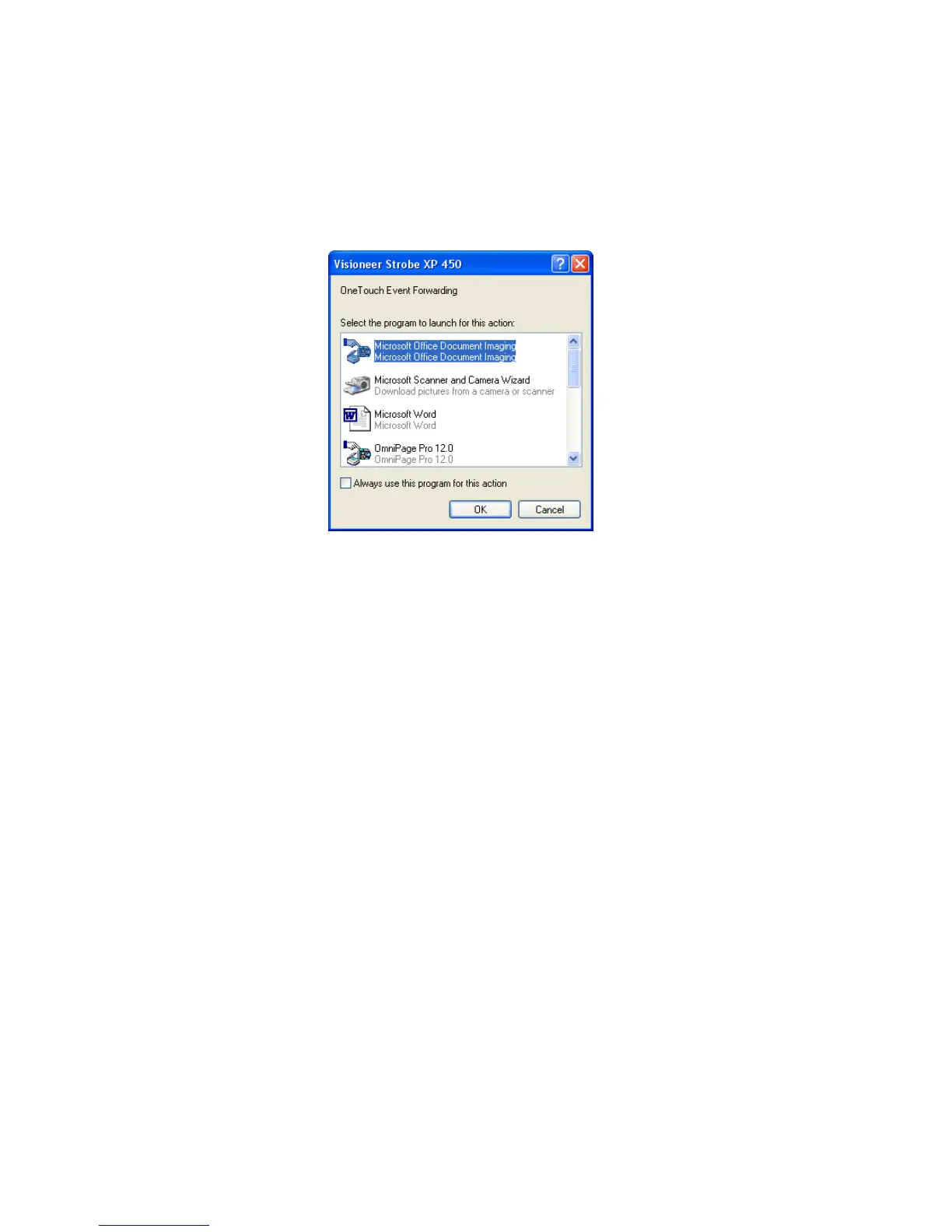
5. Press the Scan button to start scanning.
A dialog box opens for you to select the application to use for
scanning.
6. Select the application in the box and click OK.
Now the application you selected opens and you can continue the
scanning from that application’s TWAIN interface.













 To Next Page