9
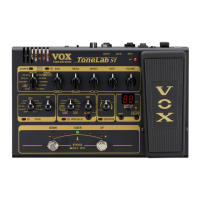
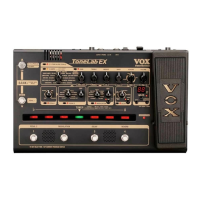
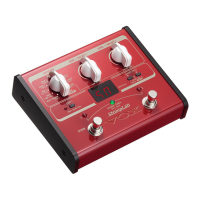
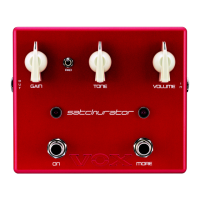
Panels
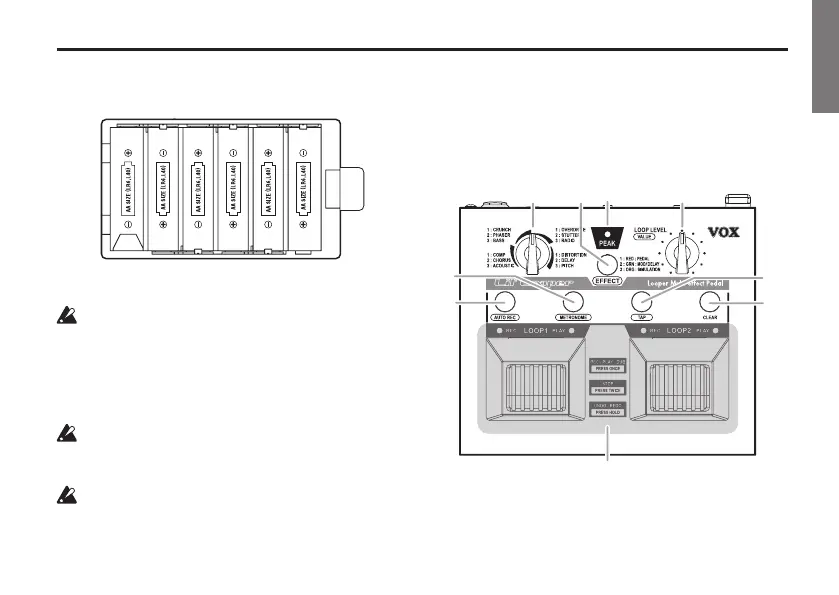
4. InsertsixAA-sizebaeriesintothecasewiththe+
and-endsinthecorrectorientation.
5. Replacethebaerycasecover.
The brightness of the buons and LEDs will
diminish when the baery power becomes low. As
the baery power decreases further, the PEAK LED
will blink and the power will turn o automatically
in approximately 1 minute. Be sure to replace the
baeries with new ones before this occurs.
When the baeries expire, remove them from the
case immediately. If you don’t plan to use the unit
for a long period of time, remove the baeries.
Batteries are supplied in the package so that you
can easily check the operation. However, the
battery life may be relatively short.
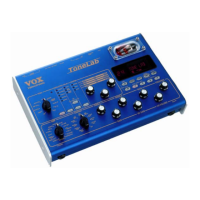
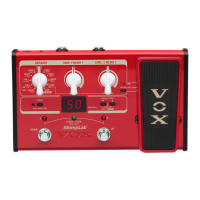
Panels
Top panel
1
2
4
5
3
6
7
9
8


 To Next Page