SmartBoard
4
Operation and Functions
17
4.4 Functions
The SmartBoard provides a wide range of functions that can be accessed via sym-
bols from the main menu. The chapters below describe the various functions.
The following rules apply:
• If a system is not available and no information can be retrieved from it, the cor-
responding menu symbol is not displayed.
• When the vehicle is at a standstill, the values that were last saved are displayed.
These may deviate from the actual values (e. g. the tyre pressure if a leak is
present).
For an overview of which functions are available in combination with Trailer EBS D
or E, see chapter 3.2 "System prerequisites", page 11.
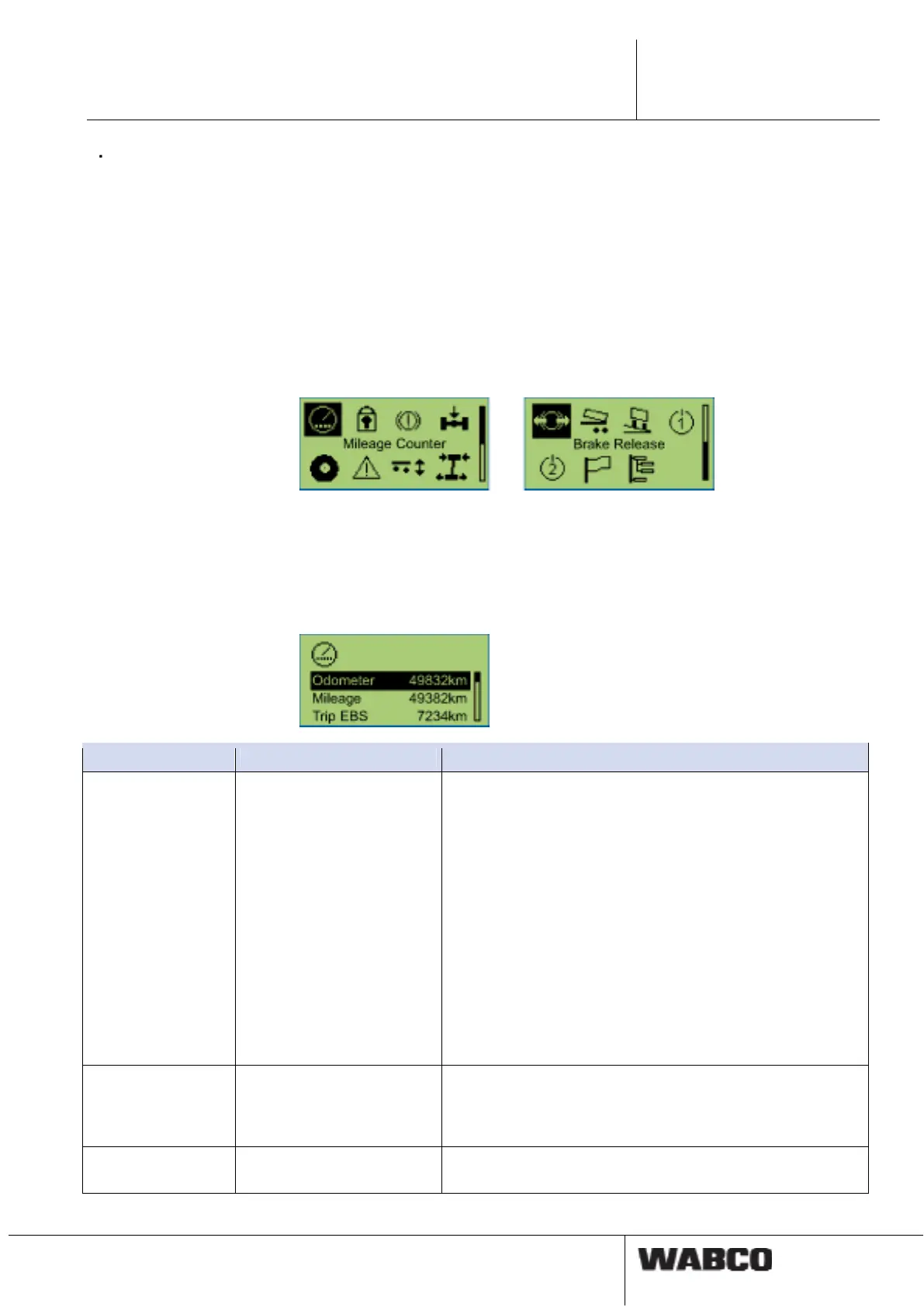
fig. 4-4: Main menu
4.4.1 Odometer Status
The odometer reading from the Trailer EBS and the SmartBoard is displayed in this
functional group.
Notation Description Note
Odometer (internal
odometer Smart-
Board)
The SmartBoard determines
the mileage/kilometrage
directly from the ABS sen-
sor signal.
• The option is only displayed after the SmartBoard has
detected that an ABS sensor is available.
• The distance counter functions even when the ISO con-
nection is not plugged in.
• Differences between Trailer EBS odometer and the in-
ternal odometer occur due to:
Driving without the ISO plug connection (TEBS not oper-
ating, SmartBoard supplied by battery).
Different tyre sizes and going around corners (TEBS
computes the average wheel speed, the SmartBoard
only records sensor c).
• If the tyre settings stored in the SmartBoard are inconsis-
tent with those of the TEBS, an exclamation mark <!> is
displayed in the odometer bar.
Mileage/Kilometrage The total mile-
age/kilometrage is recorded
by the Trailer EBS modula-
tor.
Record since the Trailer EBS system start-up.
Trip EBS Kilometre count with ISO
supply connected.
Can be reset via the diagnostic software.



 To Next Page