4
SmartBoard
Operation and Functions
28
Notation Configuration options
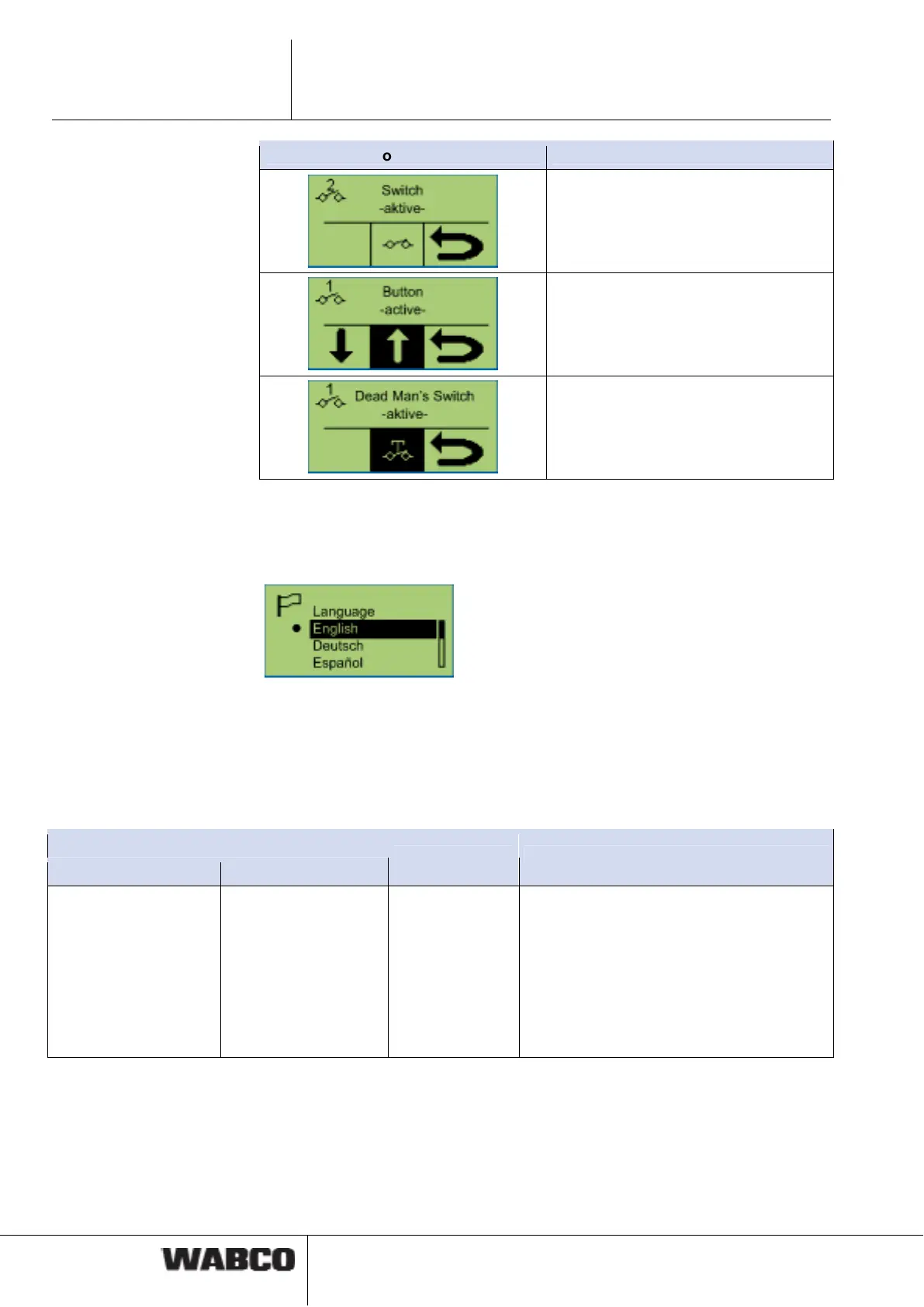
Switching function (On/Off)
Button function (hold/release)
Open / Close function (e. g. rear end-
gate)
4.4.13 Language
The language for the SmartBoard is selected in this functional group.
The SmartBoard is equipped with a language package. The language package can
be changes in the Diagnostic Software (see chapter 6.4 "Diagnostic Software
„SmartBoard“", page 45).
To do so, select the menu item <Parameter settings> from the <System> menu.
In the <Language> menu, the language package A or B can be selected. Click
<Write to ECU> to start the download.
Notation
Language package A Language package B
Description Note
English
German
Español
Nederlands
Français
Русский
Italiano
Türkçe
Polski
English
German
Français
Ελληνικά
Česky
Svenska
Suomi
Portuguê
Available lan-
guages.
• The key <Arrow right> is used to navi-
gate through the different languages.
• Press <OK> to activate the selected
language.
• The currently selected language is
marked by a ●.



 To Next Page