4
SmartBoard
Operation and Functions
20
4.4.3 Brake lining wear indication (BVA)
The status of the brake lining wear is displayed in this functional group.
When the brake lining has reached the wear limit (2 mm residual lining thickness),
the warning LED and the menu item for this functional group flash in the main
menu.
Messages are only output via warning LEDs and flashing menu items if the "Event
LED" functions is activated (see page 33).
Notation Description Note
All brake linings have a resid-
ual thickness of more than the
2 mm wear limit.
At least one brake lining has
reached a wear limit <2 mm
(the wire of the end value indi-
cation in the brake lining is
worn through).
Check the brake linings as
soon as possible and replace
worn brake linings.
4.4.4 Axle load indication
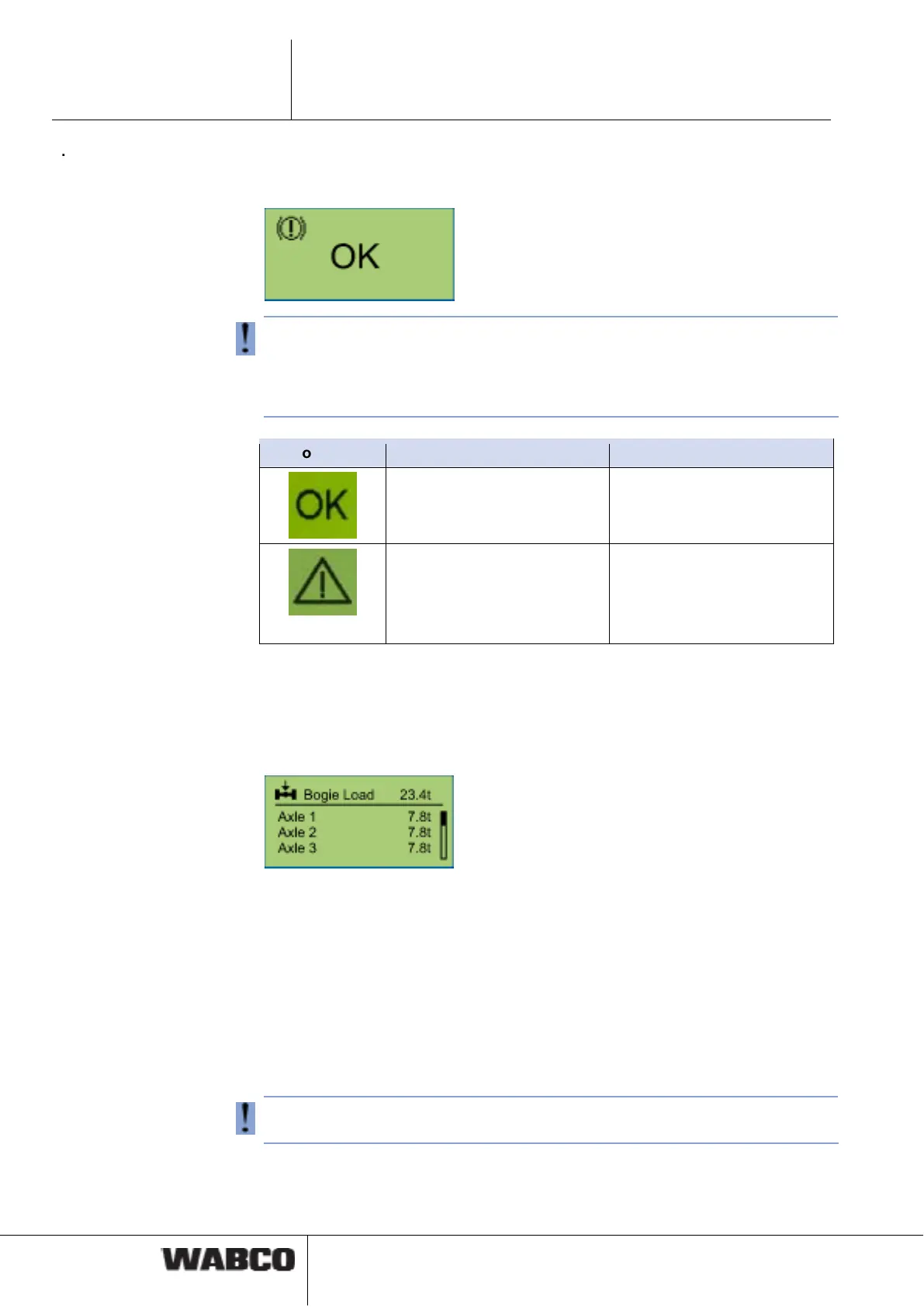
Information on the axle loads is indicated in this functional group.
For example: Semitrailer
In addition, a message can also be shown in the display. The warning thresholds
can be set in the SmartBoard.
WABCO suggestion for a 3-axle semitrailer with 9 t axle load on each axle.
• The initial warning threshold is to be set to a 8 t axle load: When there is an
axle load of 8 t, the menu item "axle load" flashes in the display. The driver is
informed that further loading is not advised.
• The secondary warning threshold is set to 9 t axle load: When an axle load of
9 t is exceeded, the red warning LED flashes and the menu item "axle load"
flashes in the display. The driver is informed of overloading (see chapter 4.5
"Output of messages", page 37).
The SmartBoard is supplied with the initial and the secondary warning threshold
both set to 15 t. The warning thresholds are therefore not activated.



 To Next Page