7
SmartBoard
Workshop instructions
48
7.3 "Battery almost empty" indication
Not available in ADR version 446 192 111 0
The battery is designed to have an average life of five years; this may not be at-
tained, however, if it is subjected to extremely frequent use with an unhitched
trailer.
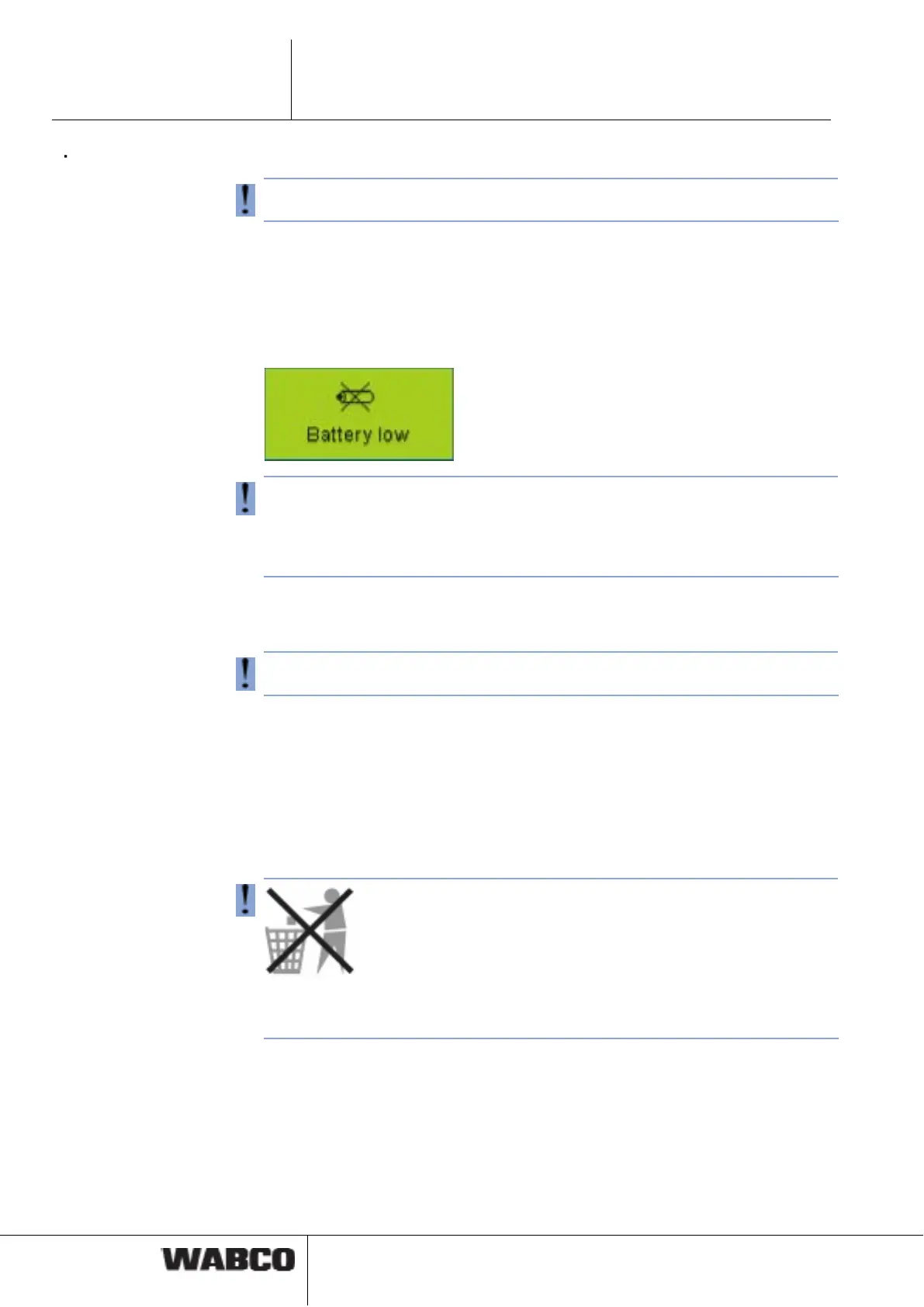
When the battery only has 10 % of the original charge left, the "Battery almost
empty" indication is displayed for one second after the start logo and the disclaimer
appears for one second after the device is switched on.
If the battery voltage is no longer sufficient to operate the internal real-time clock,
the menu <Extras> <Settings> <Clock> is greyed out. It is then no longer possible
to transmit the time via CAN, i. e. the ODR data of the Trailer EBS E can no longer
be saved together with the time.
The internal odometer reading also does not function.
7.4 Replacing the battery
(not applicable for ADR version 446 192 111 0)
The SmartBoard has a replaceable battery. The battery status can be accessed via
the menu <Extras> <System Info> <SmartBoard>. If the capacity of the battery is
depleted, the SmartBoard can only be used if it is powered from a power supply
provided in the towing vehicle.
A replacement of this battery must be performed by an authorised specialist work-
shop. A repair kit (No. 446 192 920 2) is available for this purpose; it describes the
work steps in detail. Also see the spare part sheet on the Internet at www.wabco-
auto.com under the menu item INFORM.
Batteries are hazardous waste.
Dispose of hazardous waste in an environmentally friendly manner and in compli-
ance with relevant national regulations.
7.5 Care and Cleaning
Use only a damp cloth to clean the SmartBoard. Never use cleaning agents.
Detergents and other chemicals can damage the display and the keyboard and
must never come into contact with the SmartBoard.



 To Next Page