SmartBoard
Diagnosis
44
6.2 Hardware
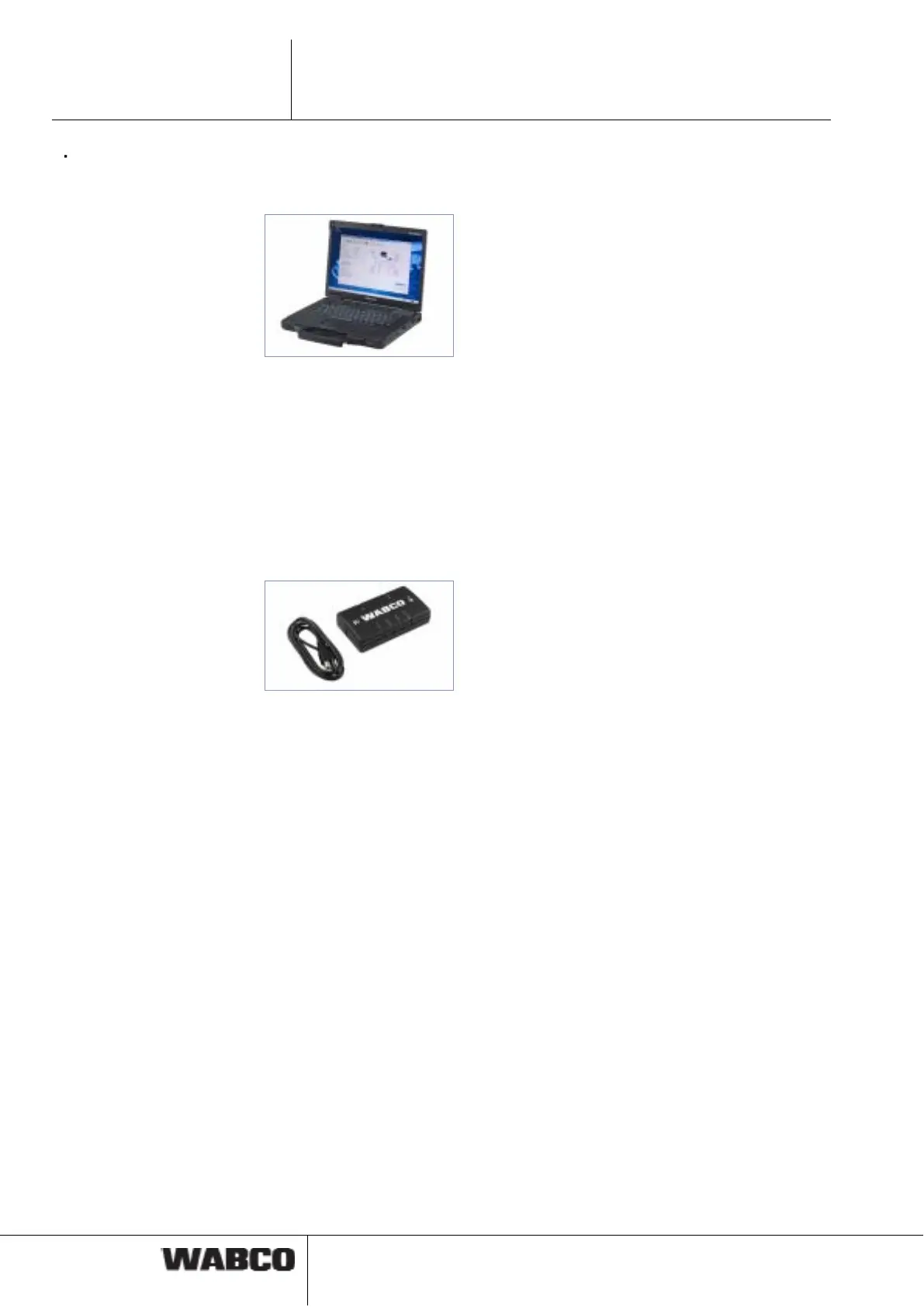
PC / laptop
WABCO offers you a workshop-suitable, impact- and contamination-resistant lap-
top. This "Toughbook" with preinstalled Diagnostic Software can be obtained from
WABCO.
The Diagnostic Software will run on all standard PCs with an operating system Mi-
crosoft Windows 2000 or higher however.
There are no other special requirements of the hardware. The PC should however
have a free USB connector or a free serial connector (COM interface 9-pin) to con-
nect the diagnostic interface.
Diagnostic Interface Set
To set up the diagnosis, the WABCO Diagnostic Interface Set with order number
446 301 030 0 (USB connection) is required. The set contains the Diagnostic Inter-
face and a USB connecting cable to the PC or laptop.
The old Diagnostic Interfaces with serial connection (446 301 021 0) and with USB
connection (446 301 022 0) can still be used.
6.3 Diagnostic Software
There are three ways to obtain the Diagnostic Software:
• Offline as a USB stick version
• Online as a single download
• As a part of a WABCO system diagnostics subscription
For the diagnosis of multiple WABCO systems, WABCO offers you four different
Diagnostic Software subscriptions via the Internet. These contain numerous diag-
nostic programs at one very low price.
On the Internet, on Web page www.wabco-auto.com in the quick access area, click
on "Diagnosis" and then on "WABCO System Diagnostics". There, you will find fur-
ther information and can order the Diagnostic Software in your language and to
load onto your PC.



 To Next Page