4
SmartBoard
Operation and Functions
26
The relaxation function is activated by switching on the function in the TEBS E1
modulator. The tension on the applied brakes is released with the respective actua-
tion of the brake cylinder from the modulator. The brakes are released by side
(semitrailer/central axle trailer) or by axle (drawbar trailer) for this purpose. Braking
the vehicle is always performed at over 18 %, because the brake cylinder is used
for releasing the vehicle.
4.4.9 Brake release function
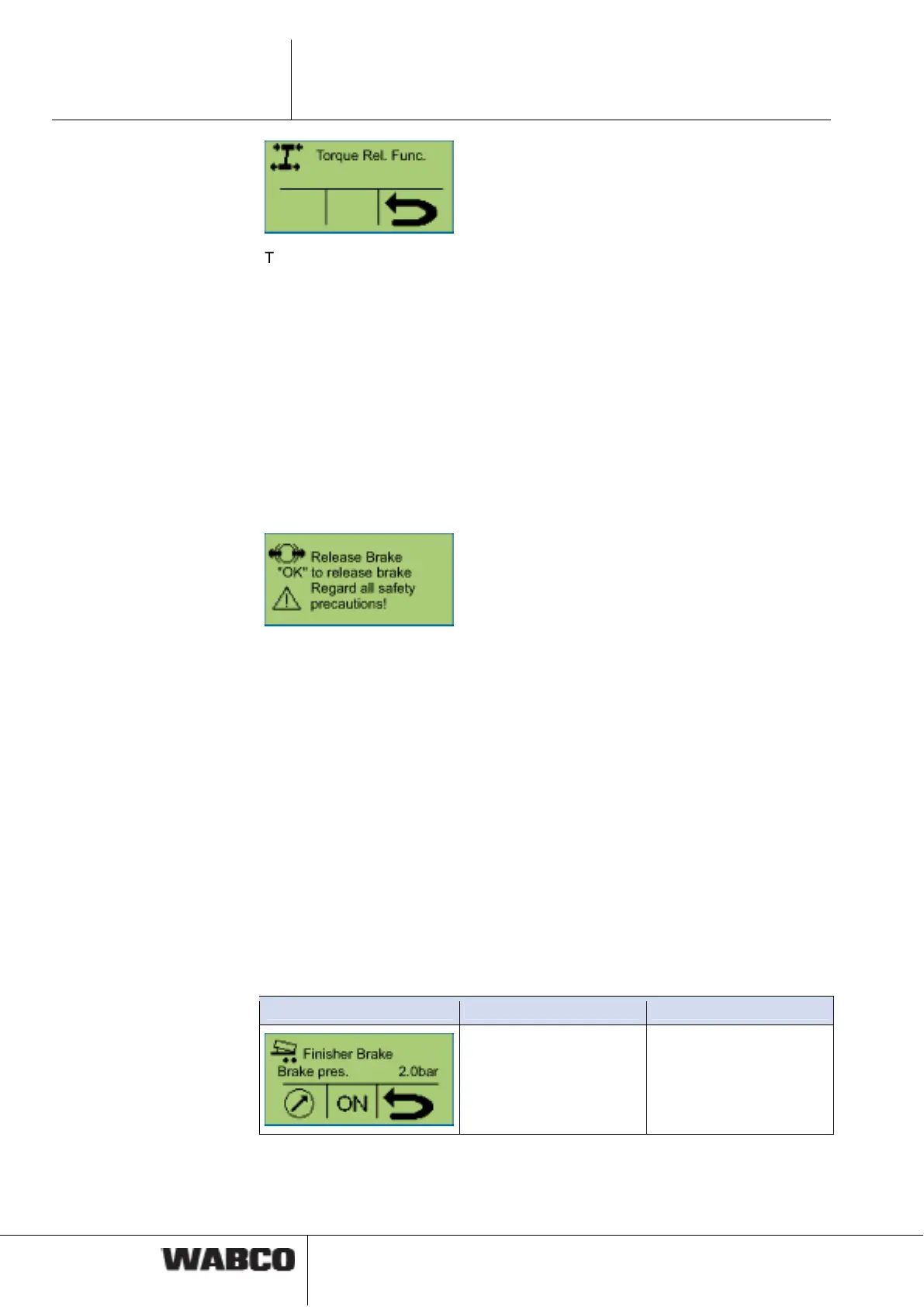
The service brake in the trailer can be released by actuating the functions and with
the vehicle at a standstill. A typical application for this function is for vehicle trans-
porters. In this case the length of the trailer is changed via a hydraulic tension strut
for simple loading of the entire vehicle. When releasing the button switch, the brake
is immediately ventilated again causing the brake to be applied.
Requirements for the brake release functions
• The parking brake in the towing vehicle is actuated.
• The pressure on the coupling head "yellow" must be greater than 6.5 bar. The
brake release function will be aborted when the pressure on the coupling head
"yellow" drops.
• The vehicle must not roll. The brake release function will be aborted at a speed
V > 1.8 km/h.
A TÜV certificate for the brake release function can be obtained from the product
catalogue INFORM on the Internet at www.wabco-auto.com by entering the prod-
uct number or the index words “SmartBoard“ or “certificate“.
4.4.10 Road Finisher Brake
The road finisher brake serves to brake tipper body vehicles when operating be-
hind road finishers. The tipper body vehicle with the asphalt is pushed forward by
the road finisher. To prevent the vehicle from rolling away it is braked slightly (e. g.
with 0.7 … 1.5 bar).
Notation Description Note
Function deactivated Button <Arrow right>:
Setting the nominal brake
pressure
Button <OK>: Activating
the function



 To Next Page