4
SmartBoard
Operation and Functions
22
Messages are only output via warning LEDs and flashing menu items if the "Event
LED" functions is activated (see page 33).
Current messages are displayed first, then the messages that are no longer cur-
rent.
When a current message is present, the menu item for this functional group flashes
in the main menu and the warning LED also flashes.
With the ADR version, the internal clock is not active. No time entries are made in
the ODR operating data memory or the diagnostic memory.
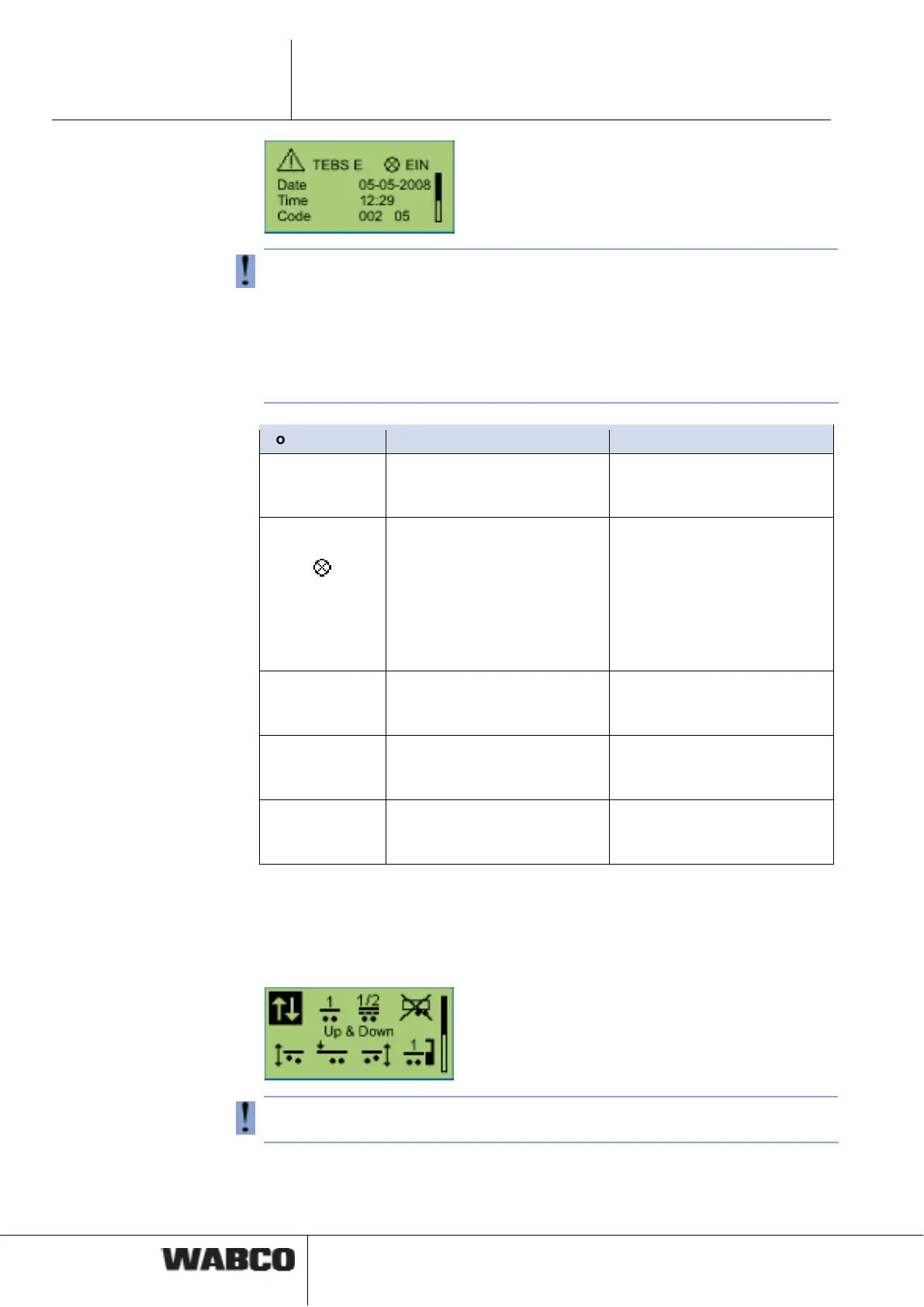
Notation Size Please note
System System responsible for output
of the message (example:
TEBS E).
The key <Arrow right> is used
to navigate through the differ-
ent messages.
Warning light
status
Status of warning light
(current or no longer current
message).
There are current messages
with a warning light symbol
available. The fault must be
rectified. Messages without a
warning light symbol are not
current (old) and are still
stored in the diagnostics
memory of the ECU.
Date Date at the time of message
output.
This information is only pro-
vided in combination with
Trailer EBS E.
Time Time of message output. This information is only pro-
vided in combination with
Trailer EBS E.
Code Message code. For plain text of diagnostics
codes see chapter 8.1 "Diag-
nostic messages", page 50.
4.4.7 Air suspension
Functions for operating the air suspension system are available in this functional
group.
The air suspension group is only available if the integrated electronic air suspen-
sion of Trailer EBS E is installed.
The <Arrow right> key is used to navigate through the different functions and the
<OK> key selects one.



 To Next Page