SmartBoard
Diagnosis
45
6.4 Diagnostic Software “SmartBoard”
With diagnostic software "SmartBoard" (WABCO number 246 301 609 0), the
SmartBoard can be configured to customer specifications.
6.4.1 Parameter setting
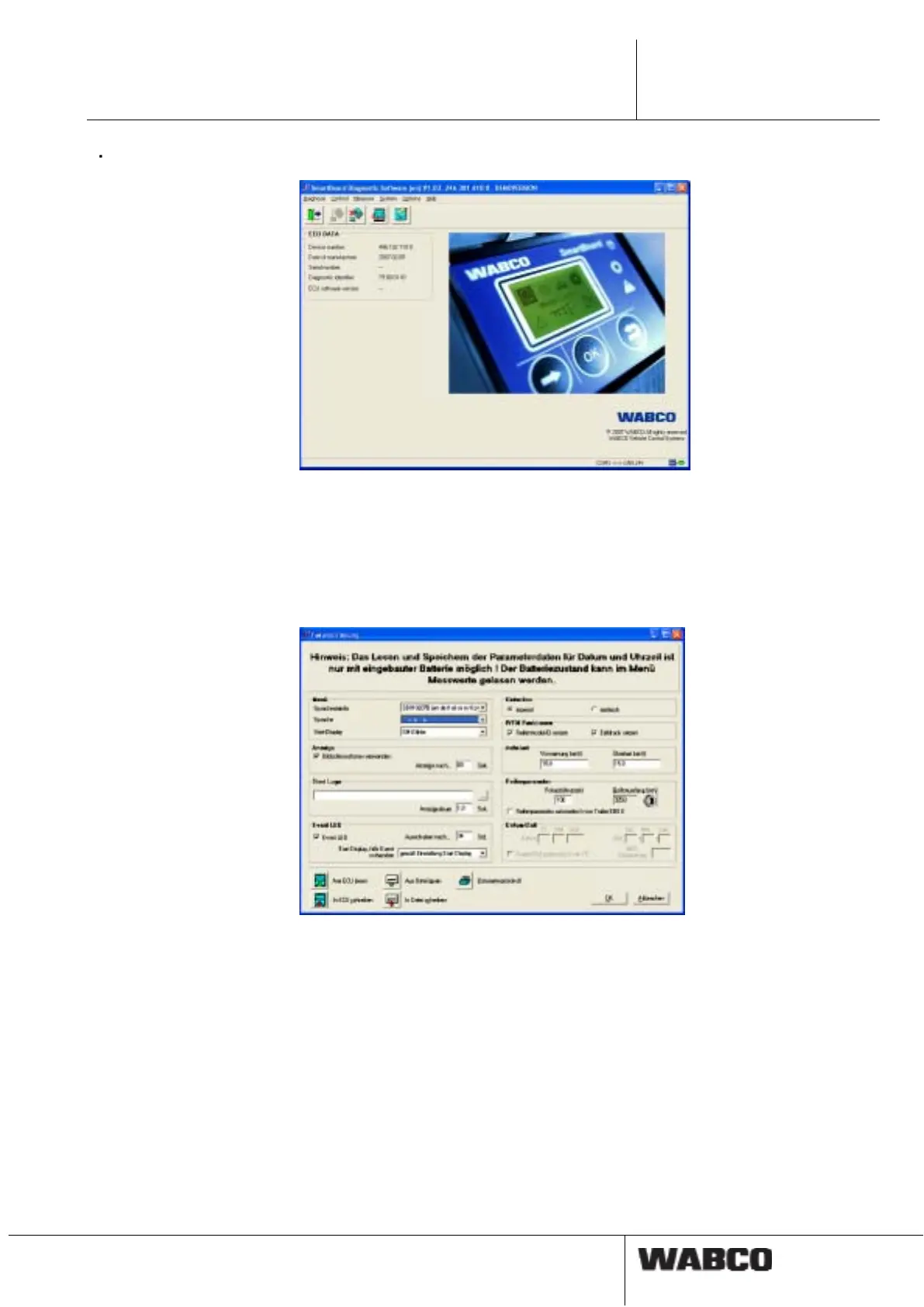
The parameter settings dialogue is opened via the "System" menu item.
fig. 6-1: Dialogue "Parameter Settings"
The following settings can also be made in the parameter definitions.
• In the <Language> menu, the language package A or B can be selected (see
chapter 4.4.13 "Language", page 28).
• To save these settings in the SmartBoard, select the <Write to ECU> button.
• The settings can also be saved in a parameter file on a PC.
To save the settings in a file, select the button <Write to file>.
• A parameter file previously saved in this way can be loaded into the dialogue by
selecting the button <Read from file>.
• The same button is used to generate a parameter protocol.



 To Next Page