4
SmartBoard
Operation and Functions
24
OptiTurn™ automatically detects tight curves and traffic circles and relieves or
raises the third axle of the semitrailer. This decreases the turning radius of the trac-
tor-trailer combination and improves manoeuvrability. The tyres also have less fric-
tion on the street and damages to the tyre edges on curbstones are prevented. Af-
ter travelling through the curve, the relieved or raised axle is put back down into its
initial position again.
OptiTurn™ can be an inexpensive alternative to steering axles.
Using OptiTurn™:
• Reduction of tyre wear and tyre edge damage
• Improvement in manoeuvrability of the tractor-trailer combination
• Easier travel around curves and traffic circles
• Reduction in axle tension
• In many cases is an alternative to steering axles
Drawbar load reduction OptiLoad™
The OptiLoad™ drawbar load reduction automatically distributes the weight of the
load on the supporting axles of the tractor-semitrailer combination without having to
actually shift the load in the trailer.
If a trailer load is to be distributed to multiple delivery addresses, the remaining
load can become unevenly distributed on the semitrailer. This can exceed the per-
mitted axle load of the tractor drive axle.
OptiLoad™ redistributes the load with targeted changed air-pressures in the air
bellows of the semitrailer to the tractor- and semitrailer axles without having to
change the position of the load on the semitrailer. OptiLoad™ supports the driver in
preventing an overload on the tractor drive axle this way.
OptiLoad™ is designed for loads up to 24 tonnes and works independent of the
speed.
Preventing overloading the tractor drive axle helps with:
• Preventing damage to the tractor drive axle
• Decreasing of tyre wear
• Avoiding overload fines
Operation
The menu for controlling the manoeuvring aid and the drawbar load reduction is
called up via menu <Air Suspension>, menu point <Manoeuvring aid>
Manual control
The SmartBoard is used as a switch in manual control.
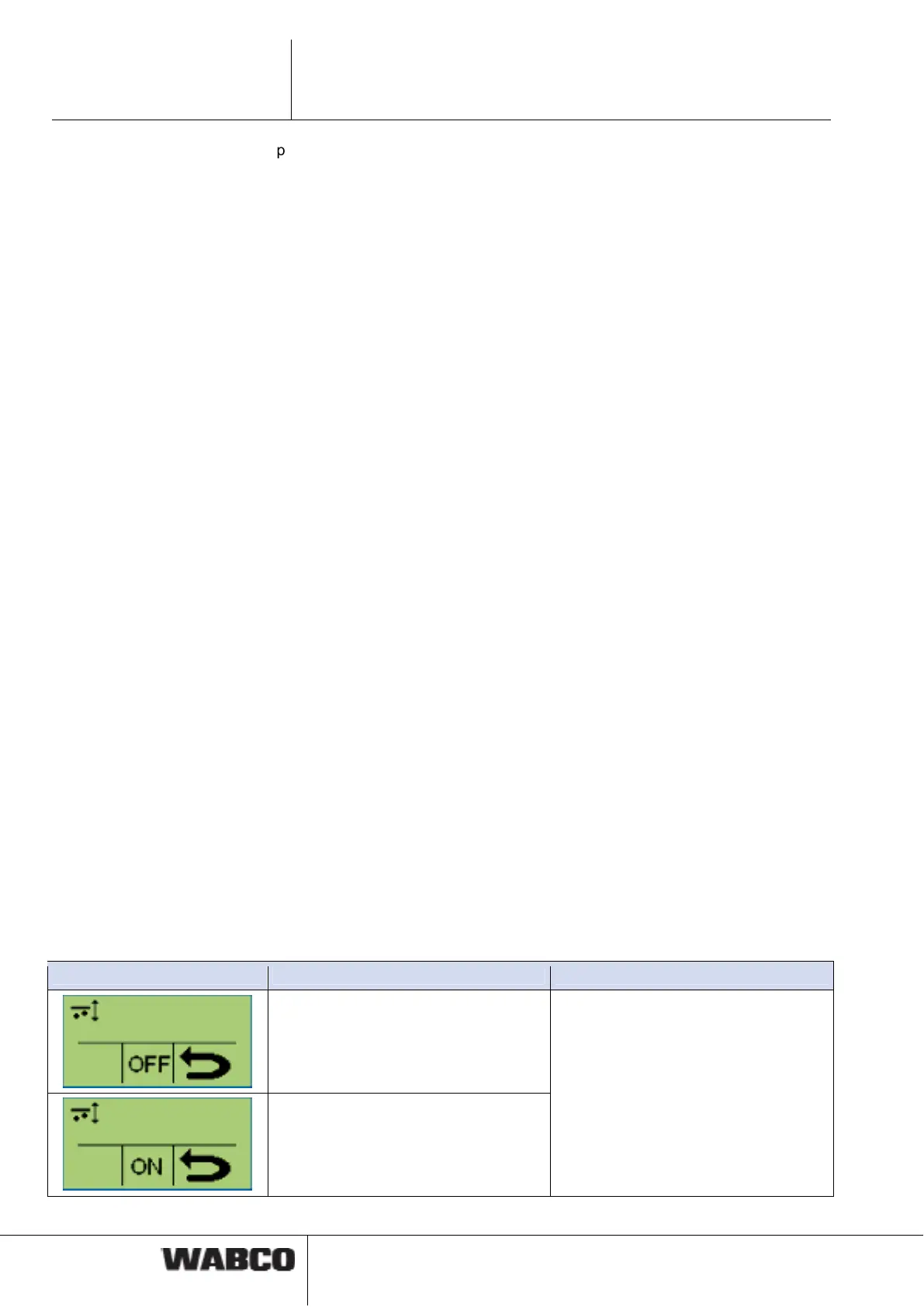
The function is activated or deactivated with the <OK> button.
Notation Description Note
Function: activated
Function: deactivated
Automatic mode not defined in Trailer
EBS E1, mode-change not possible.



 To Next Page