Support Email/ Skype: service2@wansview.com 22
Wansview APP (Android version) is an application developed by our company based on the Android system. It supports iOS 2.3.0
or 6.0. The functional characteristics of this software:
Supports Alarm Notification
Temperature and Humidity Alarm
Supports rapid mobile phone acoustic configuration of camera Wi-Fi;
Supports PnP products of the Smart P2P cloud;
Supports viewing on multiple screens (Supports simultaneous viewing of up to 4 cameras);
Supports Playback SD Card Recording at mobile phone terminal;
Supports video control, video parameter setting, audio monitoring, intercom, pan/tilt control, picture taking and
Supports searching for and adding LAN equipment;
Supports editing and management of the equipment (Wi-Fi/Email/Alarm/FTP and other advanced functions);
4.1 Software Installation
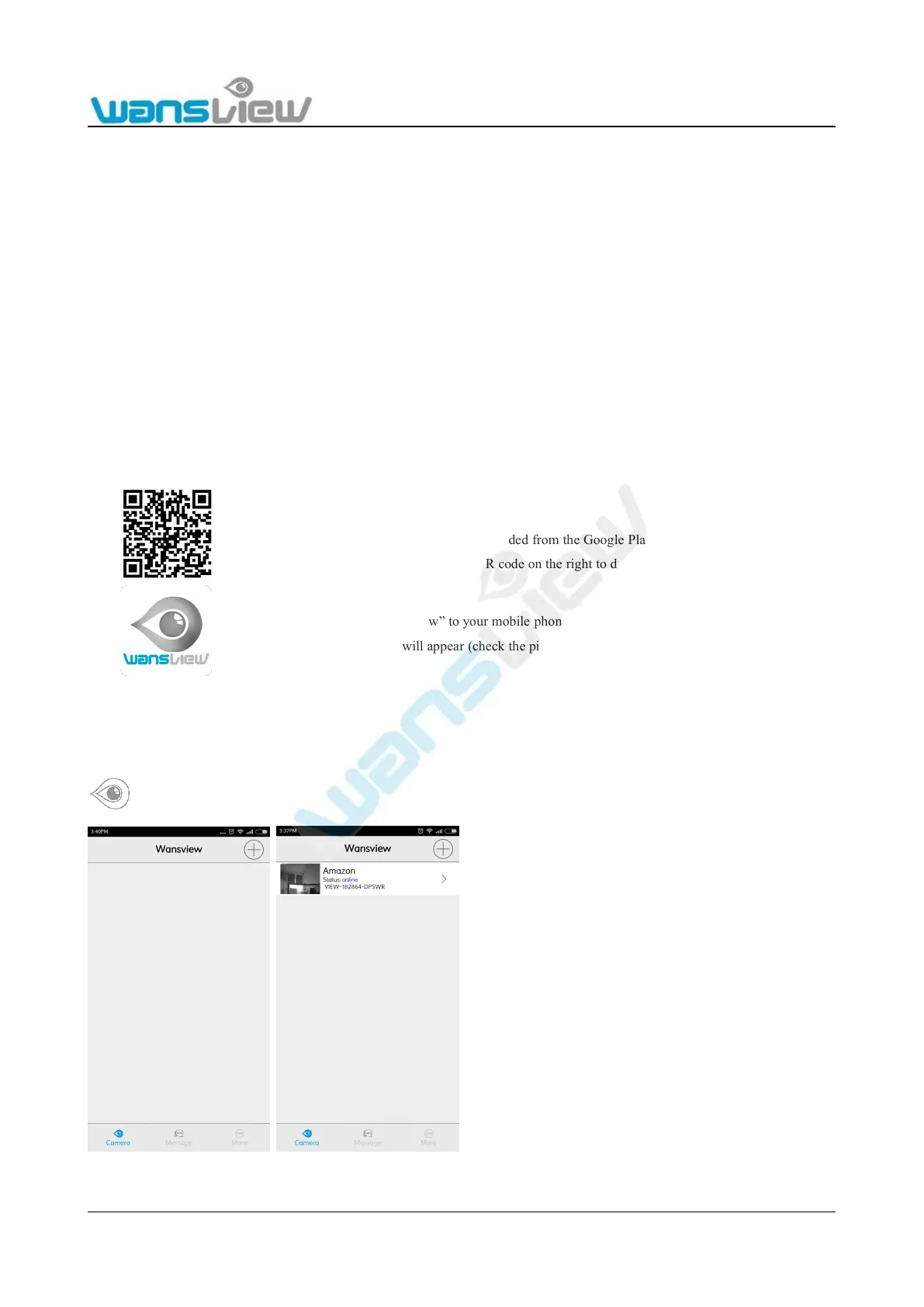
4.2 App Interface Introduction
4.2.1 Interface
Camera:
Message
“Wansview” can be searched for and downloaded from the Google Play.
You can use a mobile phone to scan the QR code on the right to download the APP.
Download and install “Wansview” to your mobile phone.
After installation, the icon will appear (check the picture on the right)
On this page, user can add camera, check camera list and can
enter to Edit Camera page.



 To Next Page