Support Email/ Skype: service2@wansview.com 33
View Video-Mode 1: APNPI viewing mode (OCX plugin)
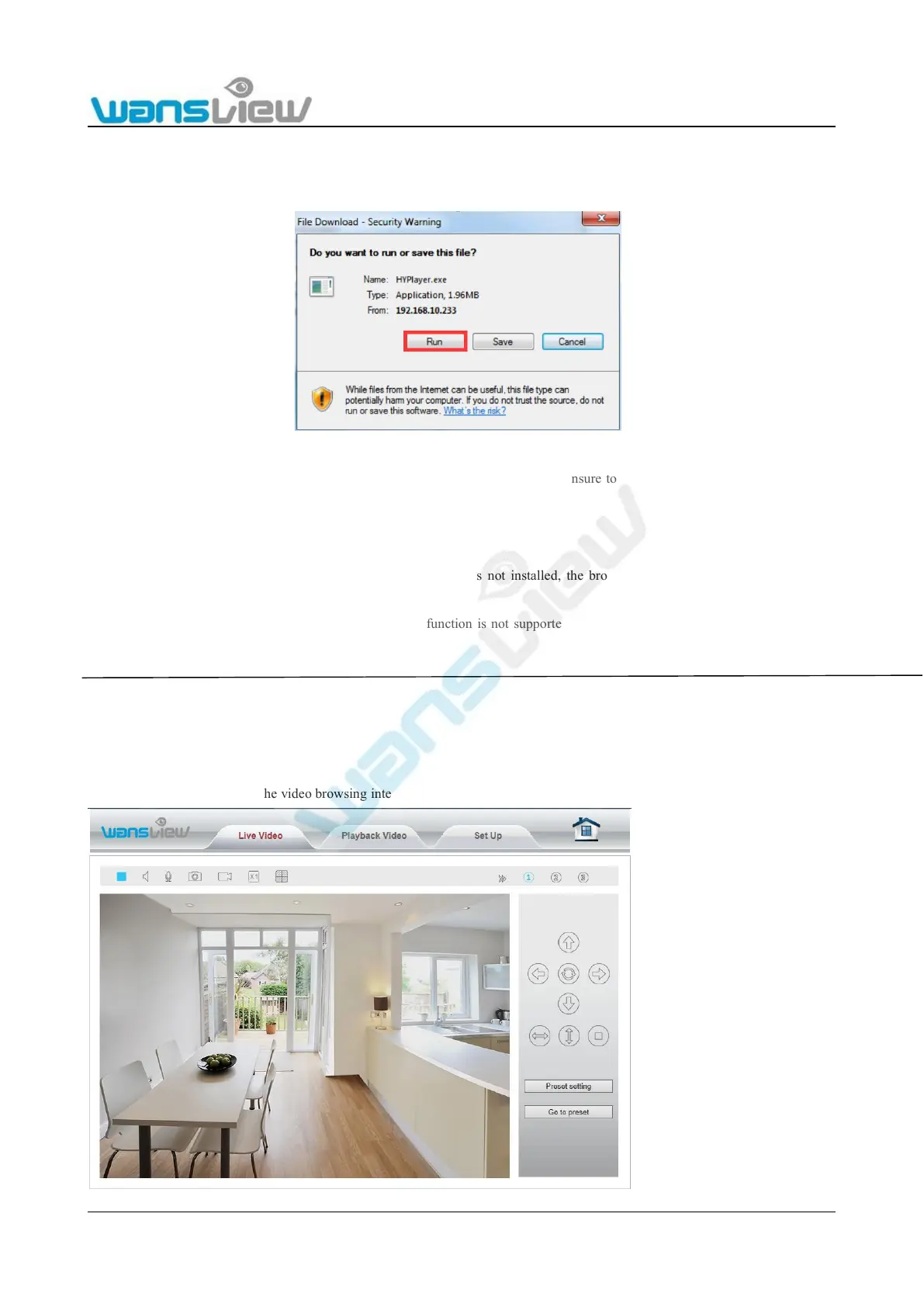
● You must download the OCX plugin the first time you use View Video Mode 1. Click “Download Plugin” to download and install
the plugin as below Figure.
Figure 5.4
● When you select Video Viewing Mode 1 with Google Chrome or Firefox, please ensure to use the right version : (since they do
not support the APNPI plugin)
View Video- Mode 2: Flash Player mode (Adobe Flash Player plugin)
● When you select Flash Player mode, if the Flash Player plugin is not installed, the browser will automatically prompt you to
download and install the file.
● When you select Flash Player mode, the multiple image function is not supported, nor is multiple region motion detection. The
Microsoft Edge browser is not supported.
5.2 Live Video
Video plays after clicking into the video browsing interface.



 To Next Page