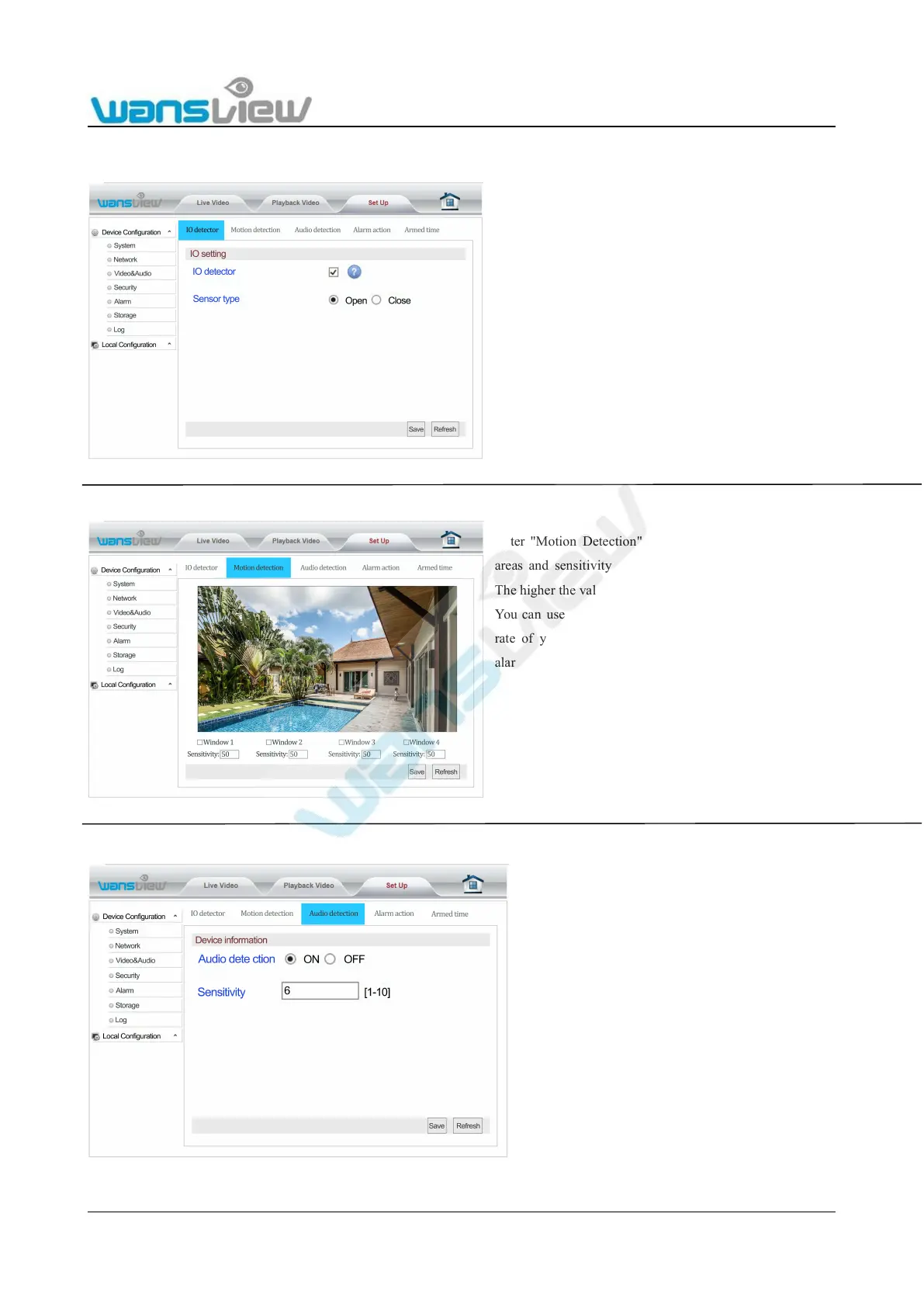
Enter "Motion Detection". The user can set 4 detection
areas and sensitivity for each area ranging from 1-100.
The higher the value, the higher sensitivity will be.
You can use a motion detector to improve the detection
rate of your camera. Simply connect the sensor to the
alarm input and activate the external input. An alarm will
be triggered once the circuit is broken by replay inside
the detector or if the wire is disconnected. The state you
have to choose depends on your sensor(the wrong choice
will give a continuous alert once the detector is
connected).
Enter “IO Detector” to start up the detection function
and set sensor type.
When using IO Detector, user should tick this
function.
EnterAudio Detection to start up audio
detection and alarm function. In addition,
detection sensitivity setting can be set



 To Next Page