2011980_d•en•2015-12-01
We reserve the right to make technical changes
22
WAREMA climatronic® WebControl
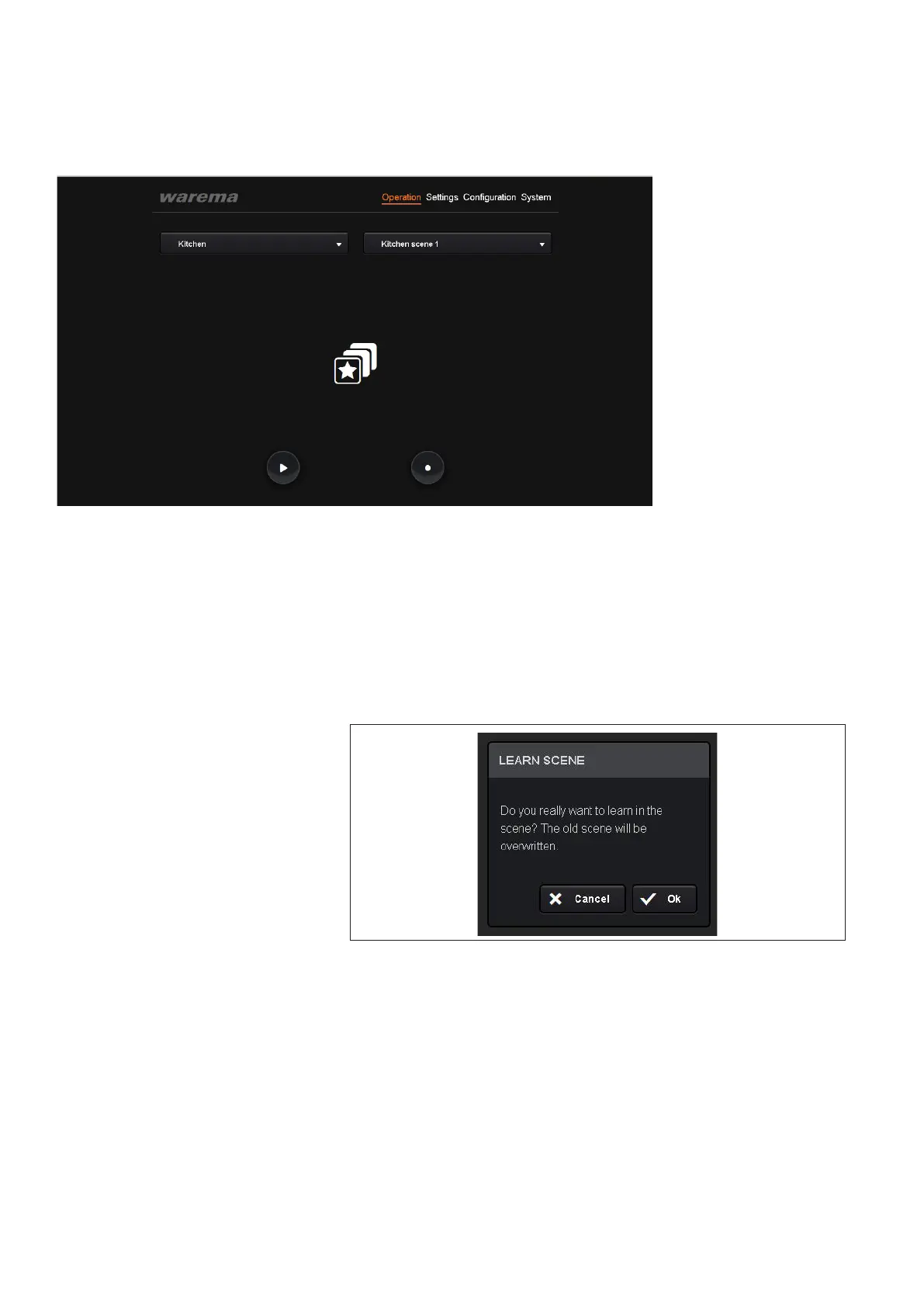
Fig. 20 "Operation" menu, scene display
You can then operate your channels through the scene by clicking the ""
button to "play".
NOTE If you would like to use your scene to move products into a position other
than the one predetermined by the WAREMA climatronic, you must first
teach the system how to react to the scene.
Using your control panel, move the channels created in the scene into the
desired position.
Then press the "●" button ("Record") and confirm the action.
Fig. 21
Confirming a new scene to be learned in
The new position will then be learned-in through the scene and saved on the
WAREMA climatronic.
Operation



 To Next Page