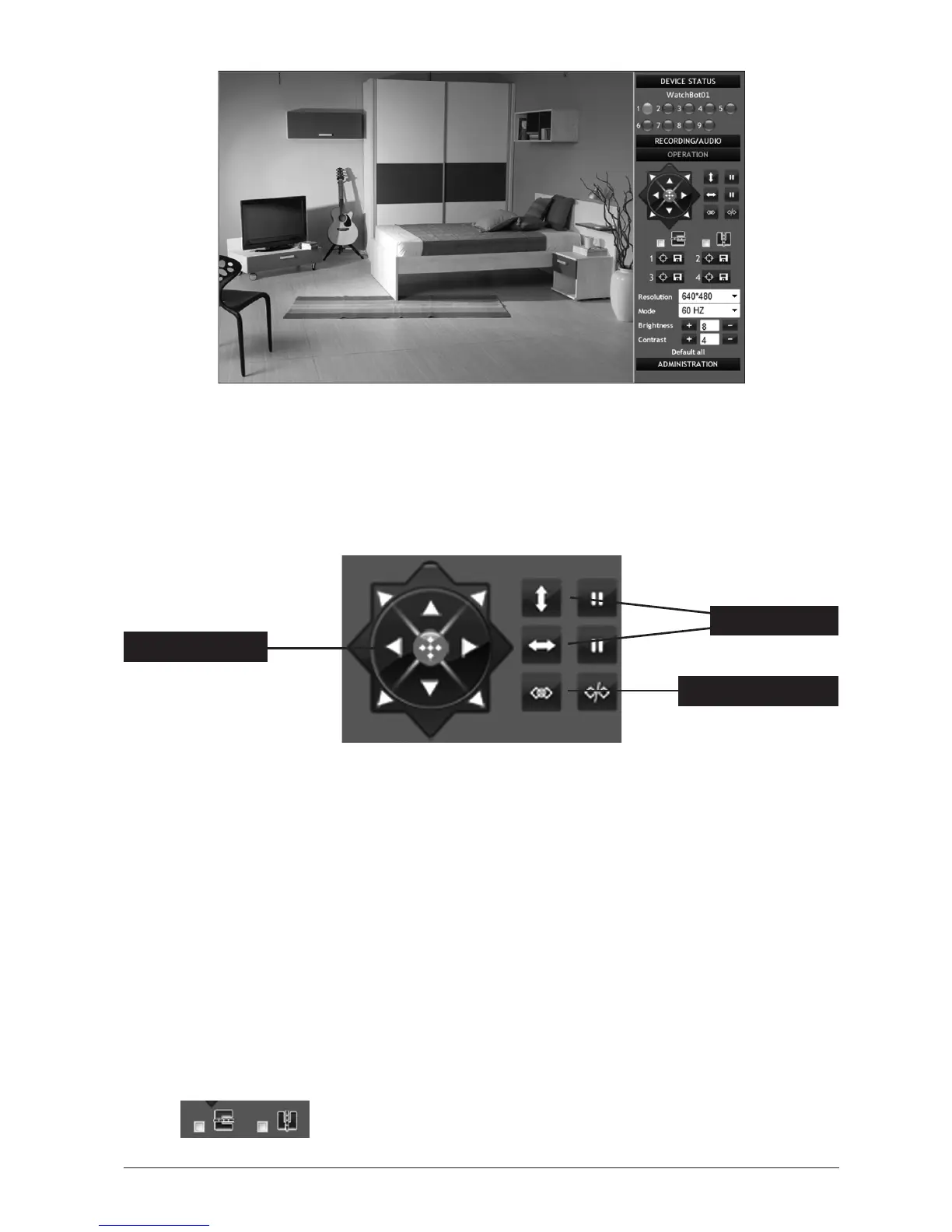
1.6 OperatorControls-Basiccameraoperaon
Your WatchBot camera features pan/lt (P/T) controls, providing a wide viewing angle.
Access to these controls appears on the right of the video feed.
1.6.1 Pan/Tilt(P/T)Controls
Click on any of the direconal arrow buons and the camera will respond and move in that
direcon. To centre the camera, click on the red centre icon. The device will then perform a
full vercal and horizontal patrol before re-centering it’s view.
1.6.2 Patrol
Clicking the horizontal or vercal patrol buons will tell the camera to make a patrol in that
direcon. Click the pause buon to pause the patrol.
1.6.3 I/OSwitchOn/O
Toggles the I/O Switch Output On and O. I/OconnecvityisdescribedinSecon3.6.5.
1.6.4 Flippingthefeedimage
If required, the video feed image can be horizontally or vercally ipped by checking these
boxes:
PatrolBuons
Pan/Tilt Controls
I/OSwitchOn/O



 To Next Page