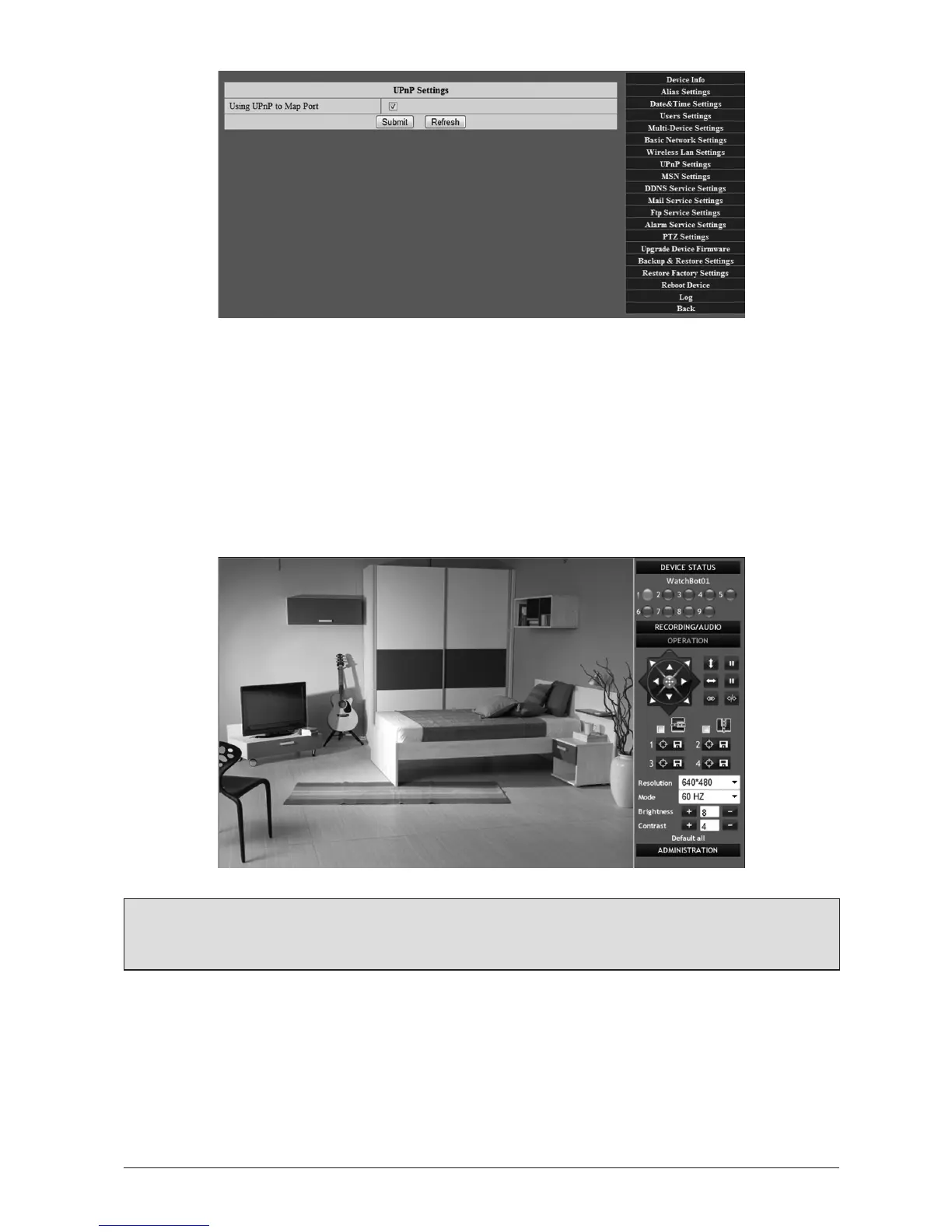
2.2 Visitthewebpageassignedtoyourcamera
Now visit the web page listed on the scker on the base of your camera under ‘DDNS
Hostname’. It will resemble wbot[XXXXX].watch-bot.net and login with the default admin/no
password. (To set up more users, please see Secon 3.1.4).
Aer logging in, click ‘Sign-In’ under ‘AcveX Mode for IE Browser’, you will be logged in to the
camera viewing and control interface.
Note: Please see technical note in Secon 1.5.1 regarding Microso AcveX controls
if experiencing any diculty.
Formanymorefeatures,pleaseseeSecon3-AdvancedSetupGuide.



 To Next Page