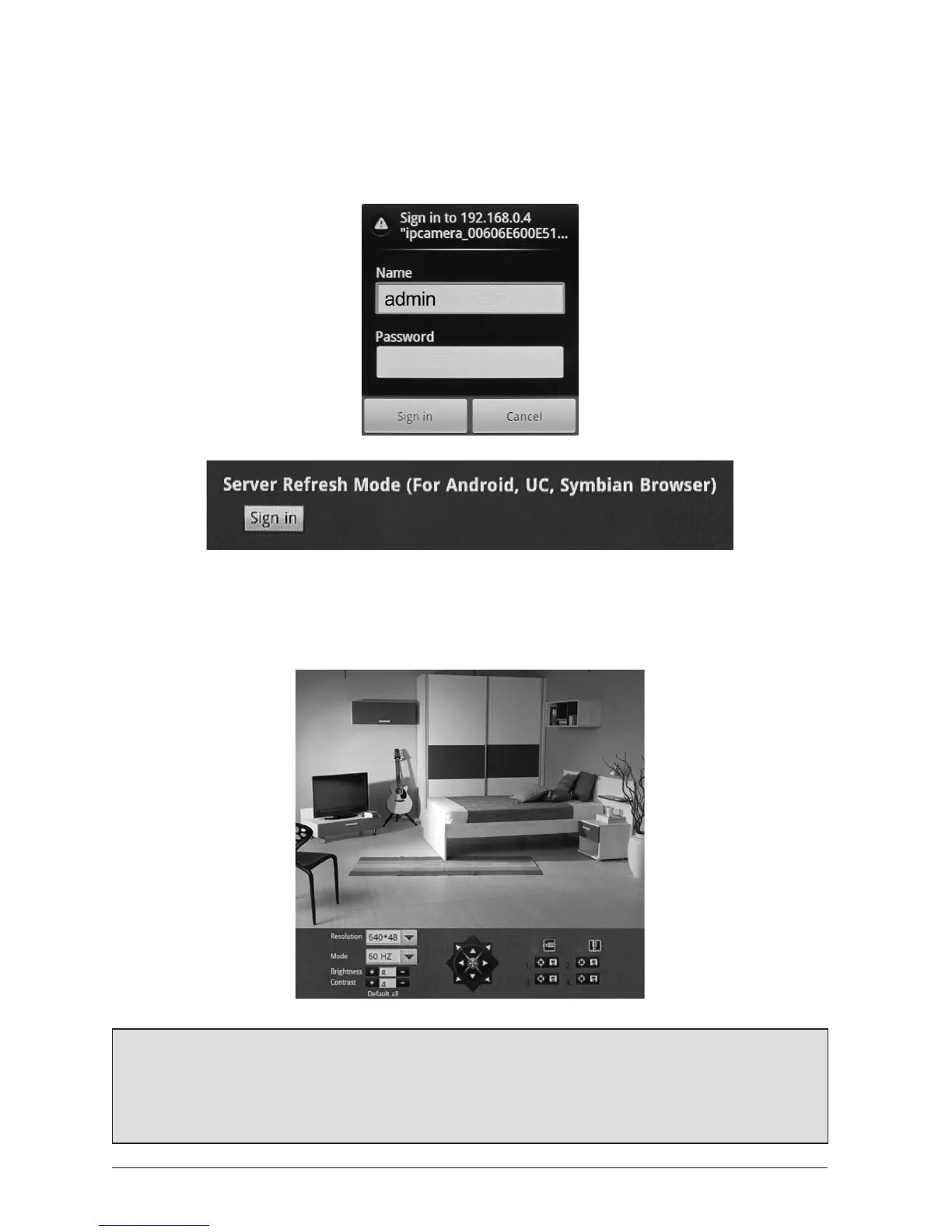
4.2 Logginginonamobiledevice(eg.Symbian/Android
webbrowsers)
Login with your Username and Password as shown, then click ‘Sign-In’ under the ‘Server
Refresh Mode (For Android, UC, Symbian Browser)
4.2.1 TheWebInterface
When viewing via a mobile browser, only Pan/Tilt controls and Live Video Viewing funcons
are available.
Note: When viewing your live video feed on your mobile device using a broadband Wi-Fi
connecon, video will refresh smoothly. When using a 3G or similar mobile network, the
video image and controls will refresh more slowly, due to bandwidth restricons.
Data charges may apply - check with your network provider.



 To Next Page