3 AdvancedSetupGuide
Your WatchBot camera contains many innovave features, making it a versale and complete
home security system, including Moon detecon, Alarm, Email and Live Messenger (MSN)
funcons. This advanced guide will take you through the more technical capabilies of the device.
3.1 AdministratorSengs
Click the ‘ADMINISTRATOR’ tab on the right of the interface to access these sengs.
3.1.1DeviceInfo
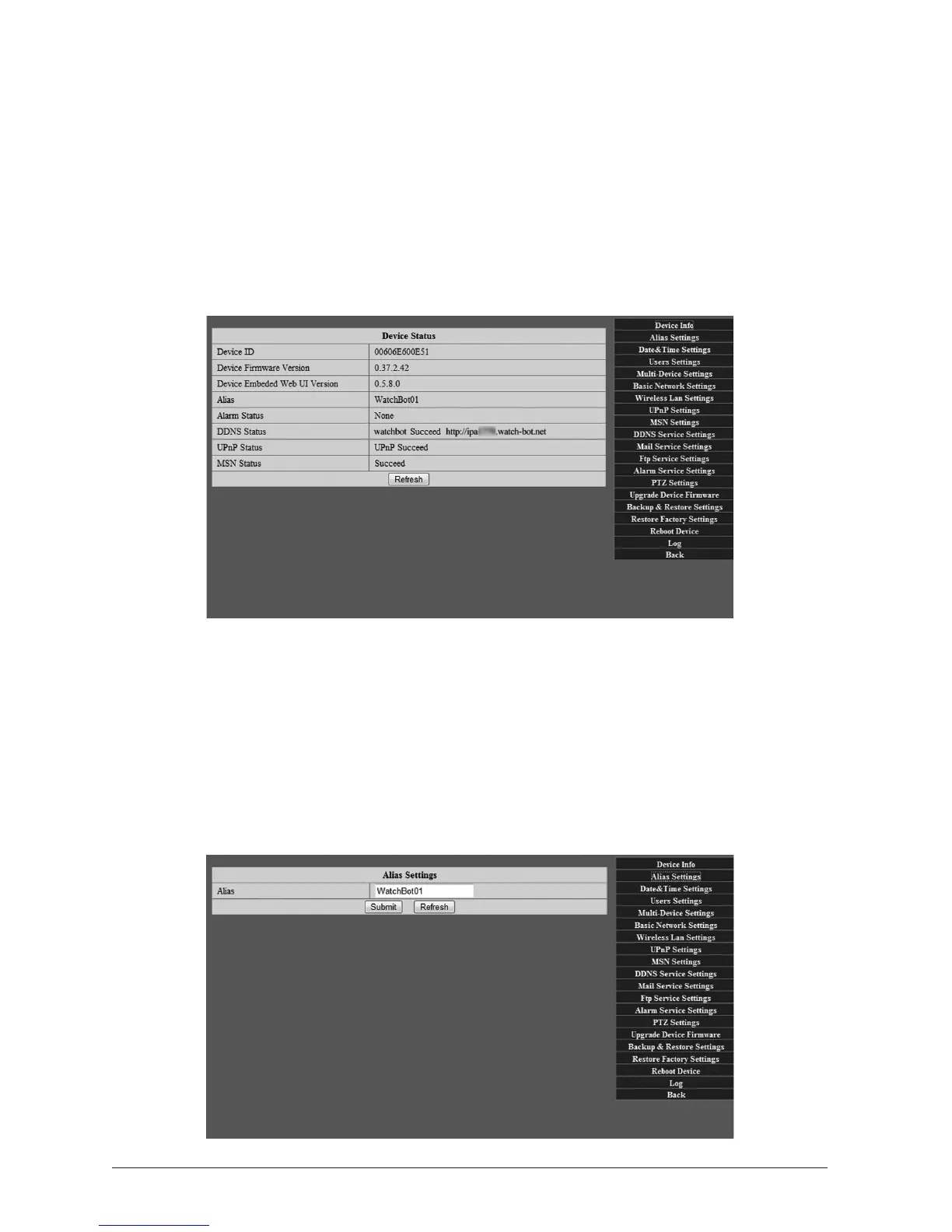
See screenshot above. This provides an overview of the Camera Device unique ID, Firmware
version, Interface version, Alarm Status, assigned Name Server (DNS) sengs, Universal Plug
and Play (UPnP) sengs and MSN status.
3.1.2 AliasSengs
This screen allows you to set the name of each camera on your network for easy reference.
For example, Car port, Kitchen, Living Room.



 To Next Page