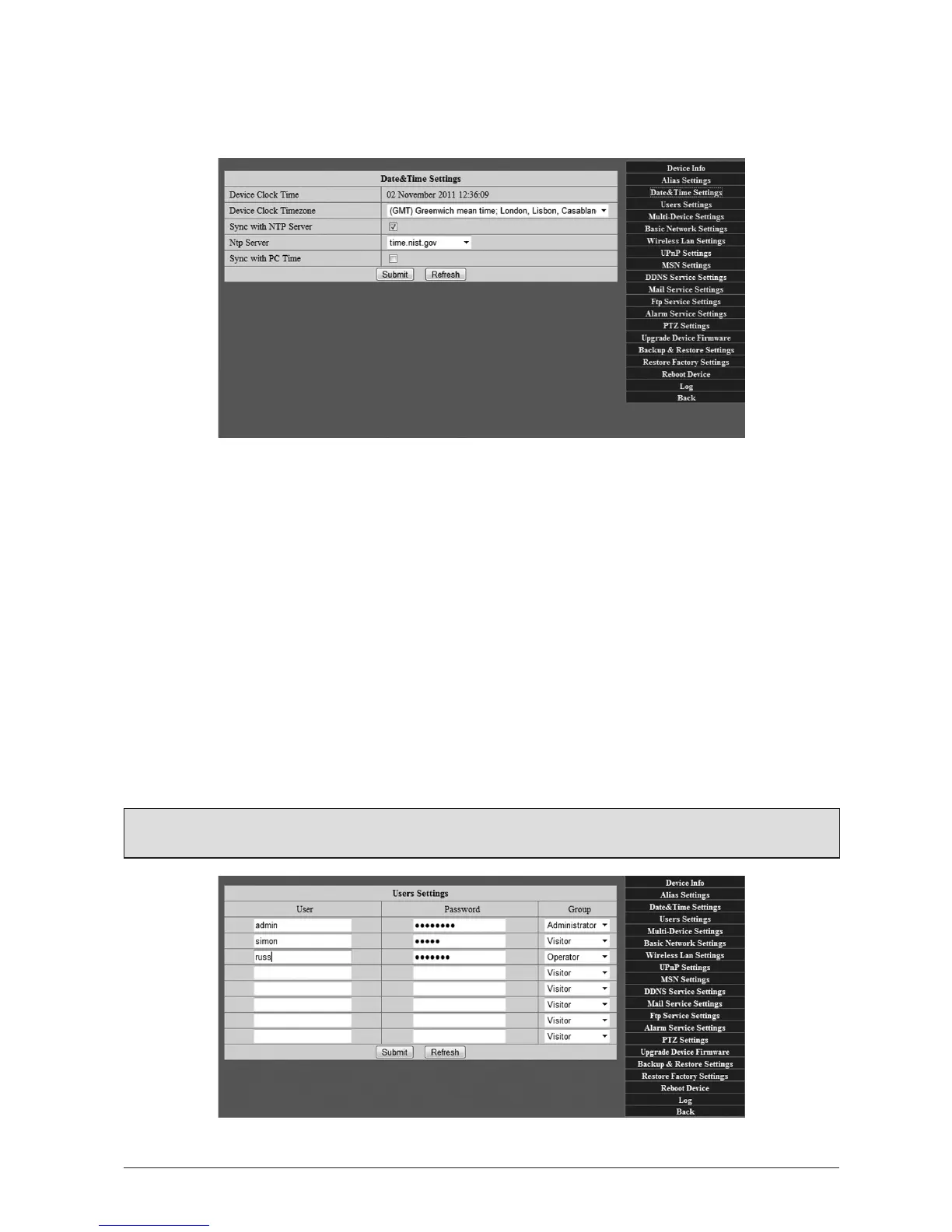
3.1.3 DateandTimeSengs
Here you can set the device mezone and synchronise the me with any one of a number of
Network Time (NTP) Servers around the world, or your own Computer me sengs.
3.1.4 UserSengs
Here you can set up User Accounts and Access Levels for yourself and anyone else who will
need access to the camera. They are as follows:
Administrator: Access to all camera funcons and administrator sengs.
Operator: Access to all viewing, camera control and recording funcons,
but not the administrator sengs.
Visitor: Access to viewing and recording funcons, but no access to camera
controls or administrator sengs.
Simply enter the username(s) and password(s) and access level(s) you wish to assign and click
‘Submit’. These are then used as logins.
(Tip: You may wish to make a note of these elsewhere).



 To Next Page