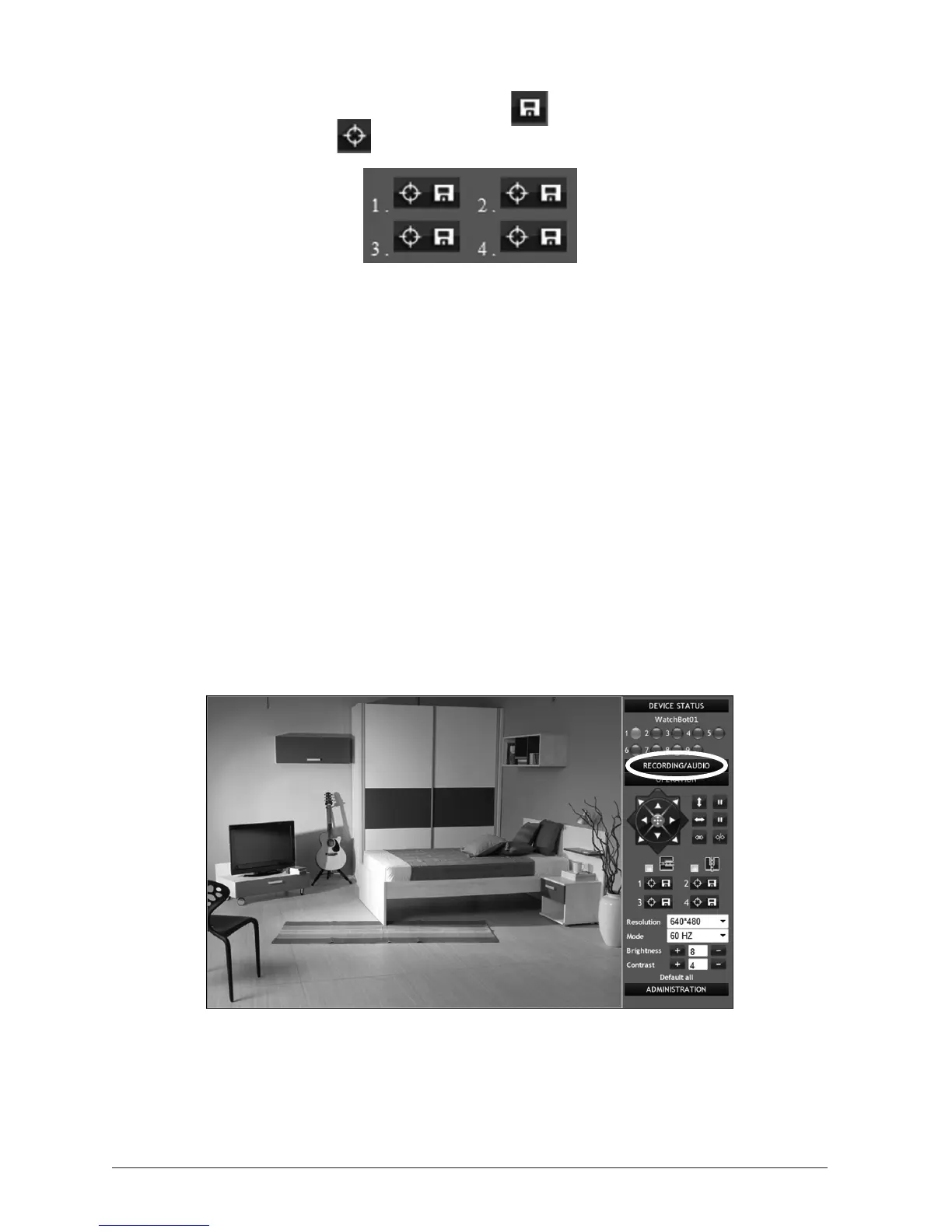
1.6.5 Pre-PosioningBuons
First, move the camera to a certain posion and press to save the posion. Then, move to
another posion and press the buon. The camera will go back to the posion you just saved.
1.6.6 ScreenResoluon/Mode
The video feed screen resoluon can be toggled between 320 x 240 pixels (low-res) and
640 x 480 pixels (high-res), and the Mode (Refresh Rate) can be set to either 50Hz, 60Hz or
‘Outdoor’ for a icker-free video display.
1.6.7 BrightnessandContrast
Brightness and Contrast can be adjusted to suit.
1.6.8 Defaultsengs
Click ‘Default all’ to reset all preferences to their default sengs.
1.7 VisitorControls,Recordingvideoandaudio
Via Internet Explorer, the WatchBot camera features comprehensive monitoring and recording of
video images and sound. To access these features, click the ‘For Visitor’ tab on the right.



 To Next Page