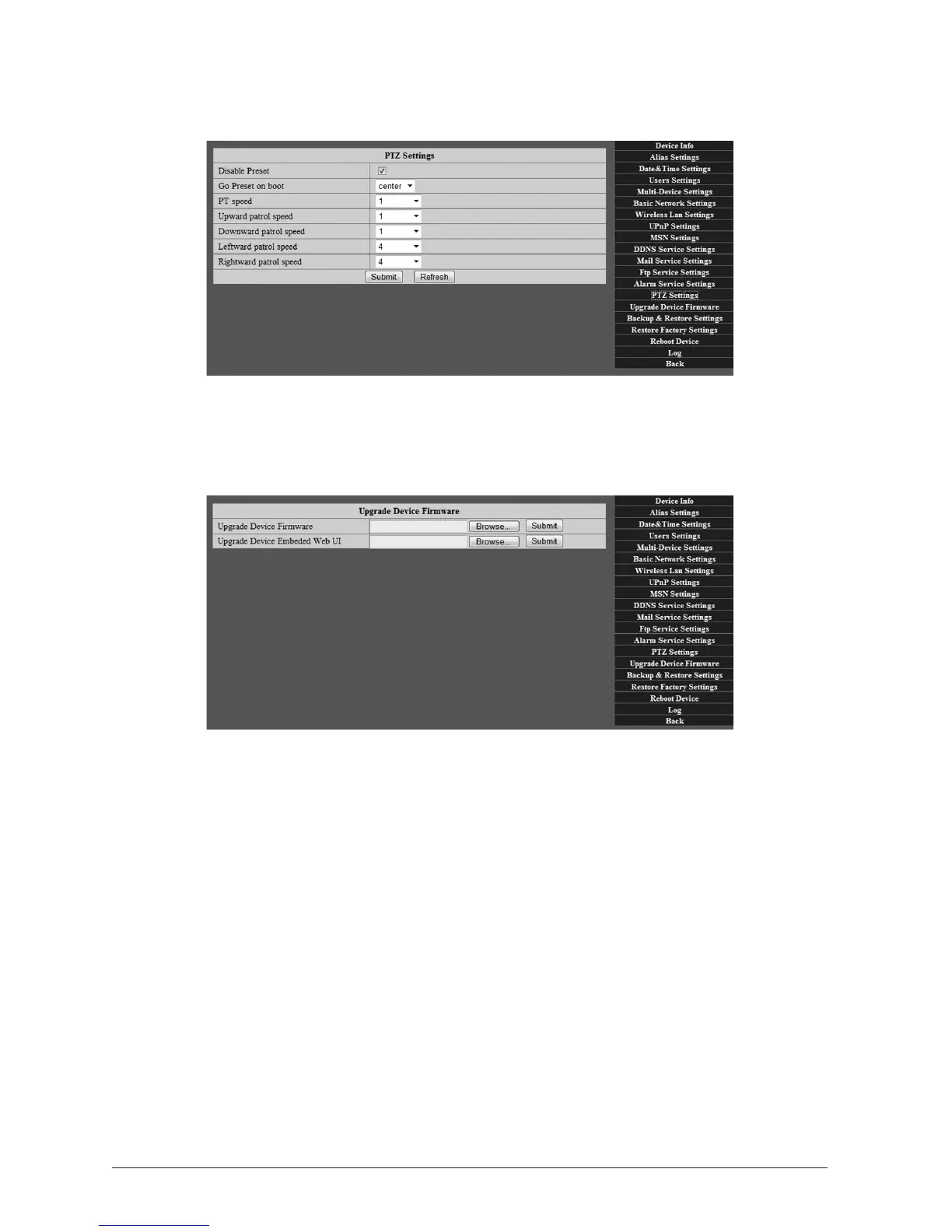
3.7 PTZSengs
Here you can override preset Pan and Tilt sengs and speeds.
3.8 UpgradeDeviceFirmware
This screen allow uploading of updated Firmware les and Web User Interface sengs. These
will be released periodically and will appear on the Watch-Bot web page.
3.9 Backup/RestoreSengs
Make a backup of current sengs and later upload them if required.
3.10 RestoreFactorySengs
All user sengs will be erased from the camera and the device will be reset to it’s default
factory sengs. A prompt will appear asking if this is really what you want to do. Use with care.
3.11 RebootDevice
Reboot the camera device. This will take 30 seconds and a countdown will be displayed.
3.12 Log
This screen displays a log of camera access, comprising Date, Time, User, IP address and
acvity. This is presented in plain text and can be copied and pasted into ant text-editor.
3.13 Back
When in the Administrator sengs, use this to go back to the camera viewing interface.



 To Next Page