4UsingotherbrowsersonyourPC,Macor
TablettoaccesscameraWebInterface.
To experience the full feature-set of your WatchBot camera, please use Microso Internet
Explorer. Other browsers (eg. Firefox, Chrome, Safari) can be used, but possess a limited
feature set.
4.1 LogginginusingFirefox,ChromeorSafarionyourPC,
MacorTablet
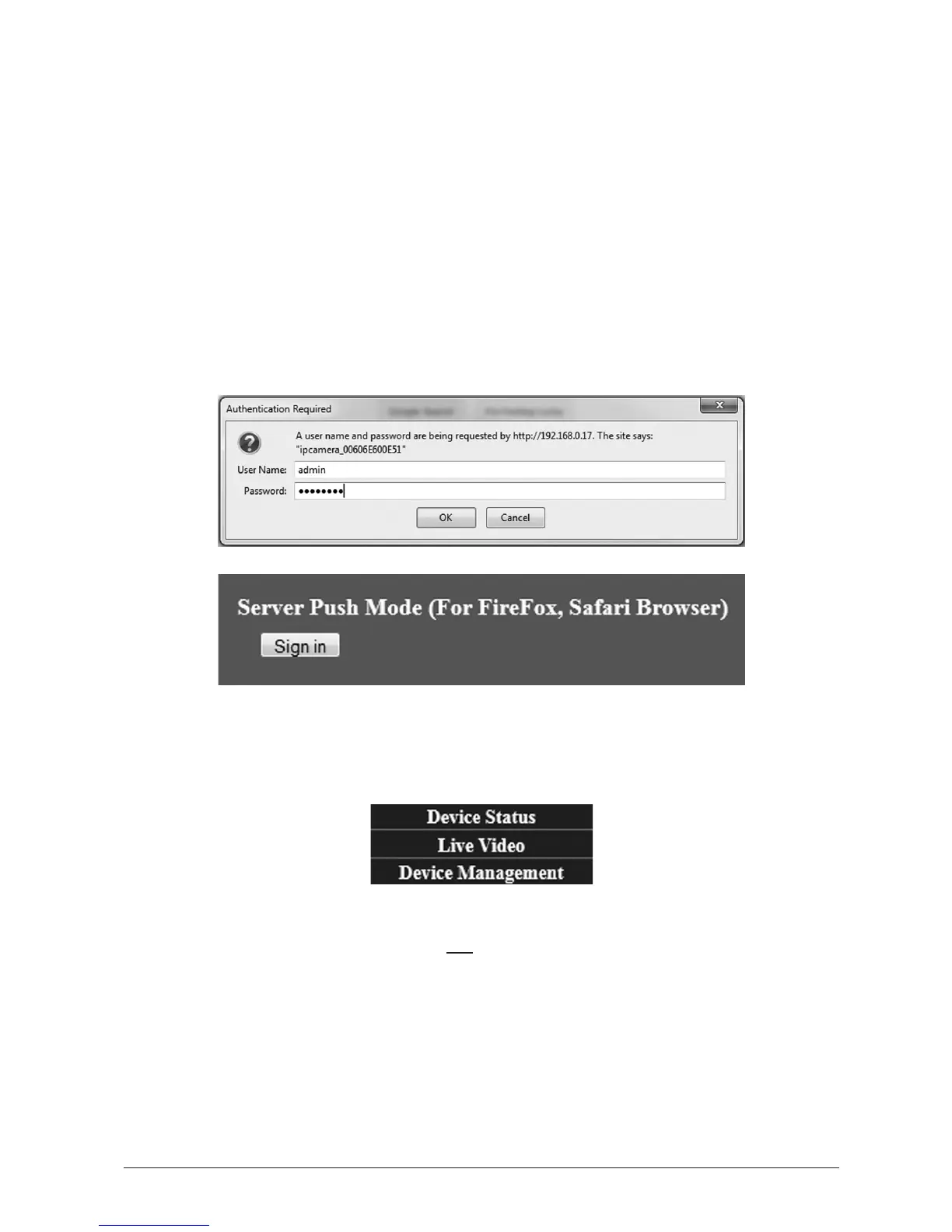
Login with your Username and Password as shown, then click ‘Sign-In’ under the ‘Server Push
Mode (For FireFox, Safari Browser)’ heading.
4.1.1 TheWebInterface
There are now only three headings on the right. Click ‘Live Video’ to access the camera
controls and Live Video Viewing, and ‘Device Management’ for Administrator Sengs.
Access to all camera Pan/Tilt and Live Video Viewing remain unaected, however the
followingfunconsareunavailablewhennotusingMicrosoInternetExplorer:
• Recording of Live Video Stream and Audio
• Two-Way Audio interacon with the camera’s environment
• On Screen Display (OSD)
• Audio Buering
• MSN Messenger funcons



 To Next Page