Important Note about Wi-Fi networks! At the moment, the WatchBot camera
only supports wireless networks secured with WEP encrypon. WPA/WPA2 encrypon
is currently not supported. Please set ‘Encrypon’ to WEP and ensure your network
router sengs are set the same.
Click Submit to save the sengs. The camera will reboot.
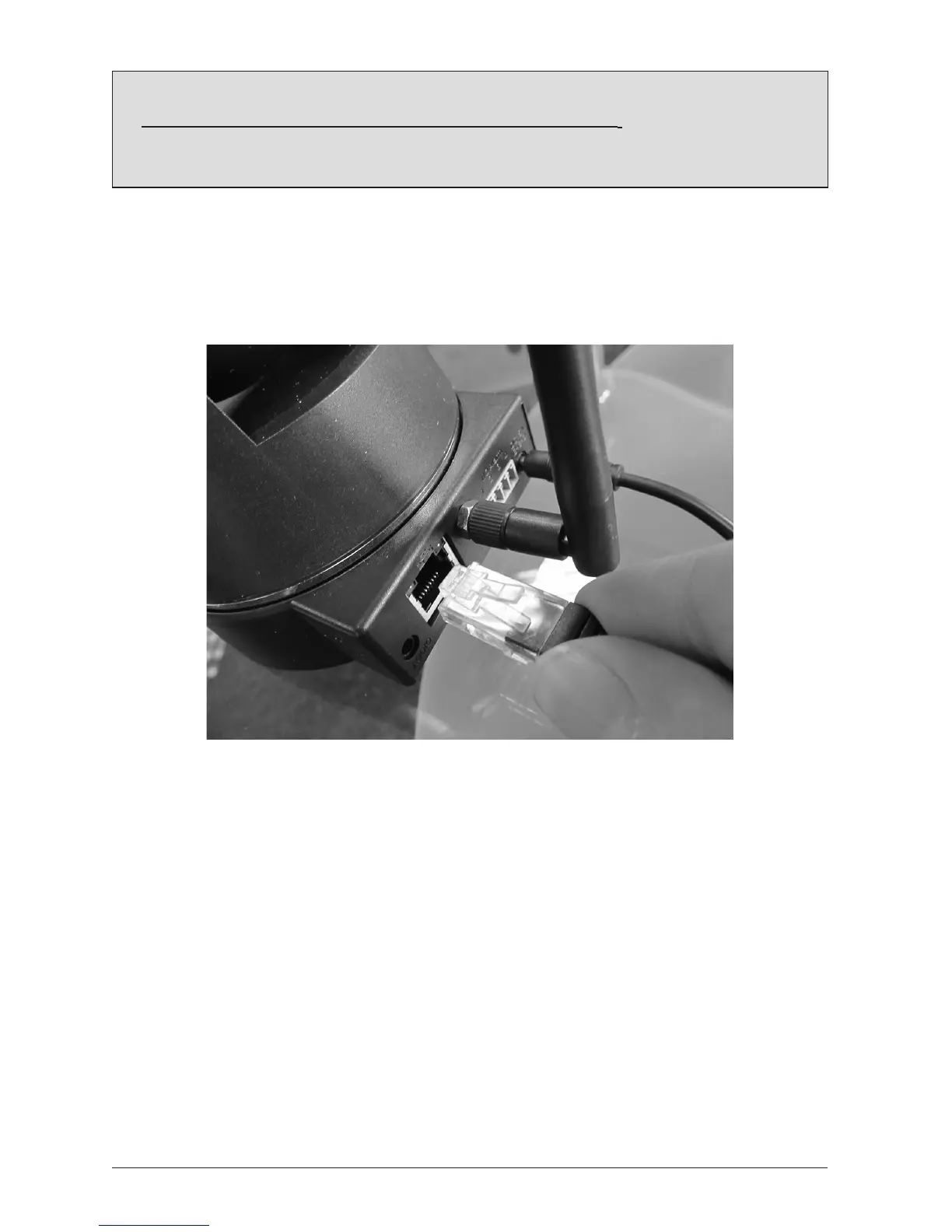
Unplugthenetworkcable
Once the sengs above have been saved and the camera has rebooted, unplug the network
cable from the camera, then unplug the power cable.
Re-aach the power cable and wait approximately 30 seconds to 1 minute for the device to
appear on the wireless LAN. (You can test this by aempng to access your camera interface
via Internet Explorer).
Your WatchBot camera is now funconing wirelessly and will only need it’s power cable
aached in order to operate.



 To Next Page