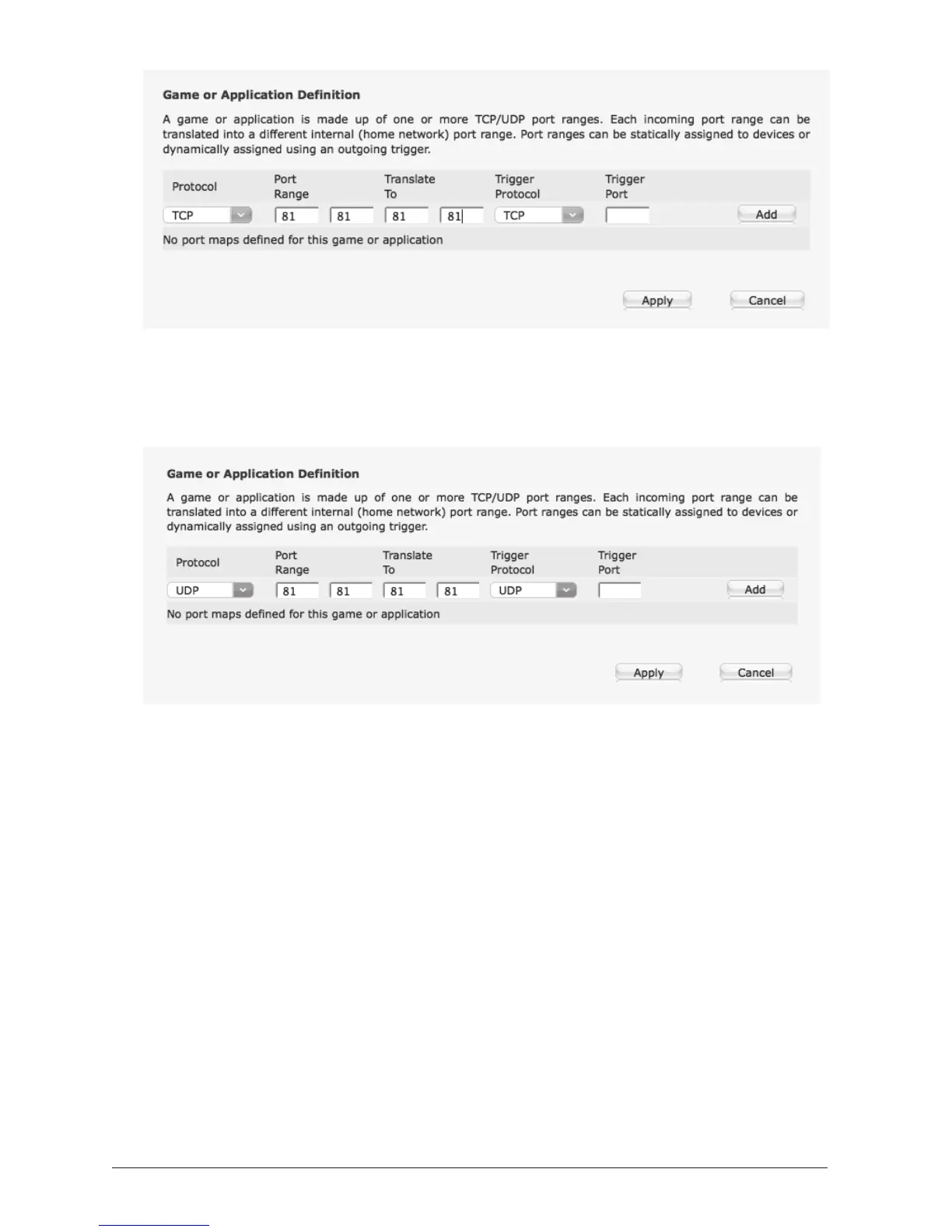
NOTE: CLICK ADD and APPLY. Then repeat the step above
selecting UDP as the protocol and use 'watchbot_udp' as the name:
NOTE: CLICK ADD and APPLY.
NOTE: If you are connecting more than one camera, please re-visit
steps 4 - 6 above, naming each camera differently, eg.
'watchbot2_tcp' and 'watchbot2_udp' and adding a different port
number in each case, eg. 82 instead of 81.
7. Go to 'Home Network'
8. Go to 'DHCP Table'
9. Under 'Device' you will see your computer and any other connected
device(s) (Note: May be called 'Unknown Host')
10. Make a note of the MAC Address and IP Address of the device(s)
listed (other than your computer)
11. Click on 'Unknown Host' (This brings you back to the 'Devices'
page)



 To Next Page