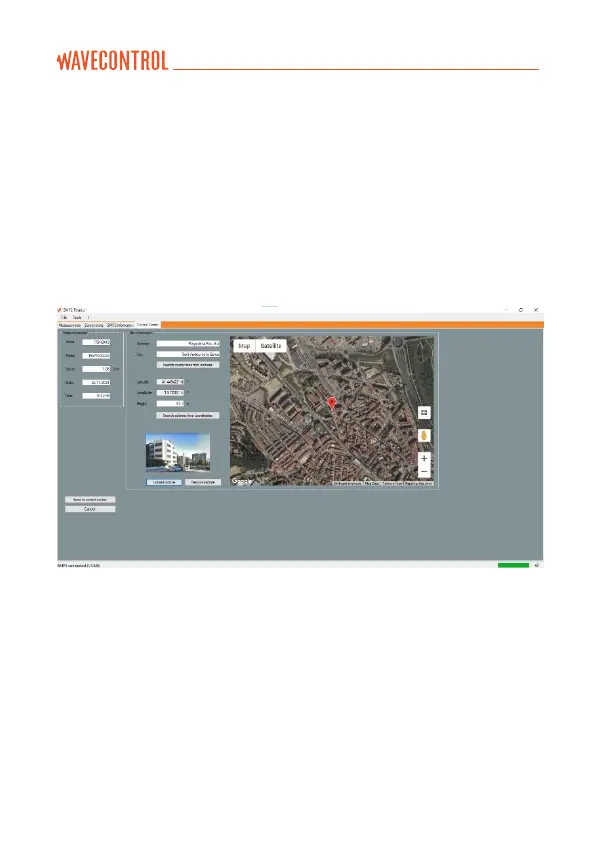
A new window will open with a new tab “Control Centre” (Figure 15), where
you can:
• Find the co-ordinates using an address.
• Find the address using the co-ordinates.
• Adjust the actual position of the measurement by dragging the position
icon on the map.
• Upload a photograph associated with the measurement. When this is
done, click on “Send to Control Centre”.
Figure 15: Settings screen to upload data to a control centre
8.3.6. Device limit settings
The list of standard limits in the SMP3 device can be filtered on the virtual
menu ‘LIMIT’. To do this, go to “Tools” “Device limits settings…” in the SMP
reader and select the required ones to reduce the limits available on your
device (Figure 16).



 To Next Page