20
7
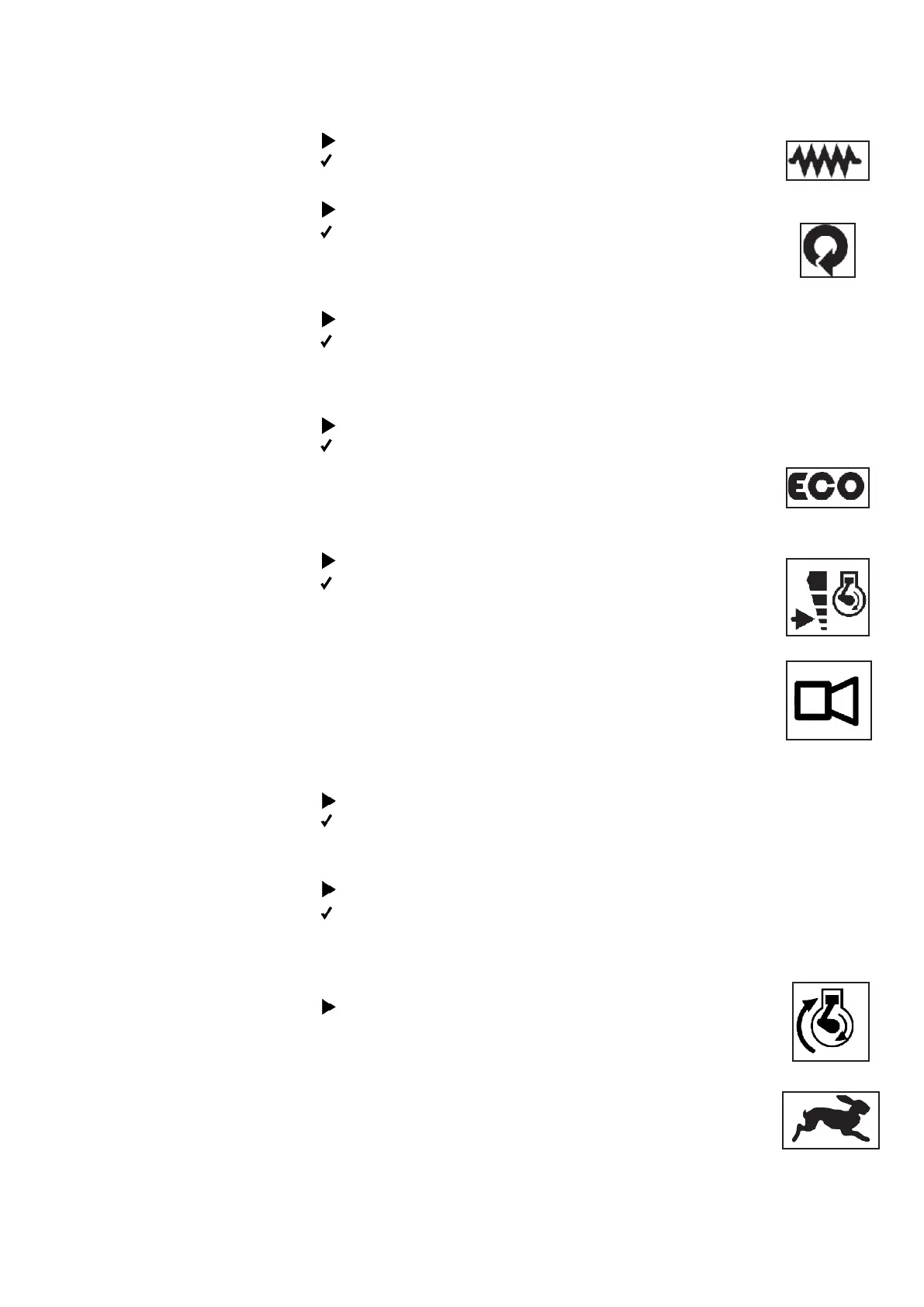
4 The vibration selector
switch
Thevibrationselectorswitchswitchesthevibrationsystemonoro.
It has three positions.
Deecttothefront
The vibration is turned on permanently.
Set to middle position
Automatic vibration has been selected. The vibration is
activated by driving and steering commands and stops
shortly after the last driving and steering command.
Deecttotheback
Thevibrationisswitchedo.
5 The engine speed
selector switch
The engine speed selector switch switches ECO mode on
oro.
Deecttothefront
ECO mode is active. The machine increases the
engine speed during use automatically and lowers
it to idle speed approx. 20 seconds after the last
driving and steering command.
Deecttotheback
The engine runs at idle speed. The machine can
be maneuvered slowly; vibration and rapid motion
are not available.
6 The pushbutton Horn The pushbutton actuates the horn. It can be used to
warn anyone of dangerous situations who is in the
vicinity of the machine.
Selector switch Remote
control and machine o
Theselectorswitchpowersotheremotecontrolandswitches
theengineofthemachineo.
Deecttothefront“1”
The remote control is switched on and can transmit
commands.
Deecttotheback“2”
Theremotecontrolisswitchedo.Iftheengine
isrunning,itwillbeswitchedoaswell.
8 The pushbutton
Engine start
The pushbutton starts the engine.
Press and hold the button until the engine starts
running.
9 / 10 The pushbutton
Rapid motion
The pushbutton activates rapid motion, increasing
the travel speed of the machine.
Rapid motion is not available unless the vibration
is deactivated.
11 The Emergency
Stop switch
TheEmergencyStopswitchisusedtoswitchothe
machine in dangerous situations. A press of this button
willstoptheengineimmediatelyandpowerothe
radio remote control and the machine.


 To Next Page