24
5.7. The vibration system
Selecting the
vibration force
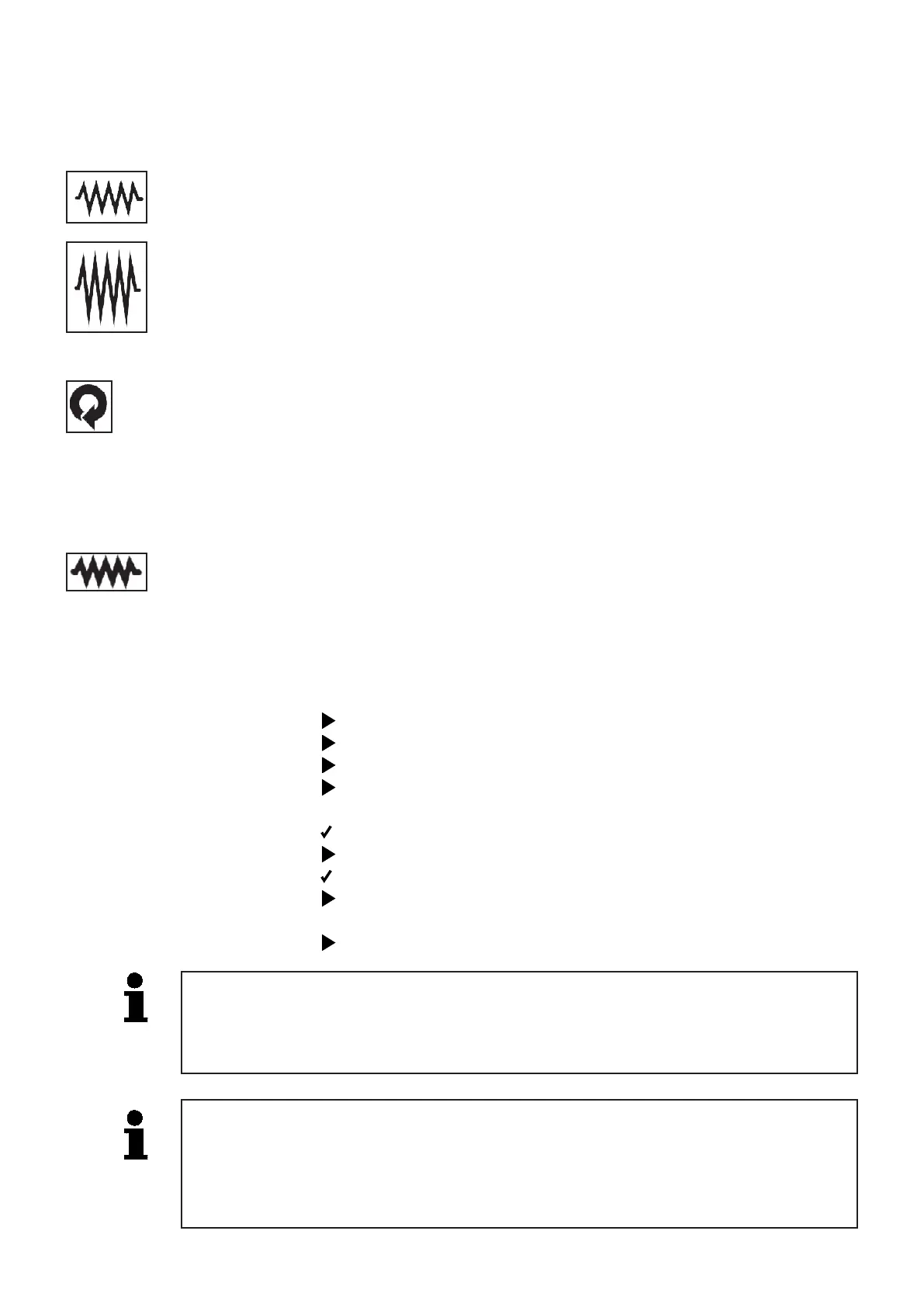
The“Vibrationforce”selectorswitchmakesitpossibletochoose
between a strong and a weak vibration force.
If the vibration force is changed with the vibration system running,
thechangewilltakeaectafterasafetyperiodof4seconds
in order to prevent damage to the machine.
Weak
vibration
Strong
vibration
Automatic vibration The machine is equipped with an automatic vibration system.
If selected, the vibration comes on automatically when the machine
is driven or steered. The vibration stops automatically after the last
driving or steering command.
Permanent vibration If permanent vibration has been selected, the machine will vibrate
even when not receiving a driving or steering command. To prevent
damage to the machine, the vibration stops approx. 20 seconds
after the last driving or steering command.
5.8. Switching o the engine
SwitchthevibrationousingtheVibrationselectorswitch.
Set idle speed using the Engine speed selector switch.
Allowtheenginetocooloatidlespeedforafewmoments.
Switchoengineandradioremotecontrolusingtheselector
switch“Remotecontrolandmachineo”.
Theengineisswitchedo.
Setthekeyswitchonthemachinetothe“0”(OFF)position.
Themachineispoweredo.
Stow the radio remote control in the designated compartment
found in the rear hood.
Secure the machine against unauthorized use.
The machine has a brake with which the machine can be secured against
unintentionalrollingwhenswitchedo.Thisbrakeispreloadedbyaspring
and automatically released by executing a driving or steering command. It is
activated automatically during extended work interruptions without a driving
or steering command
Failuretoswitchothepowerafterworkhasbeenconcludedmaydrain
the starter battery.
Therefore,alwayssetthekeyswitchtothe“0”(OFF)positionafterwork
has been concluded.


 To Next Page