www.wegener.com 800092-01 Rev. A 15
Unity 552 User’s Manual
indicate that, although output is being produced, there is a problem that could require
attention. The most common conditions that produce alarms or warnings are listed in
Table
3.2.
Table 3.2: iPump 562 Front Panel Status LED Alarm and Warning Indications
Diagterm
Terminal
(Commands)
The Serial Port (RS-232) can be used to connect to a terminal console. After the IRD is
powered on, a diagterm command-line interface (CLI) can be used to monitor and control
the system. For more information on diagterm and syntax of the individual commands,
please see an appendix.
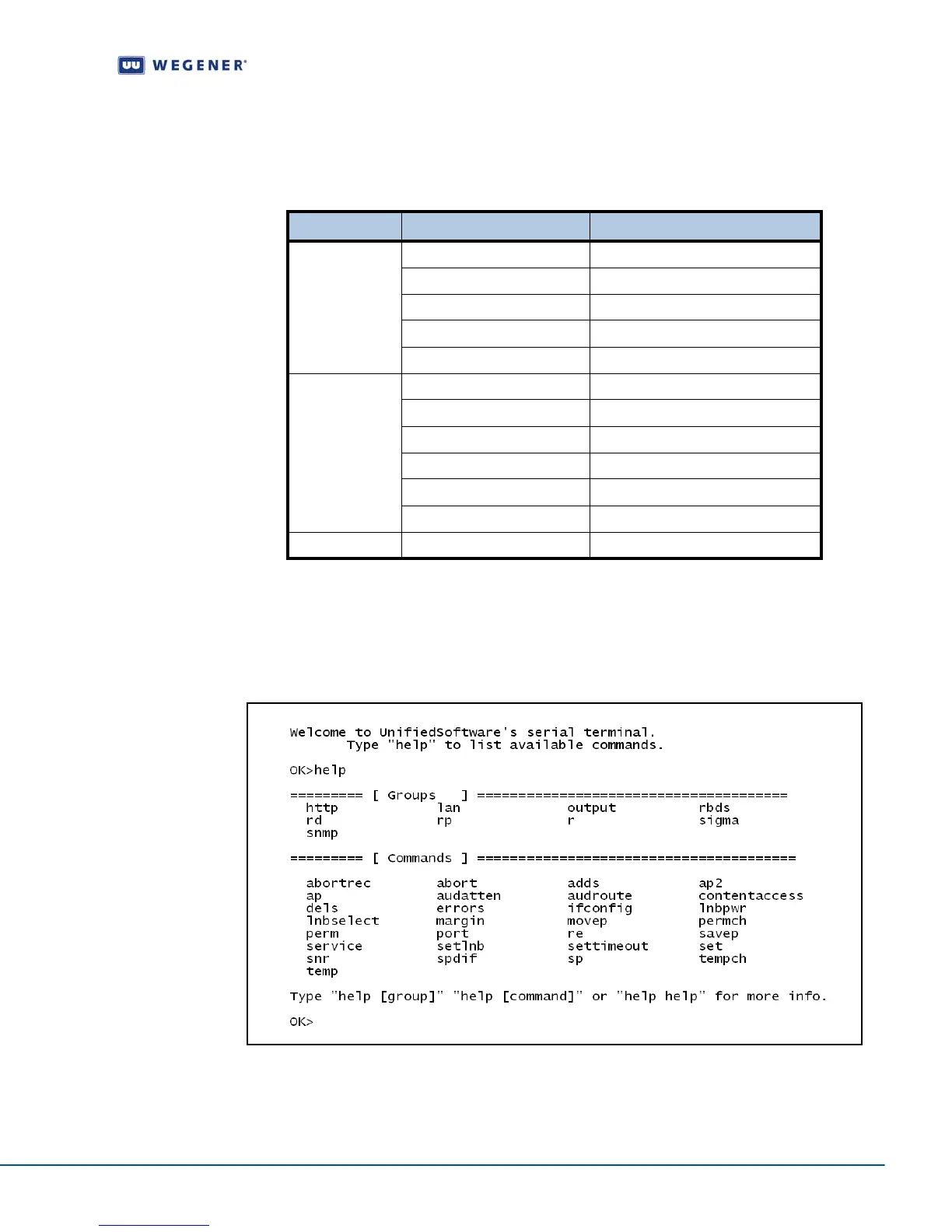
Figure 3.3 illustrates the Help screen on the diagterm terminal.
Figure 3.3: Diagterm Terminal Help Screen
Mode LED Status Condition
Alarm
Red blink = 2 No carrier
Red blink = 3 No RF signal
Red blink = 4 In recovery
Red blink = 5 Eb/No alarm
Red blink = 11 Not authorized
Warning
Amber blink = 1 No response from SEC_MICRO
Amber blink = 2 Marginal Eb/No
Amber blink = 4 Selected audio not available
Amber blink = 5 RF too low
Amber blink = 6 RF too high
Amber blink = 7 Application download failed
Normal Green Normal operation



 To Next Page