www.wegener.com 800092-01 Rev. A 21
Unity 552 User’s Manual
Table 3.5: Indicator Threshold screen options
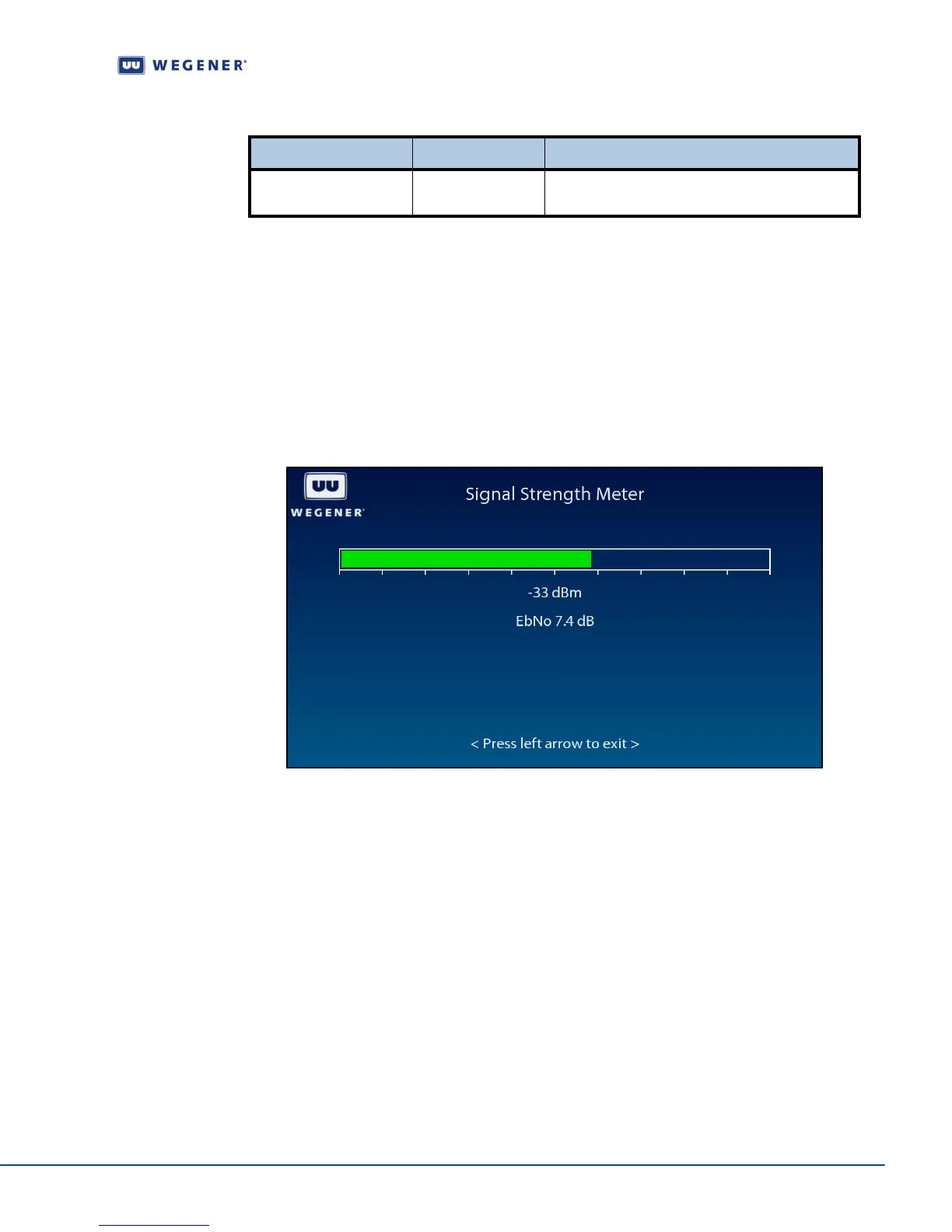
Signal Strength Meter screen
Use following steps to display Signal Strength Meter screen on the OSD menu:
1. Press any push-button on the front-panel to display the Main Menu.
2. Press the down arrow button to select Carrier Settings.
3. Press Enter.
4. Press the down arrow button to select Signal Strength Meter.
5. Press Enter to view the screen as shown in Figure 3.9.
Figure 3.9: iPump 562 OSD Signal Strength Meter Screen
Set Subtitling
options
Subtitling Setup screen
Use following steps to display Subtitling Setup screen on the OSD menu:
1. Press any push-button on the front-panel to display the Main Menu.
2. Press the down arrow button to select Subtitling Setup.
3. Press Enter.
4. View the details as shown in Figure 3.10.
Option Possible values Comments
Errored Secs per Min 10 to 19 Set the threshold for how many errors per
minutes before raising a warning condition.



 To Next Page