Operation
22 800092-01 Rev. A www.wegener.com
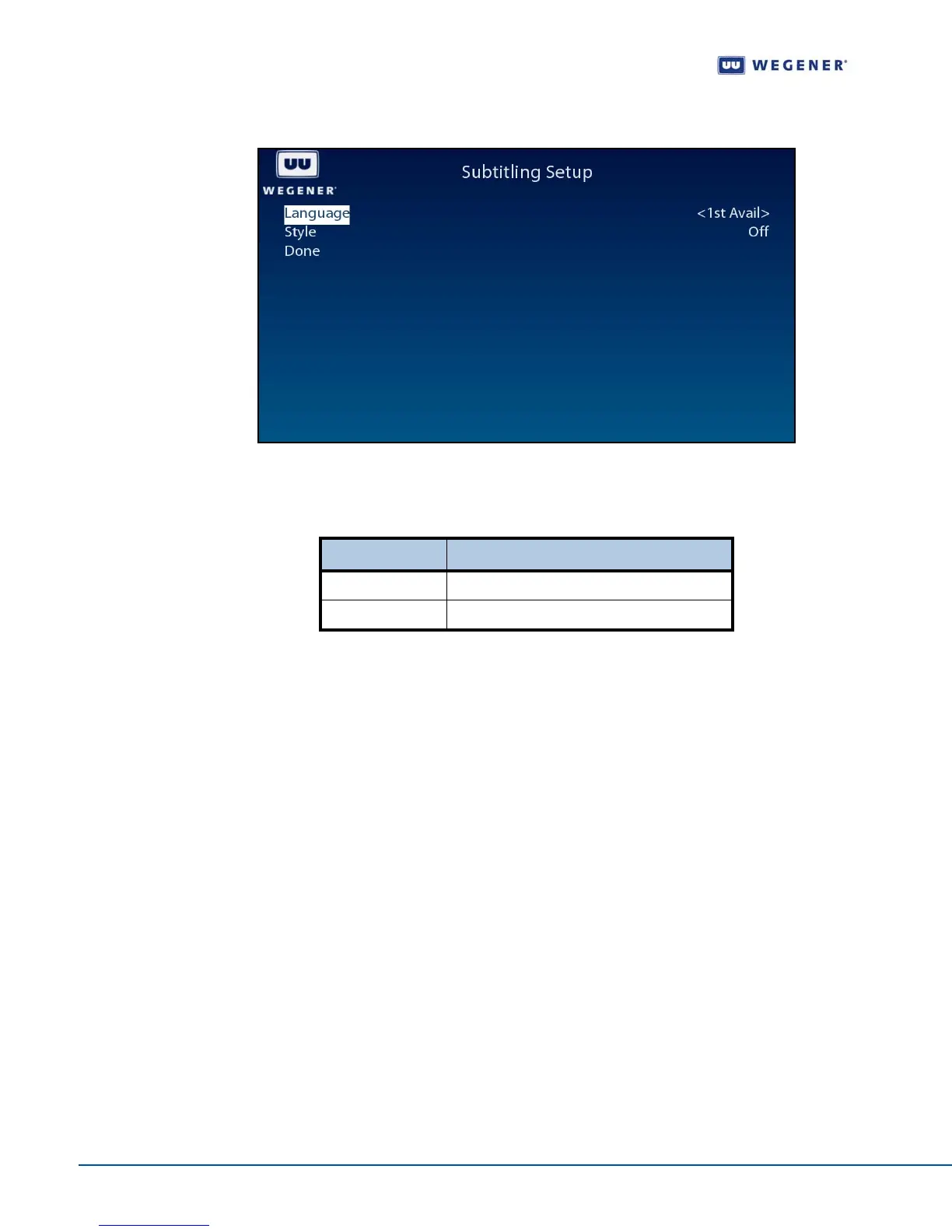
Figure 3.10: iPump 562 OSD Subtitling Screen
Use the Subtitling Setup screen to set and display the Subtitling information.
Table 3.6: Subtitling Setup screen options
Configure the
unit for
operation
Advanced Setup screen
Use following steps to display Advanced Setup screen on the OSD menu:
1. Press any push-button on the front-panel to display the Main Menu.
2. Press the down arrow button to select Advanced Setup.
3. Press Enter.
4. View the details as shown in Figure 3.11.
Option Possible values
Language English, French, Spanish or 1st Available
Style Normal, Normal + Captioning or Off



 To Next Page