www.wegener.com 800092-01 Rev. A 29
Unity 552 User’s Manual
Set User Relay
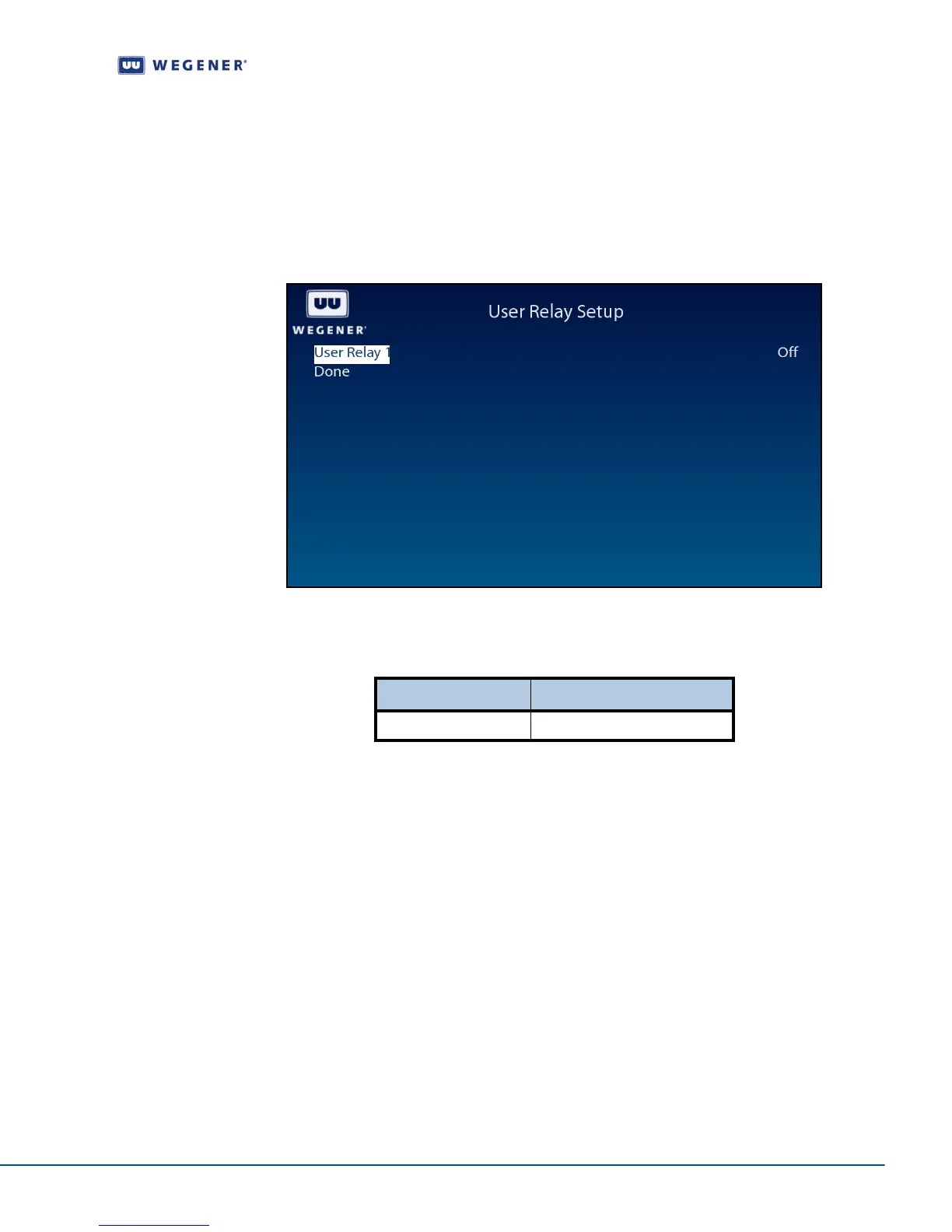
Use following steps to display User Relay Setup screen on the OSD menu:
1. Navigate to the Unit Setup screen.
2. Press the down arrow button to select User Relay Setup.
3. View the details as shown in Figure 3.19
Figure 3.19: iPump 562 OSD User Relay Setup
Use the User Relay Setup screen to set the User Relay Setup options.
Table 3.12: User Relay Setup Options
Set Date and Time information
Use following steps to display Date/Time Setup screen on the OSD menu:
1. Navigate to the Unit Setup screen, see Unit Setup screen on page 23.
2. Press the down arrow button to select Date/Time Setup.
3. View the details as shown in Figure 3.19
Option Possible values
User Relay 1 On/Off



 To Next Page