Operation
20 800092-01 Rev. A www.wegener.com
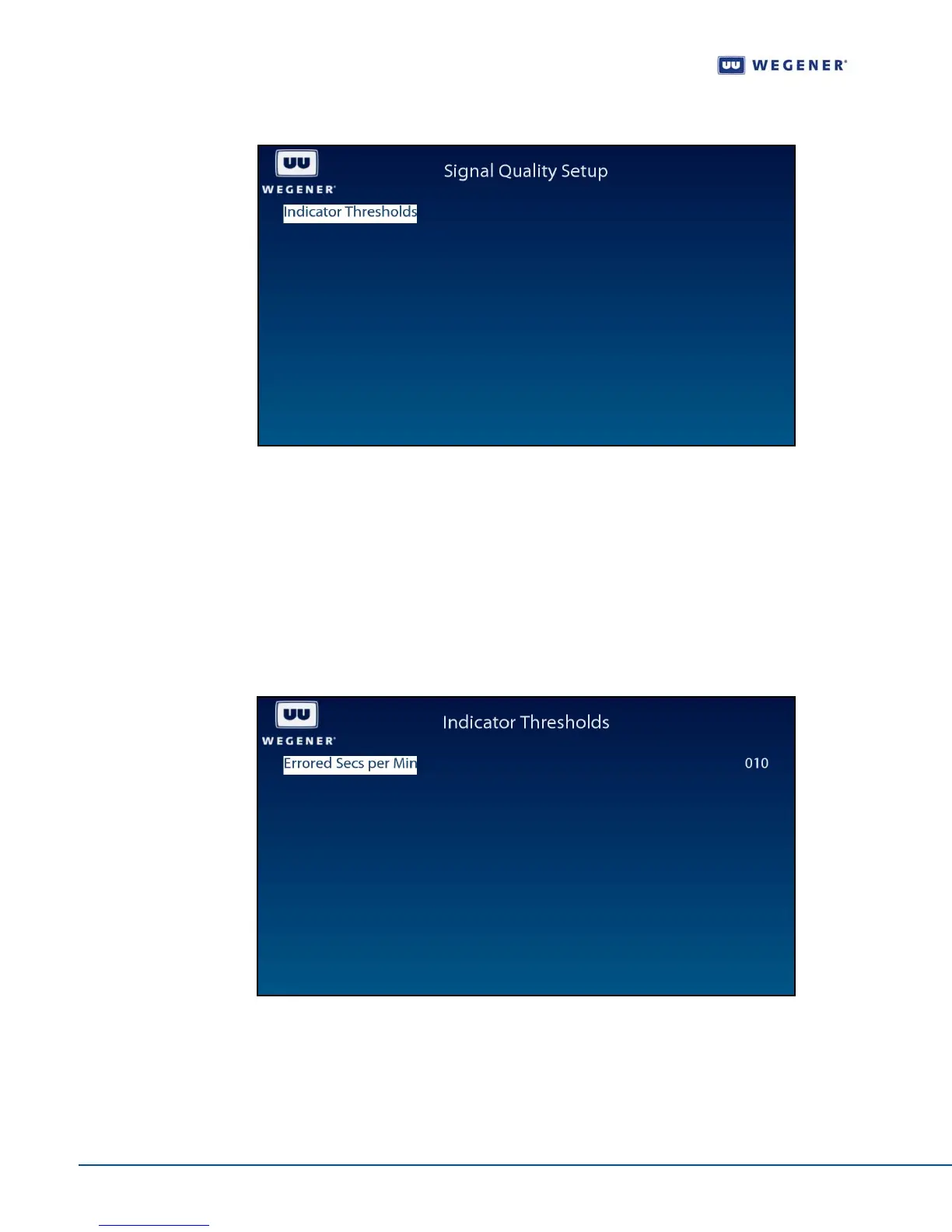
Figure 3.7: iPump 562 OSD Signal Quality Setup Screen
Indicator Threshold screen
Use following steps to display the Indicator Threshold screen on the OSD menu:
1. From the Signal Quality Setup screen, ensure that Indicator Thresholds is selected.
2. Press Enter to display the Indicator Threshold screen shown in Figure 3.5.
3. To navigate the screen, press Enter to highlight the value. Use up or down buttons to
set to the desired setting. Press
Enter when done. Use left arrow to exit to the
previous menu level.
Figure 3.8: iPump 562 OSD Indicator Threshold Screen
Use the Indicator Threshold screen to set and display the warning condition.



 To Next Page