www.wegener.com 800092-01 Rev. A 27
Unity 552 User’s Manual
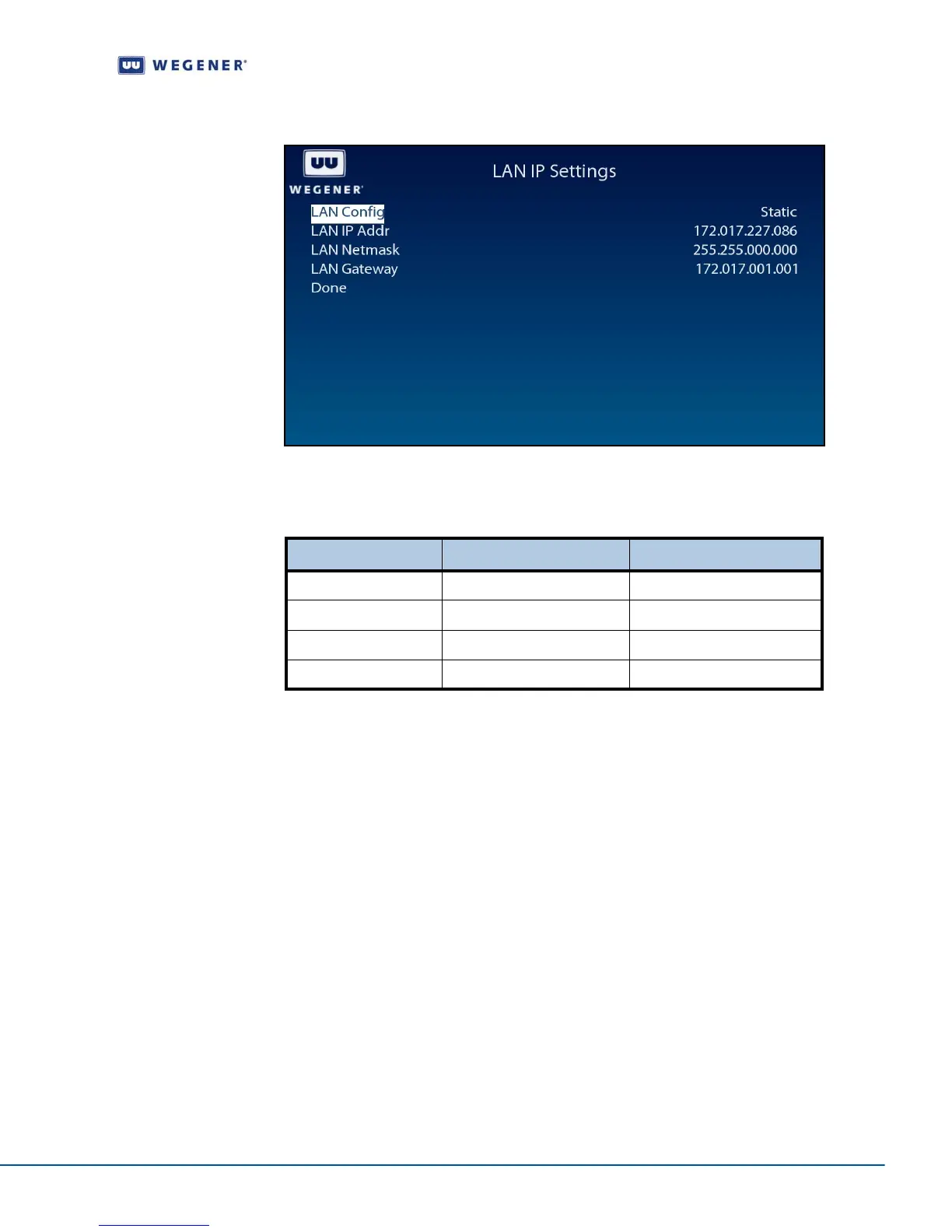
Figure 3.16: iPump 562 OSD LAN IP Setup
Use the LAN IP Setup screen to set and display the networking configuration.
Table 3.10: Networking Configuration Settings
Set Terminal options
Use following steps to display Terminal Setup screen on the OSD menu:
1. Navigate to the Unit Setup screen, see Unit Setup screen on page 23.
2. Press the down arrow button to select Terminal Setup.
3. View the details as shown in Figure 3.17.
Option Possible values Comments
LAN Configuration Static or DHCP
LAN IP Address - IP Address
LAN Netmask - IP Net-mask
LAN Gateway - IP Gateway Address



 To Next Page