www.wegener.com 800092-01 Rev. A 19
Unity 552 User’s Manual
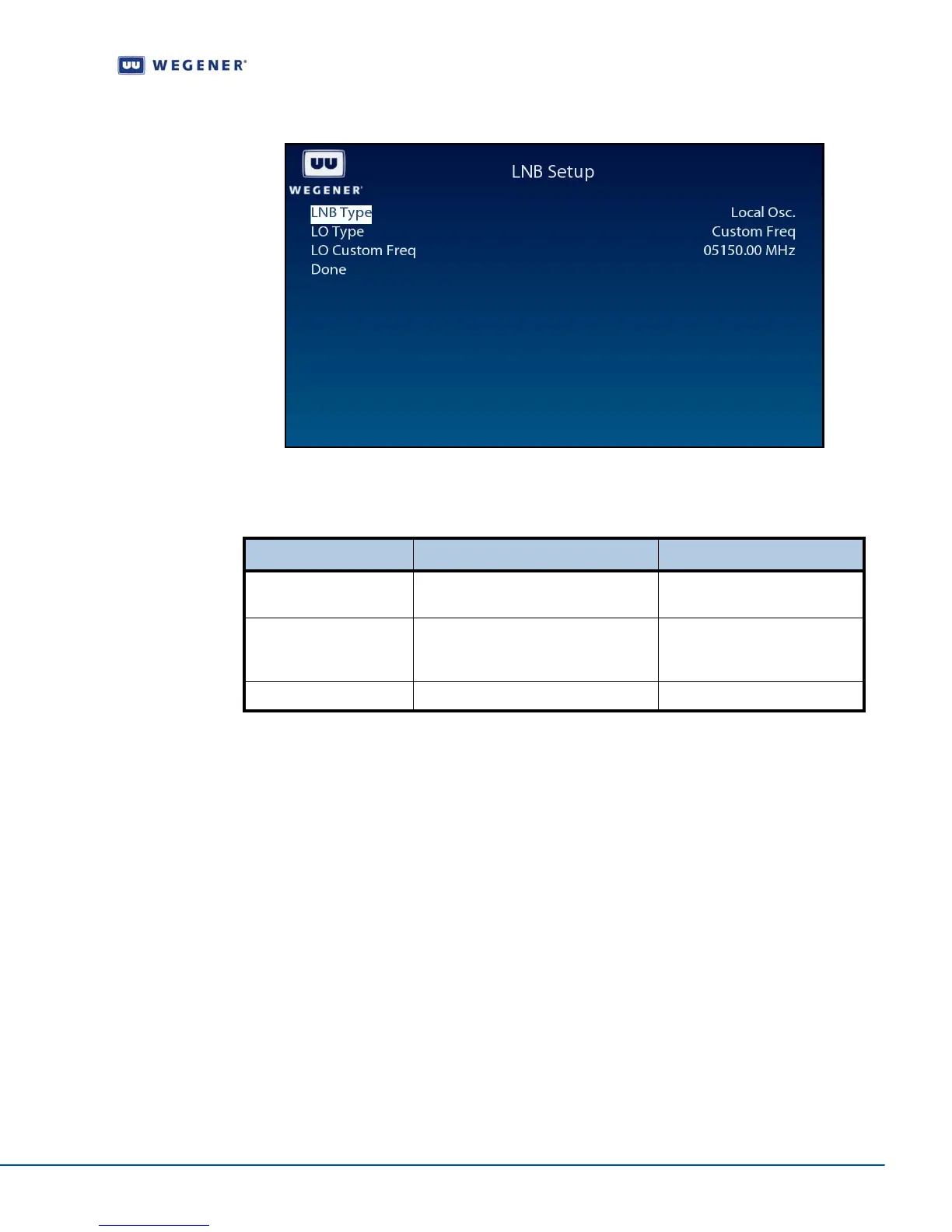
Figure 3.6: iPump 562 OSD LNB Setup Screen
Use the LNB Setup screen to set and display the LNB configuration.
Table 3.4: LNB configuration options
Monitor
Signal
Quality
Signal Quality Setup screen
Use following steps to display Signal Quality Setup screen on the OSD menu:
1. Press any push-button on the front-panel to display the Main Menu.
2. Press the down arrow button to select Carrier Settings.
3. Press Enter.
4. Press the down arrow button to select Signal Quality Setup.
5. Press Enter to display the Signal Quality Setup screen shown in Figure 3.7.
Option Possible values Comments
LNB Type Local Oscillator or Universal/ASTRA Only Local Osc option allows
other options to be set.
LO Type Custom Freq., Std C-band, US Ku-
band, Euro Low Ku-band or Euro Hi
Ku-band
Only Custom Freq. option
allows other options to be set.
LO Custom Freq.



 To Next Page