Manual R06-2016 71 / 172
ROTARY INDEXING TABLE CONTROLLER
EF2...B
INSTALLATION | 6.6 SIMOTION D410-2 Control Unit
6.6.2 Inserting the CF card
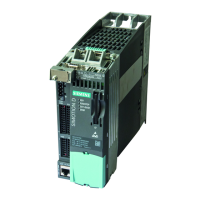
The CF card is mandatory for operation of the SIMOTION D410-2. The SIMOTION Kernel (SIMOTION D firmware)
and the software used to control the drives (WEISS firmware) are stored on the CF card. The CF card always has to
be plugged in for operation.
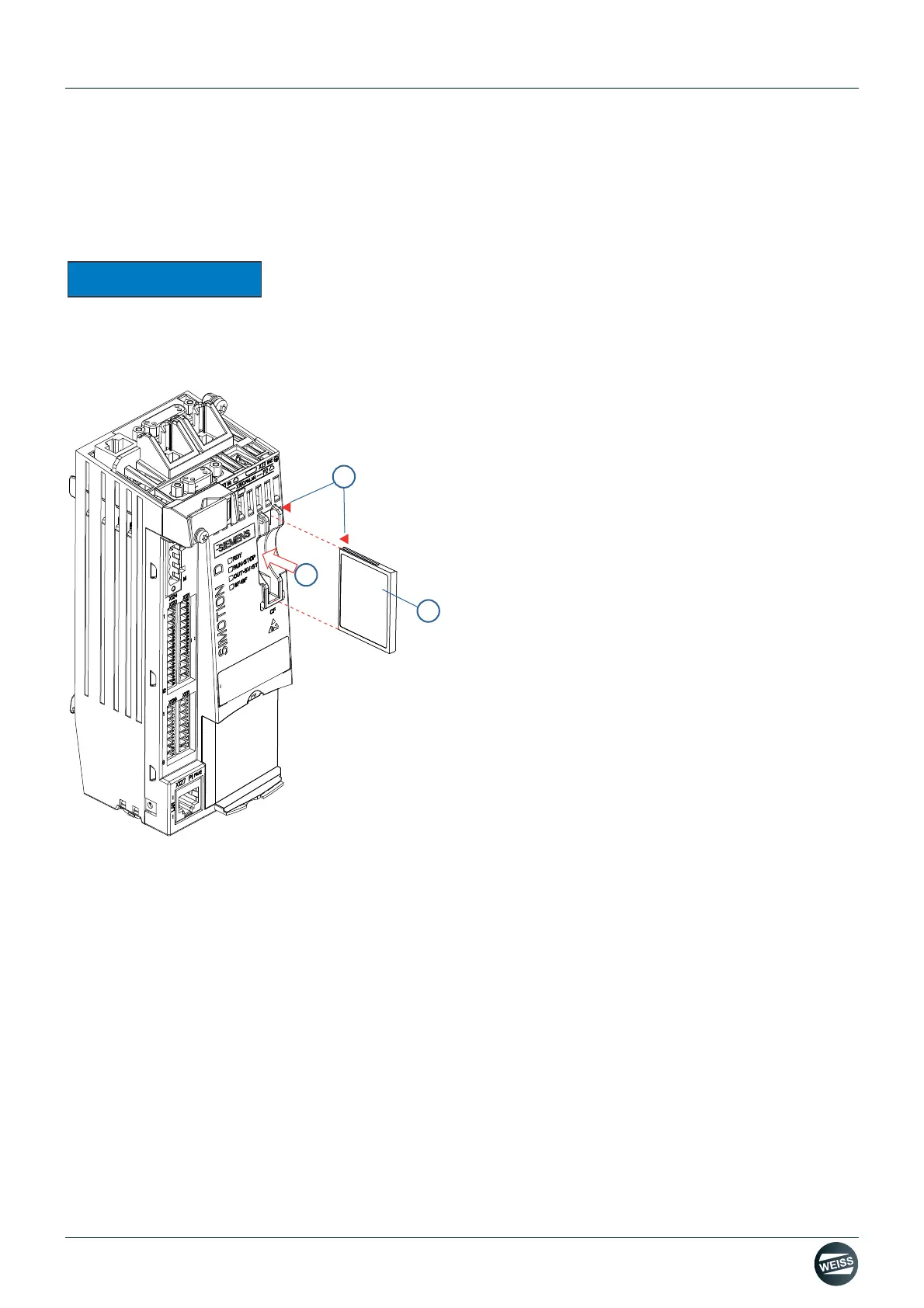
Fig. 44: Inserting the CF card into the D410-2 Control Module
1. Align the CF card (1) according to the arrows (2).
There is one arrow (2) on the plug-in slot and on the CF card.
2. Insert the CF card gently into the empty slot (3) of the SIMOTION D410-2 until it snaps in.
When properly inserted, the CF card is flush with the housing.
The CompactFlash card may only be inserted or removed while the SIMOTION D410-2 Control Unit is in a de-ener-
gized state! The SIMOTION D410-2 is in a de-energized state when all the LEDs are OFF. The CompactFlash card
is an electrostatic sensitive component. When removing and inserting the CompactFlash card, observe the ESD
regulations.
Compactflash
2
1
3


 To Next Page