Manual R06-2016 87 / 172
ROTARY INDEXING TABLE CONTROLLER
EF2...B
OPERATION / DESCRIPTION OF WEISS SOFTWARE | 8.3 Machine configuration
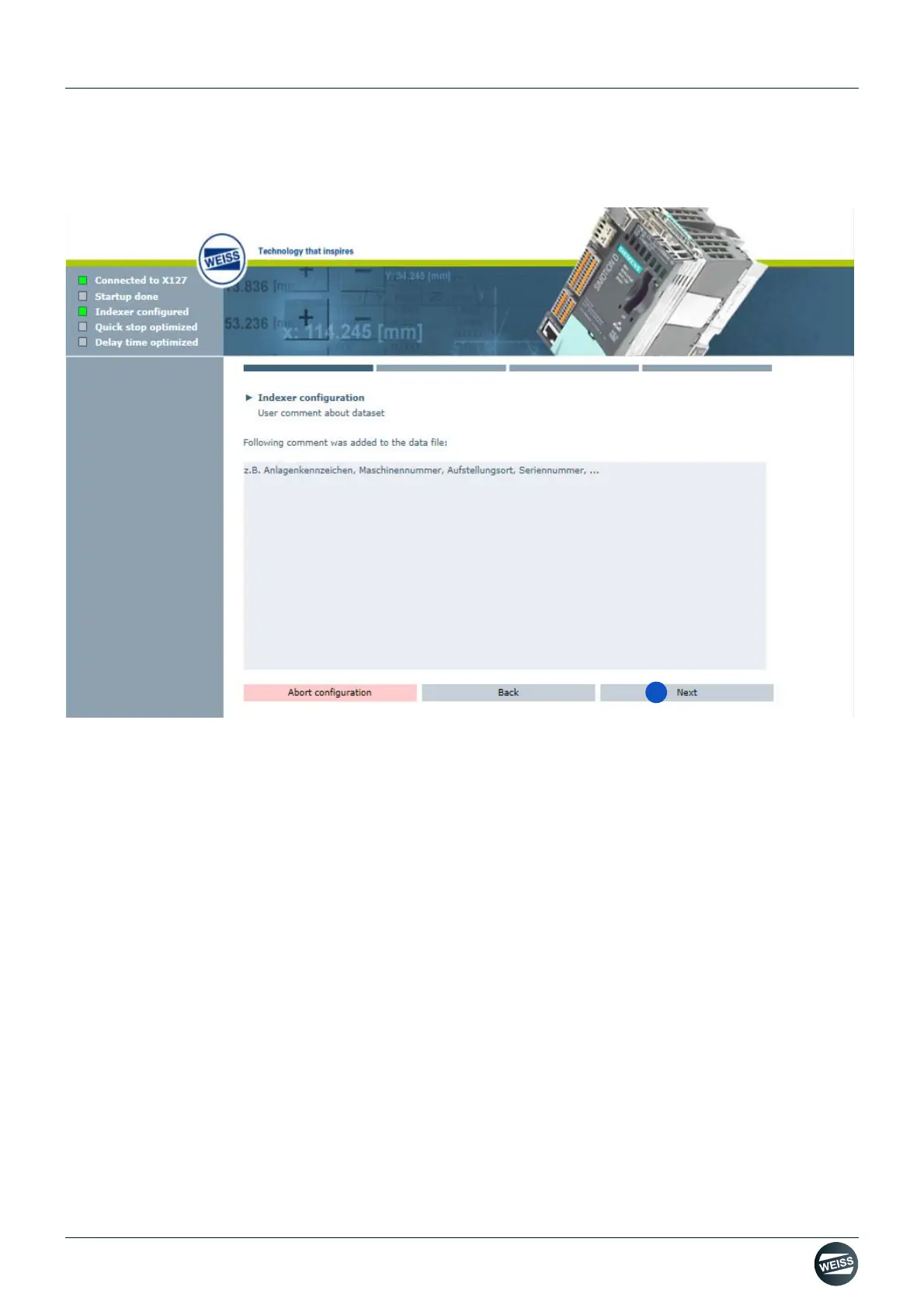
After the loading of the selected configuration file is completed, a comment box for "Indexer configuration /
User comment on the data file" is displayed.
Fig. 55: User comment regarding indexer configuration data file
4. Click the Next button.
➱ After the Next button has been clicked, a comment box appears.
For a description of the comment box, refer to chapter 8.3.4.3 „Comment regarding indexer configuration data
file“ on page 88.
By clicking on the Next button in the comment box, the indexer configuration is completed and the
start window for the I/O configuration is opened.
(see chapter 8.3.5 „I/O configuration“ on page 89)


 To Next Page