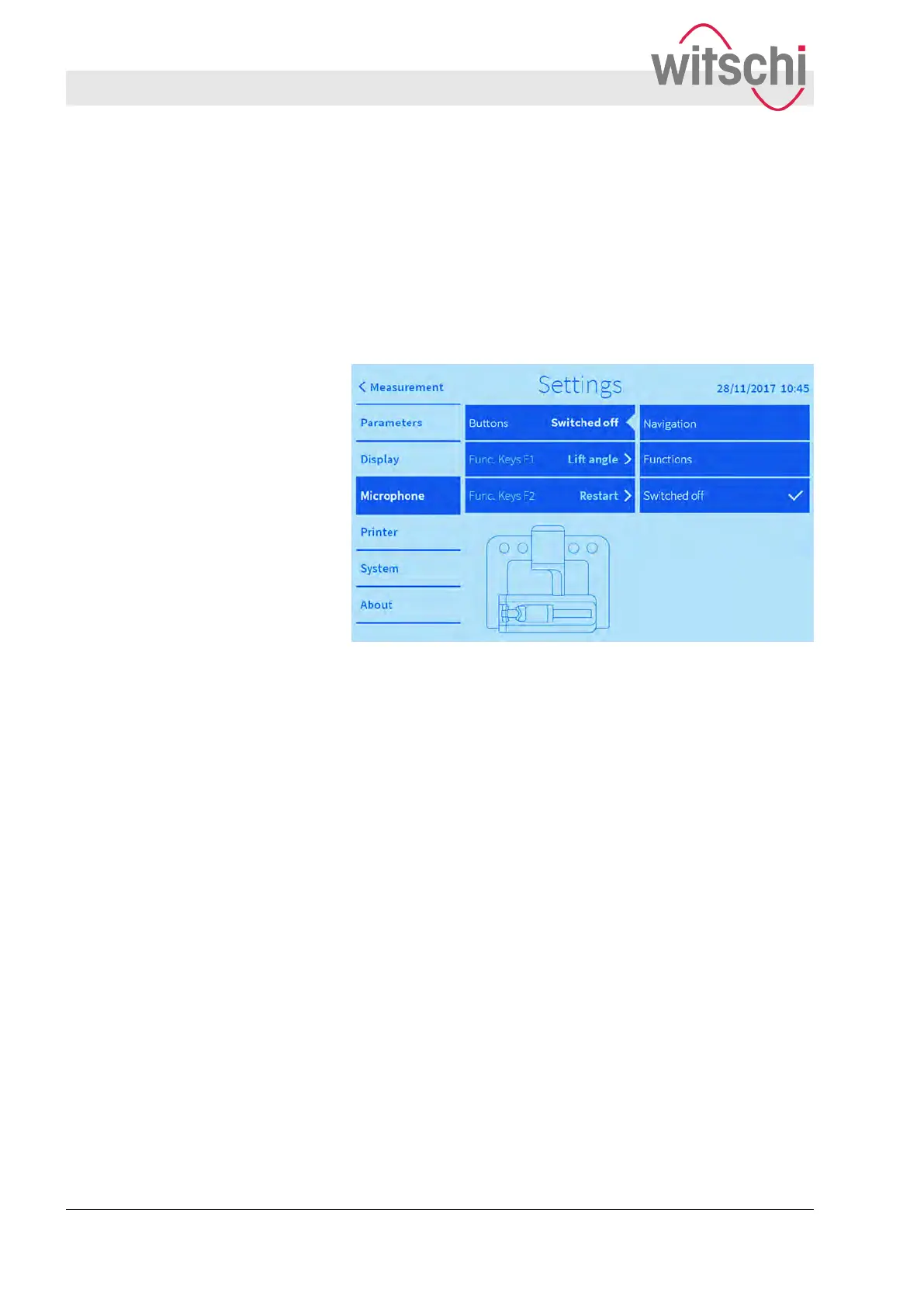
The following functions can be assigned to the microphone but-
tons:
n Beat no. -/+
n Lift angle -/+
n Integr
. time -/+
n Speaker On/Off
n Restart/Start/Pause
Fig. 37: Switching off the microphone buttons
If the microphone is held by hand during adjustment, then the
microphone buttons can be switched of
f. This prevents uninten-
tional changes to the measurement parameters.
Switching off the microphone but-
tons
Configuring the user interface
Configuring microphone buttons
27.02.2018Precision measuring device Watch ...60



 To Next Page