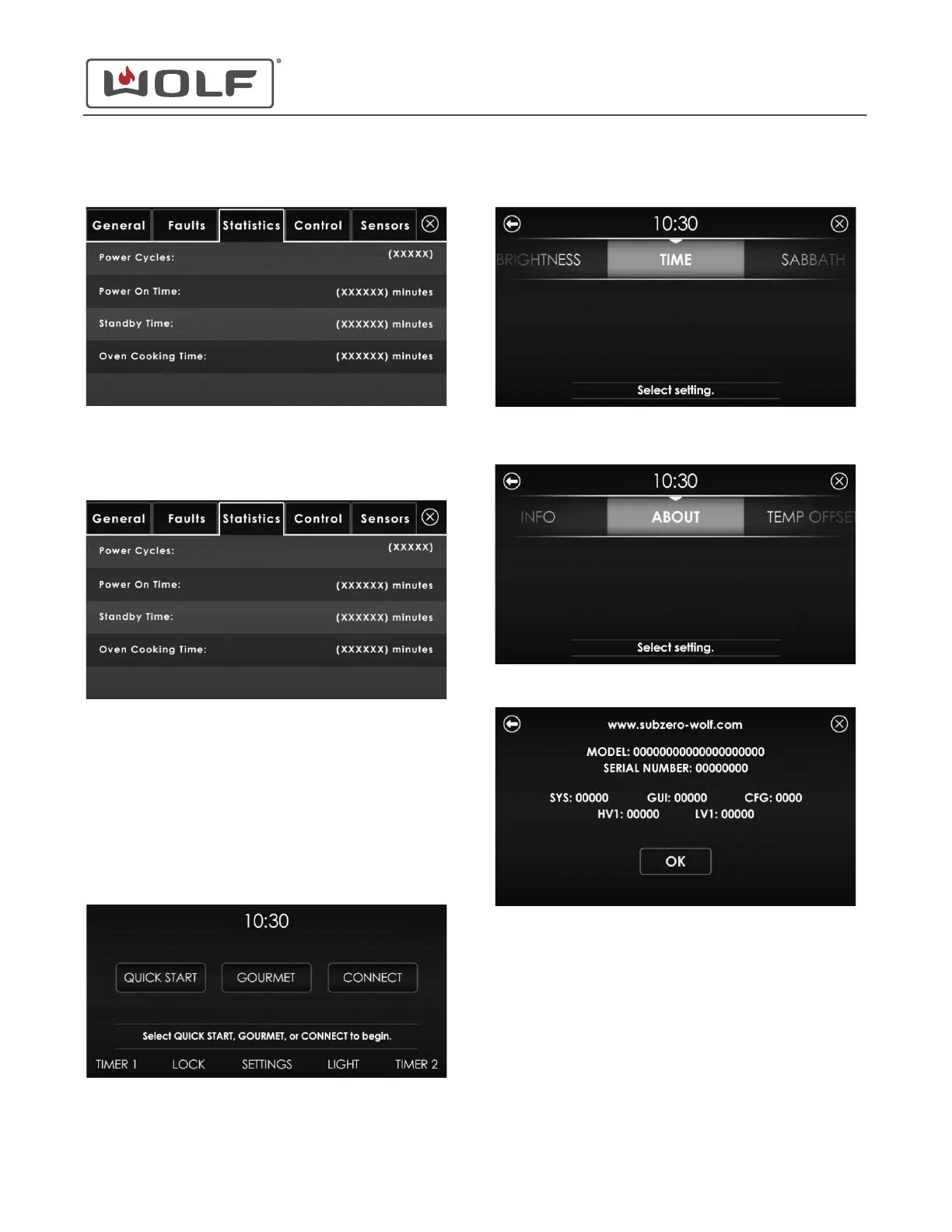
6 Touch the Statistics tab.
Statistics Tab
The Statistics tab shows the operating statistics for the unit.
• Number of times the power to the unit is cycled.
• Number of minutes the unit was on.
• Number of minutes the unit was in standby.
• Number of minutes in a cooking mode.
ACTIVATE COMPONENTS
1 Touch the time on the display. The Home screen appears.
2
Touch Settings. The Settings screen appears.
3 Scroll to About on the UIM. Touch About. The About screen
appears.
4 The About screen provides information on the unit.
30" and 36" Induction Range
Diagnostics
service.subzero.com
829191 REVA
36



 To Next Page