4-6 Using the Tools Page Rev AB
Wolke m600 touch Operator Manual
Consumables
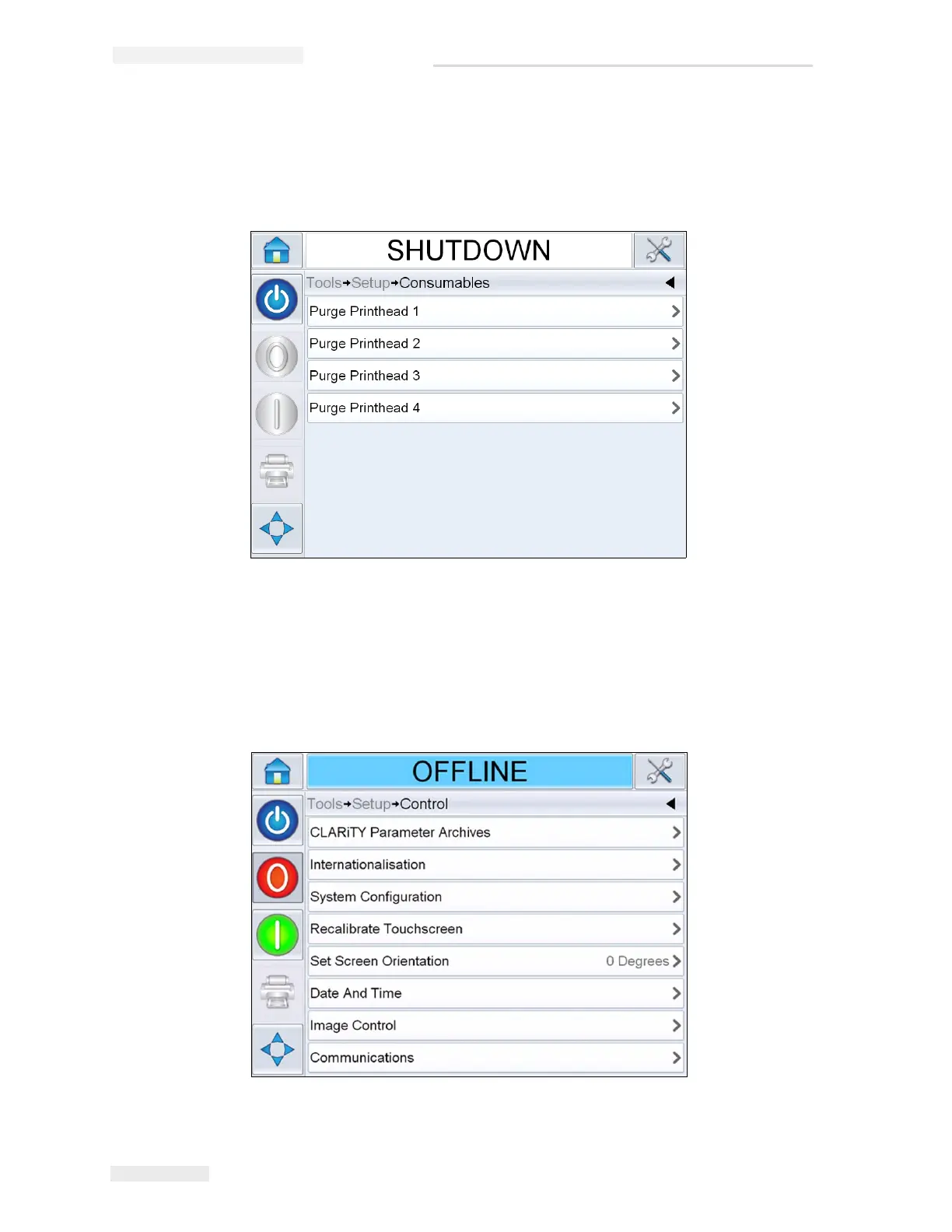
Navigate to Tools > Setup > Consumables (Figure 4-5).
Consumables page enables the user to purge the printheads.
Purge Printhead 1-4: Allows the user to purge the printhead. For more
information refer “How to Purge Printhead” on page 5-16.
Working with the Control Setup Page
Navigate to Tools > Setup > Control (Figure 4-6).



 To Next Page