Rev AB Using the Tools Page 4-9
Wolke m600 touch Operator Manual
Working with Printhead Diagnostics
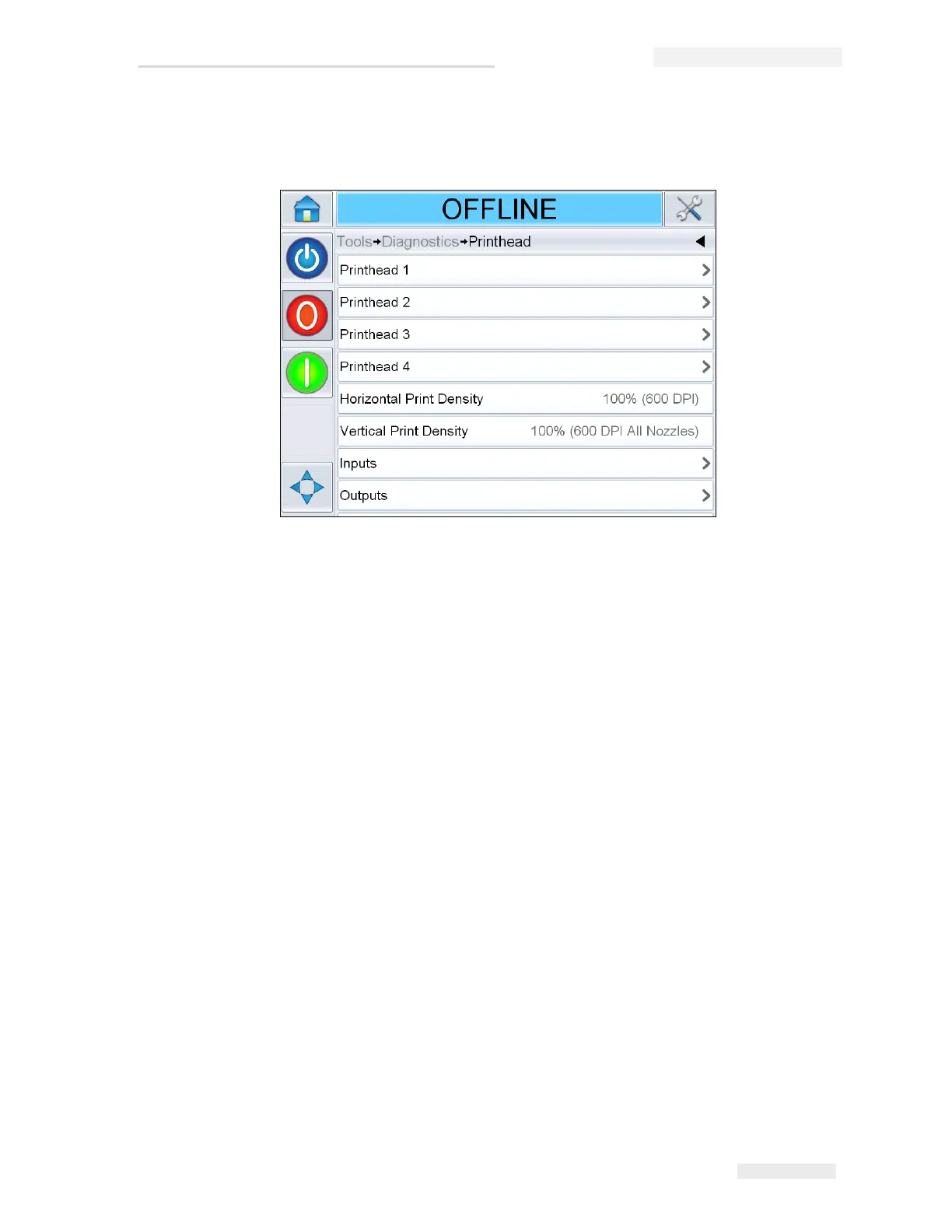
Navigate to Tools > Diagnostics > Printhead (Figure 4-8).
The Printhead diagnostics page allows the user to access the following
parameters:
• Printhead 1-4
• Horizontal Print Density
• Vertical Print Density
•Inputs
•Outputs
• Timings
Figure 4-8: Printhead Diagnostics Page



 To Next Page