4-10 Using the Tools Page Rev AB
Wolke m600 touch Operator Manual
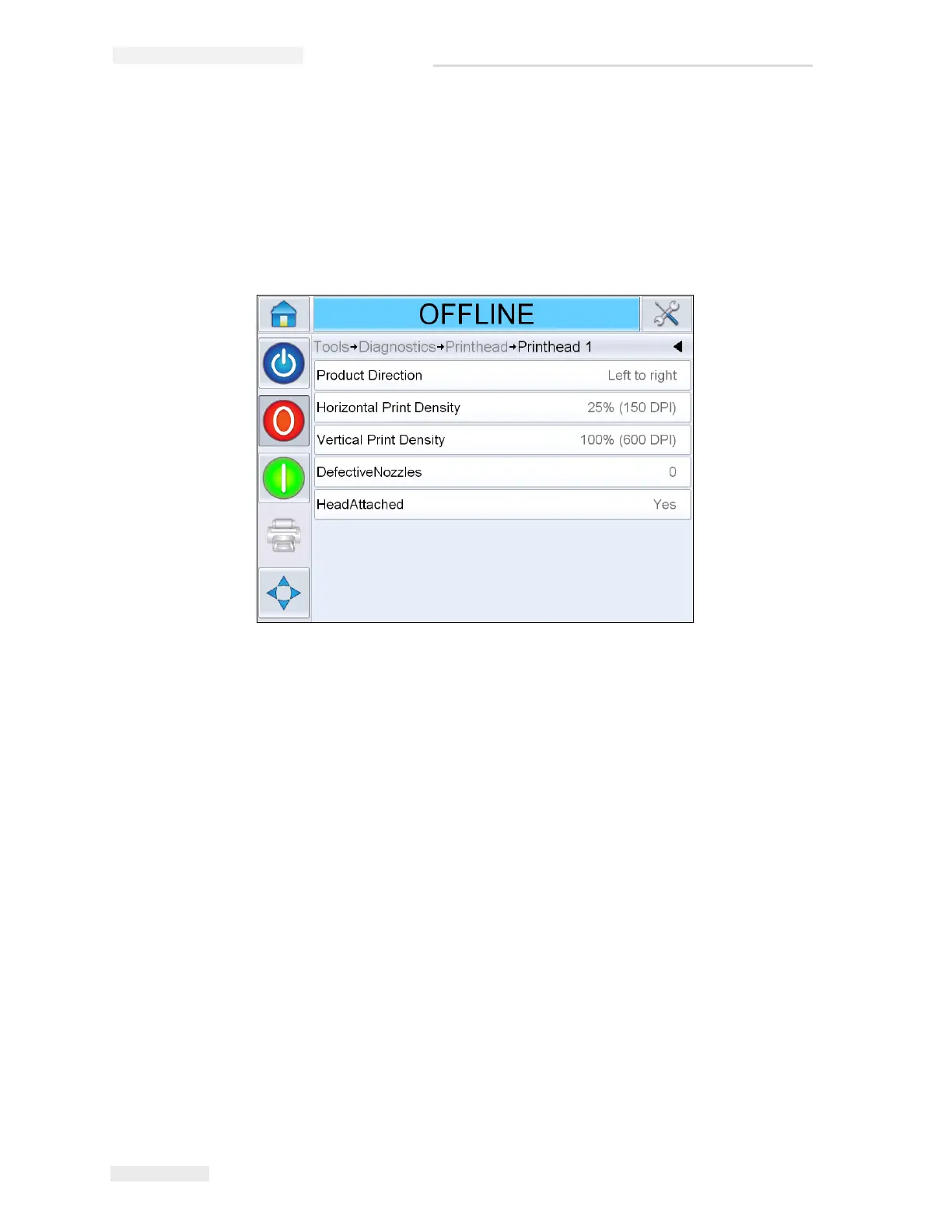
Printhead 1, 2, 3 and 4
This screen shows the current value of different parameters to help you
find the faults.Navigate to Tools > Diagnostics > Printhead > Printhead 1
(Figure 4-9). The user can view the different printhead settings like
product direction, horizontal and vertical print densities, number of
defective nozzles and head attached status.
Horizontal Print Density
Navigate to Tools > Diagnostics > Printhead > Horizontal Print Density.
Shows the current horizontal print density.
Vertical Print Density
Navigate to Tools > Diagnostics > Printhead > Vertical Print Density. Shows
the current vertical print density.



 To Next Page