Rev AB Using the Tools Page 4-11
Wolke m600 touch Operator Manual
Inputs
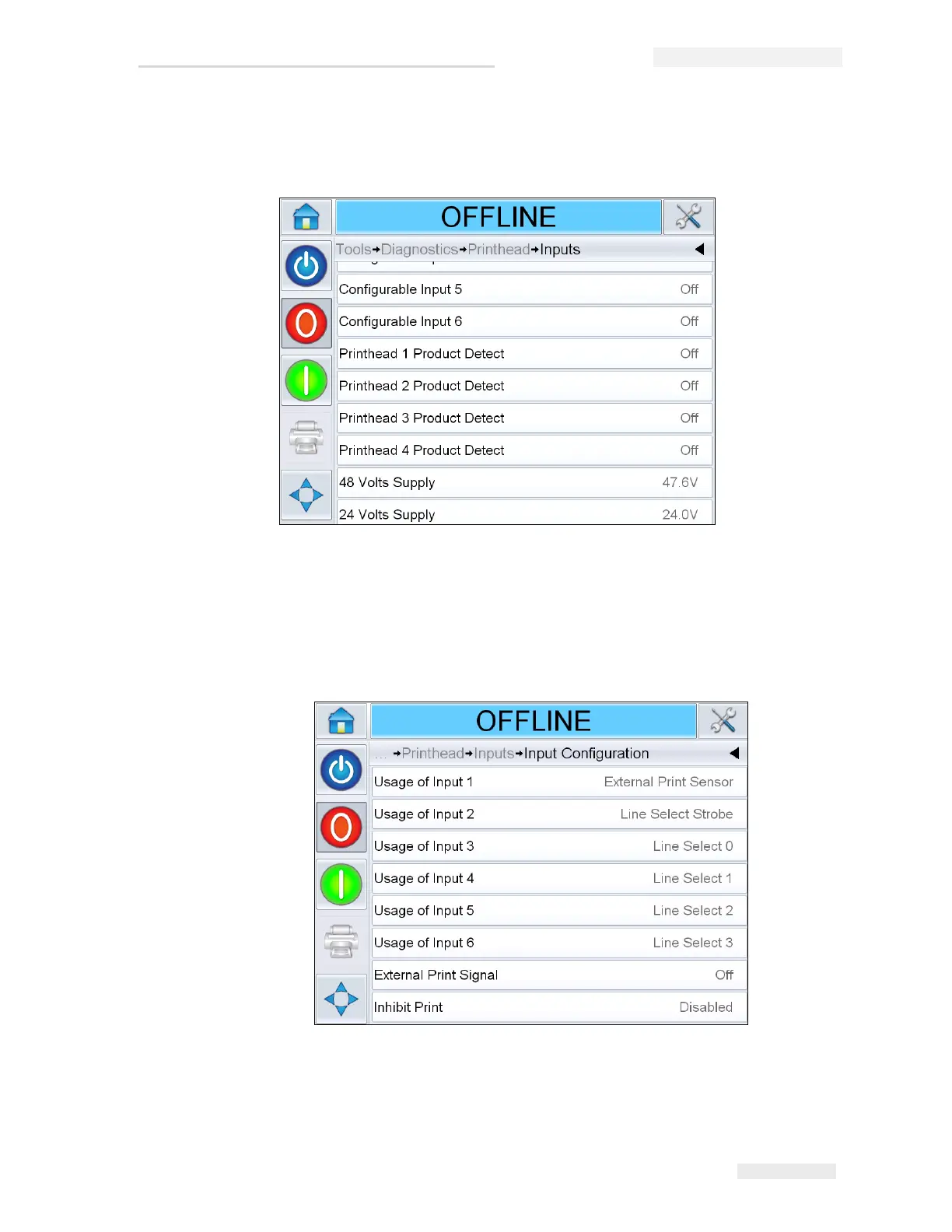
Navigate to Tools > Diagnostics > Printhead > Inputs (Figure 4-10).
The Inputs Diagnostics page allows the user to access the following
parameters:
• Input Configuration: Displays the usage of inputs 1-6 and the status of
line inputs 0-3, Print signals, Job queue and so on.
Figure 4-10: Printhead Inputs Diagnostics Page
Figure 4-11: Input Configuration screen



 To Next Page