4-12 Using the Tools Page Rev AB
Wolke m600 touch Operator Manual
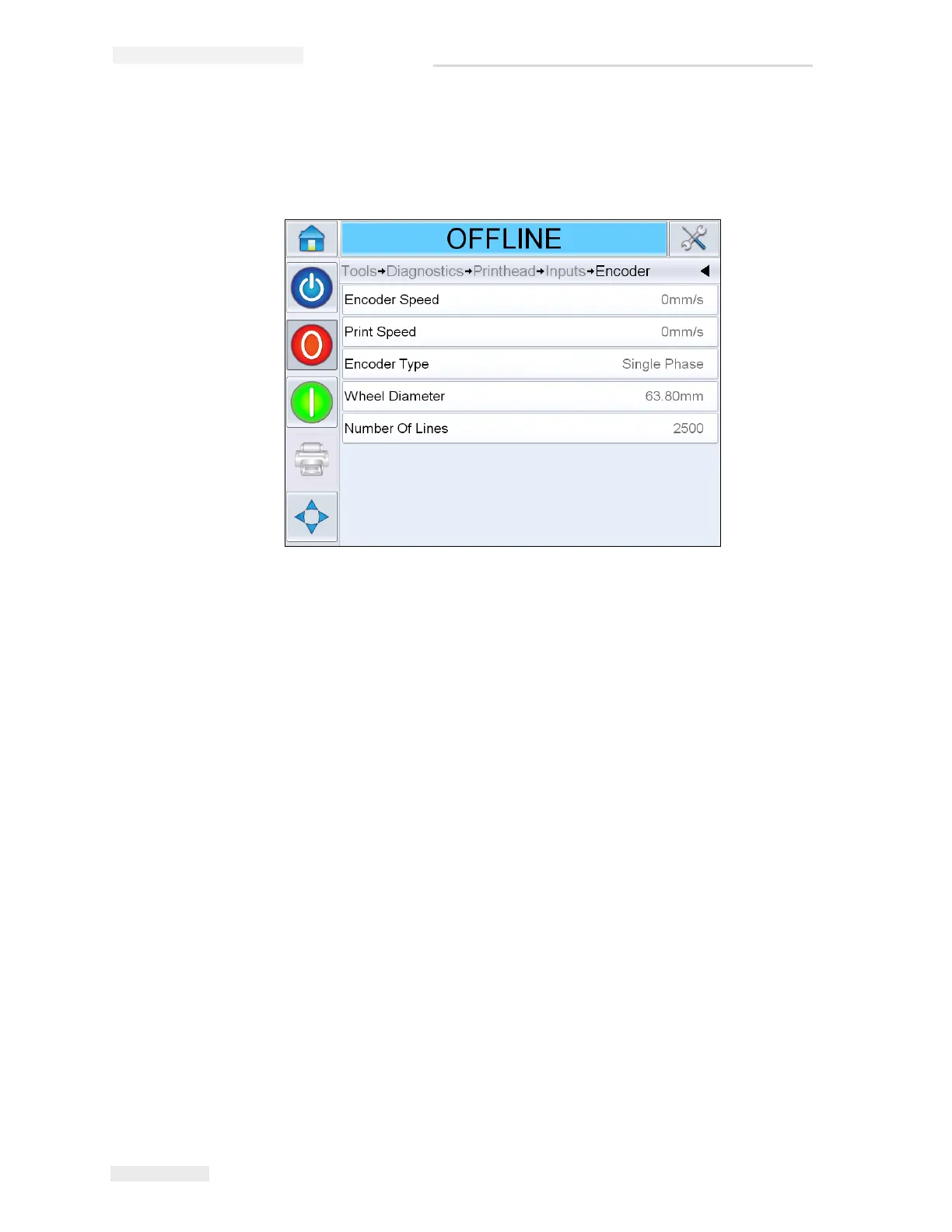
•Encoder: Touch the Encoder button to access the Encoder diagnostics
page. The Encoder diagnostics page allows the user to access the
following encoder parameters (Figure 4-12 on page 4-12).
- Encoder Speed: Shows the actual real-time speed of the object being
measured by the encoder
- Print Speed: Shows the print speed
- Encoder Type: Shows the current encoder type
- Wheel diameter: Shows the diameter of the encoder wheel
- Number of lines: Shows the resolution of the encoder expressed as
the number of pulses per revolution
Figure 4-12: Encoder Diagnostics Page



 To Next Page