4-14 Using the Tools Page Rev AB
Wolke m600 touch Operator Manual
Outputs
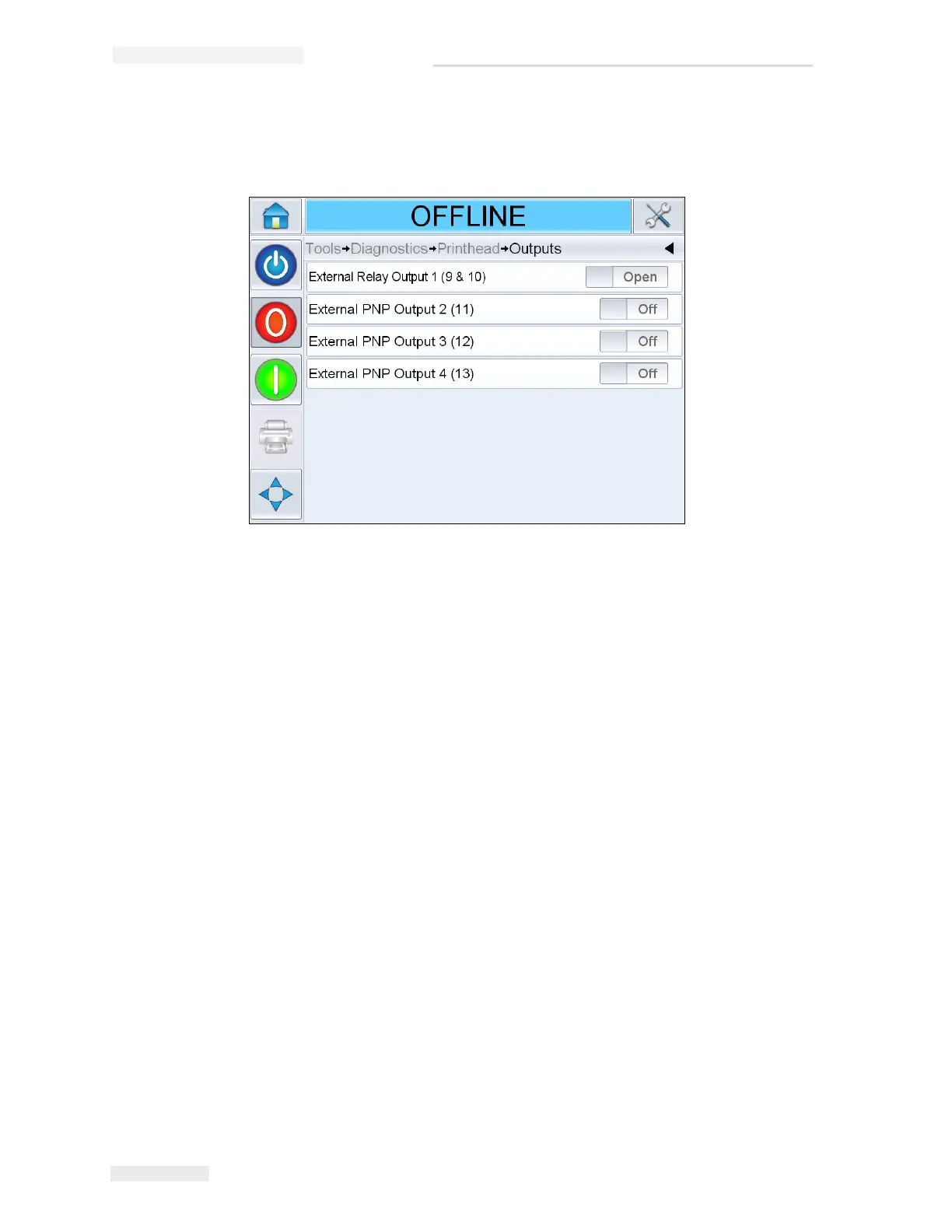
Navigate to Tools > Diagnostics > Printhead > Outputs (Figure 4-14).
Each button shows the status of a physical output on the printer. Touching
the Toggle button allows the user to force the state of an output, Open or
Off, which is useful for diagnostic purposes.
External Relay and PNP Outputs: The printer has one configurable relay
outputs and three configurable PNP 24V outputs.
Figure 4-14: Printhead Outputs Diagnostics Page



 To Next Page