24
2
21
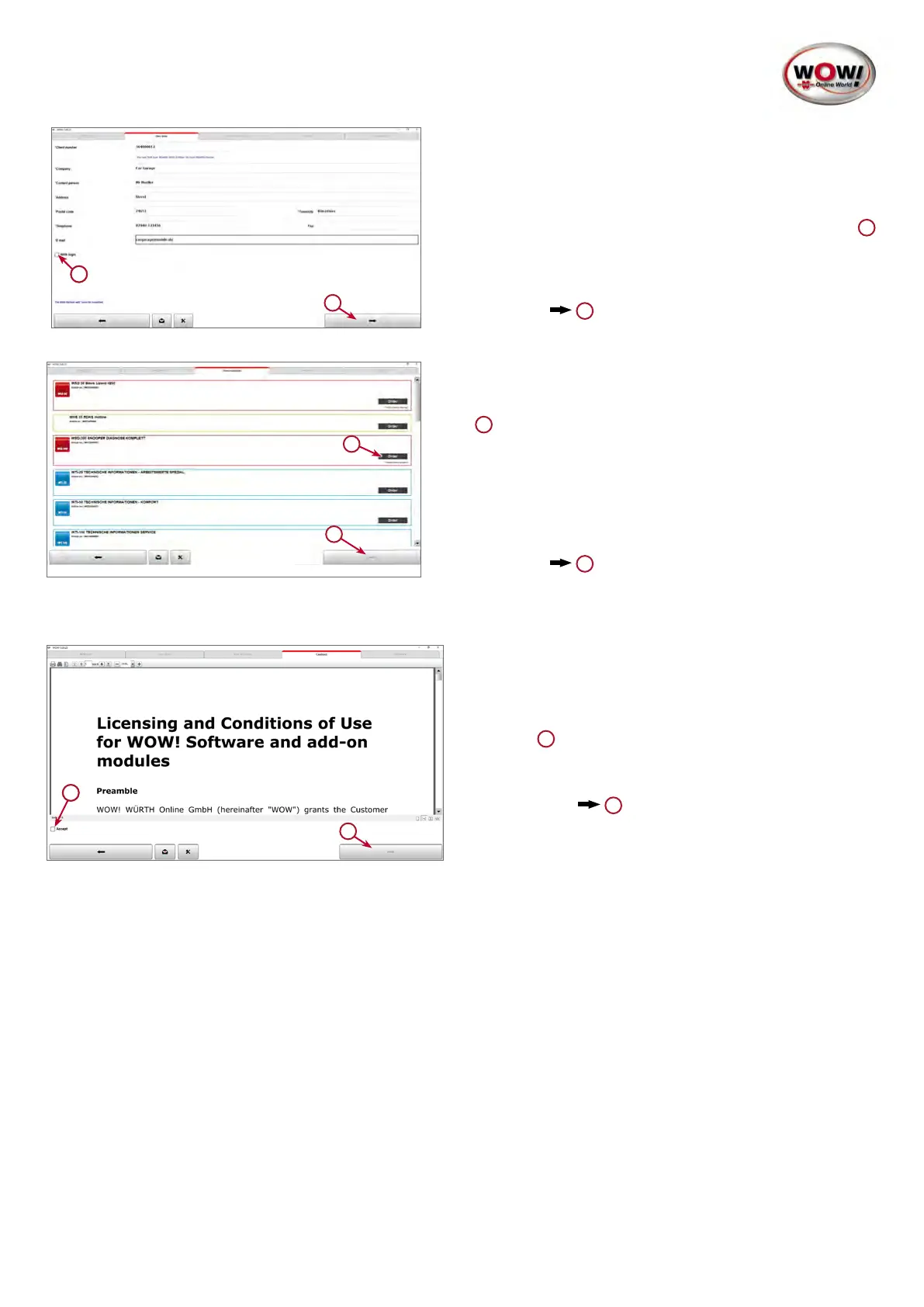
3. Entering the customer details.
Alloftheeldsmarkedwith*mustbelledin.
Youcanndyourcustomernumber,forexample,onthe
delivery note or invoice.
Username and Password are optional and, if this box is
ticked, are to be entered every time the software starts.
1
Usernameand Password can be set as required. Note
thattheeldsarecasesensitive.
Continue with
2
2
1
4. Product selection.
Select the ordered products (see invoice).
At least one product must be selected by clicking Order.
1
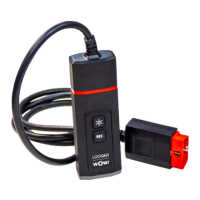
For products containing hardware, e.g. the LOOQER
device, the serial number must be entered. The serial
number can be found on the nameplate of the respective
hardware.
Continue with
2
2
1
1
5. General terms and conditions.
In order to continue, you need to acknowledge the
general terms and conditions by ticking the Accept
box.
1
Continue with
2


 To Next Page
 Loading...