28
WIFIconnection
USB and Bluetooth
®
have limited ranges. To allow you to use the device over greater distances and outside the
workshop, the range can be increased using the existing WiFi module.
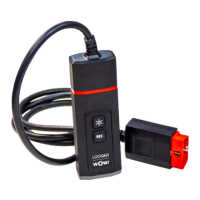
The WiFi module of the LOOQER allows connection using the existing network infrastructure via a network router
Networkconnection
InordertouploadtheWiFimoduleconguration,thedevicemustbeconnectedtothecomputerbyUSB!Itmust
be connected to an external power source (from a vehicle or through an adapter cable).
1
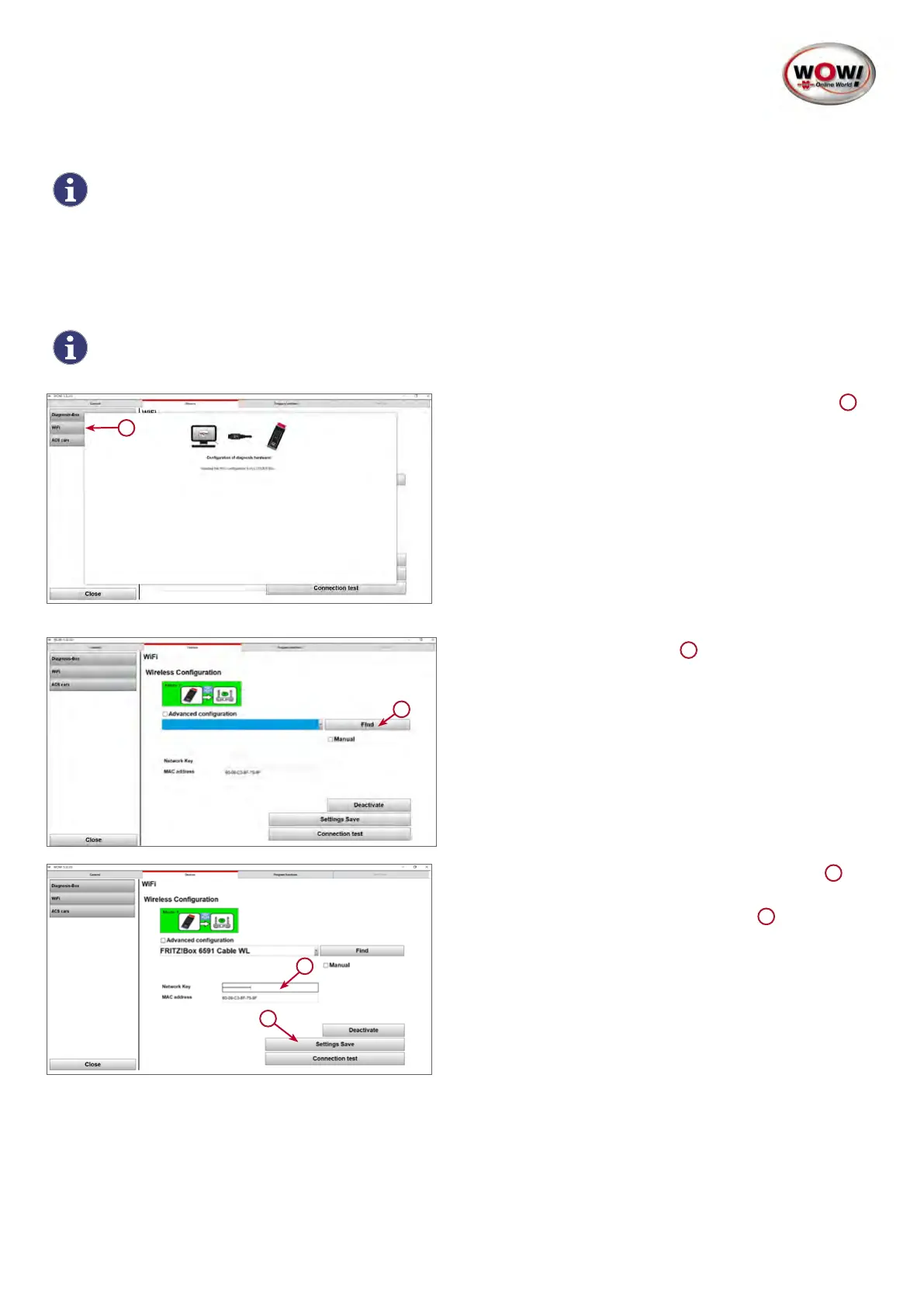
1. Open the entry WiFi on the left side of the screen.
1
ThecurrentcongurationincludingtheMACaddressis
read out from the device.
1
2. Using the Find button, locate existing networks and
select the appropriate one.
1
1
2
3. EntertheWiFinetworkkeyintheeldprovided.
1
4. Then press the SettingsSave button.
2


 To Next Page
 Loading...