29
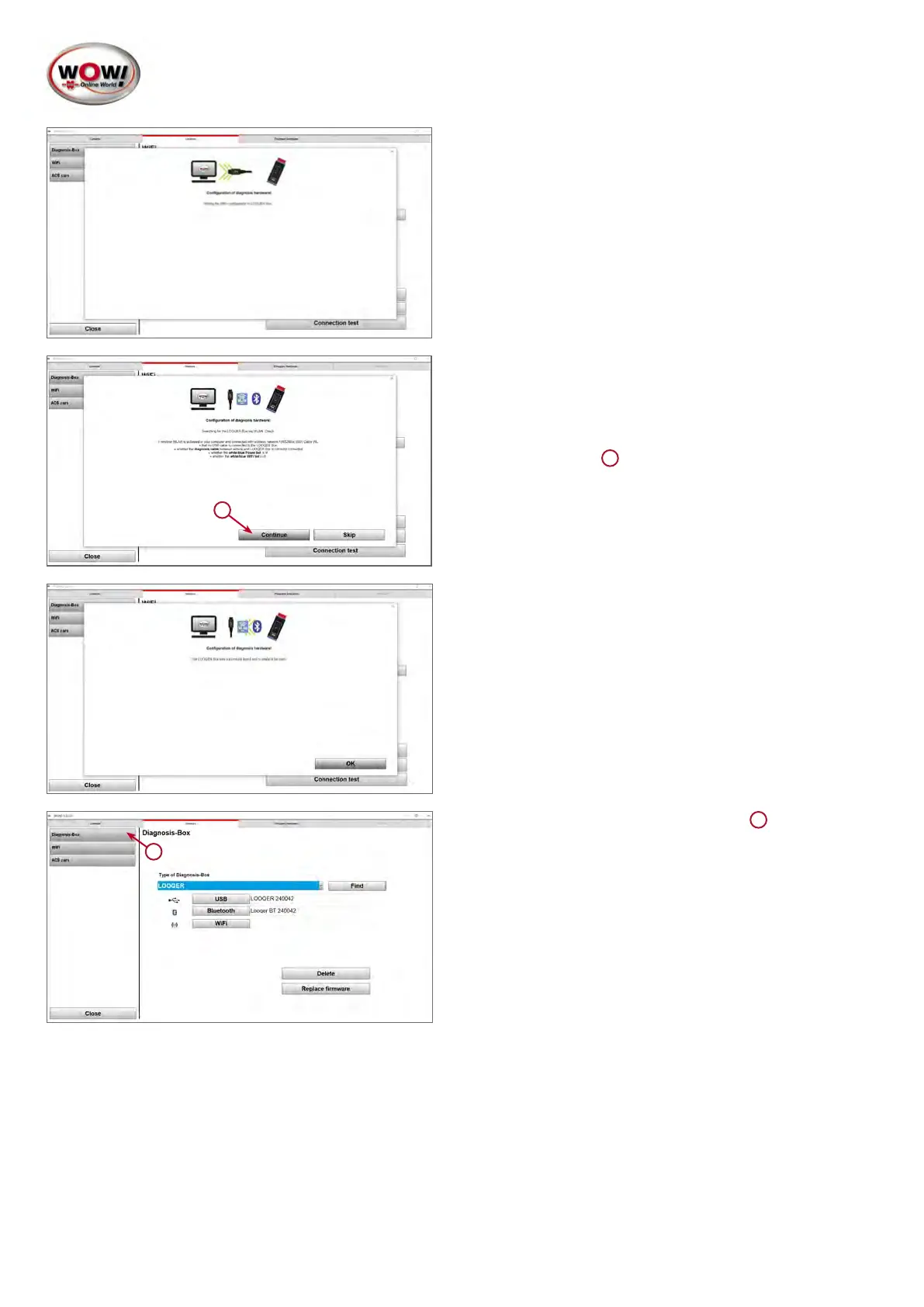
5. The data is now transferred to the device
1
In the next step, the device is connected via the network.
6. Now disconnect the USB connection and ensure the
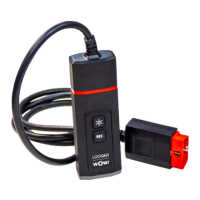
power supply for the device via the diagnostic interface
(connect to the vehicle).
7. Click Continue
1
8. The connection to the device is established and the
settings are checked.
1
9. Return to the Diagnosis-Box screen
1


 To Next Page
 Loading...