In case of a daily maintenance:
1. Remove the dirt using cloth dipped in warm water.
2. For best results, add a little bit of dishwashing detergent.
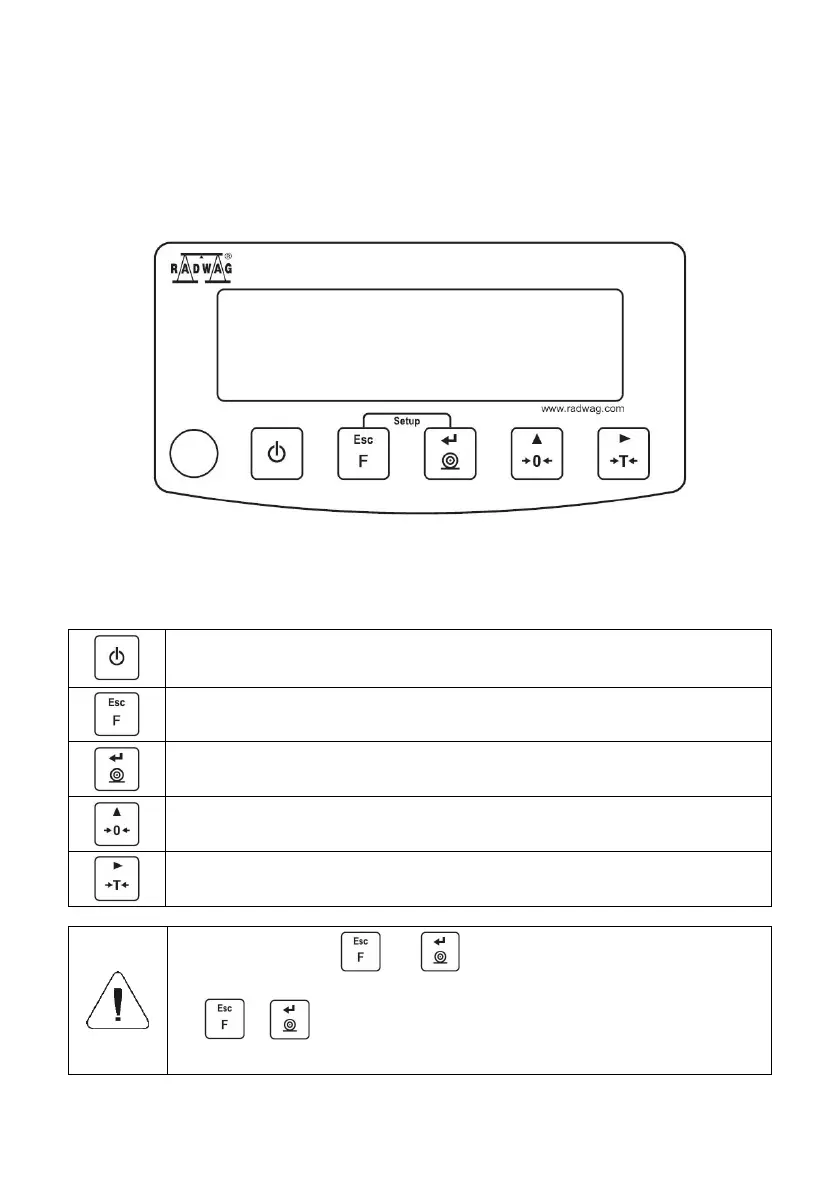
8. OPERATION PANEL
Figure 5. Operation panel of WTC series scales
9. KEYS
Press to switch the weighing device on/off – hold the key for about 1
second.
Function key, press to change the working mode.
Press to send the weighing result to a printer or computer.
Upon pressing + keys combination, functions
of given keys change. Detailed information concerning use
of + keys combination is to be found further down
this manual.



 To Next Page