22.1. Local Settings
To go to local settings enter <3.3.HiLo> submenu.
Working mode accessibility
For detailed description read section 19.2.1.
For detailed description read section 19.2.2.
For detailed description read section 19.2.3.
For detailed description read section 19.2.4.
22.2. Declaring Checkweighing Thresholds
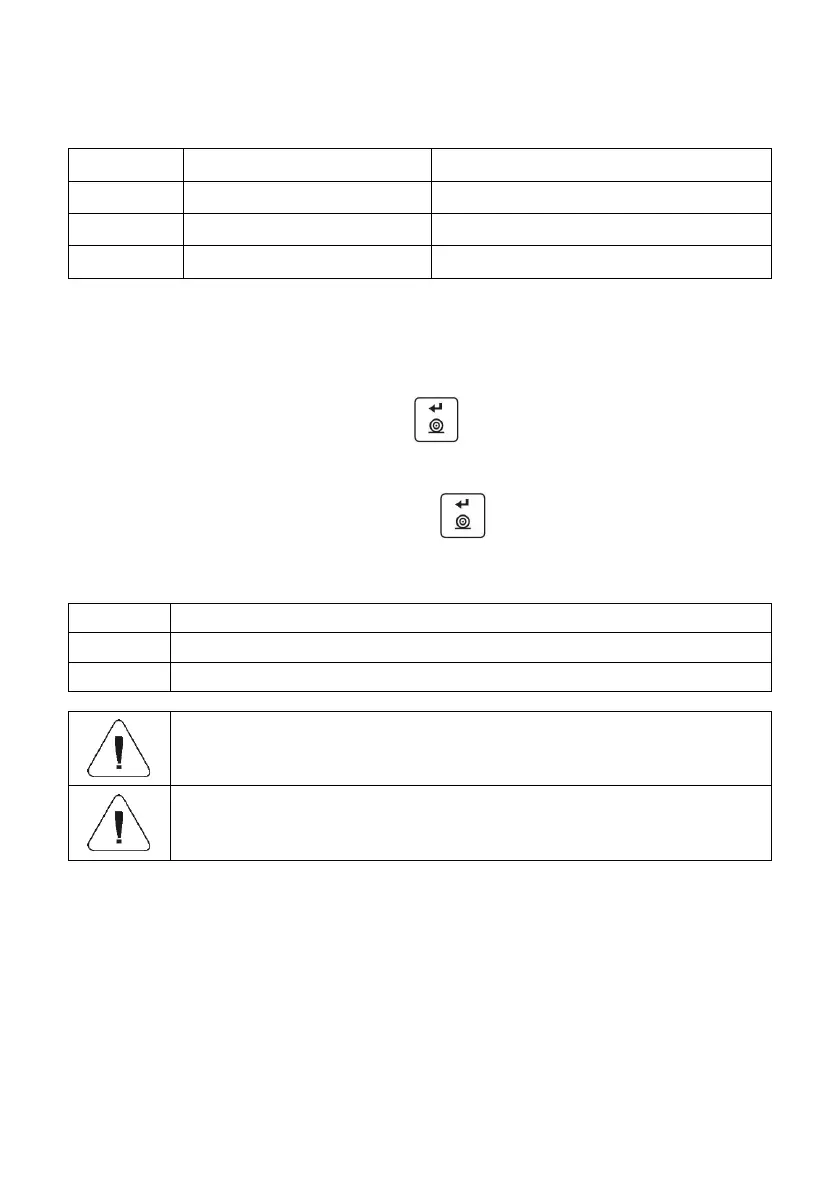
Enter <HiLo> working mode (+/- control), first, text <SEt Lo> is displayed
for 1 s, next, window for declaring low weighing threshold (Min).
Enter respective value and press key to confirm, first, text <SEt Hi>
is displayed for 1 second, next, window for declaring high weighing
threshold (Max).
Enter respective value and press key for confirmation, working
mode's home screen is displayed along with declared threshold value,
where:
Load mass lower than low weighing threshold.
Load mass within weighing thresholds.
Load mass greater than high weighing threshold.
If the entered low threshold value (Min) is greater than high
threshold value (Max), <Err Lo> error is displayed.
If the entered high threshold value (Max) is greater than
the maximum capacity value, <Err Hi> error is displayed.
23. WORKING MODE - PERCENT WEIGHING
Percent weighing is a working mode enabling you to compare measured load
mass with the reference sample mass. The result is expressed in [%].
Reference sample mass can be either determined by weighing or entered
to weighing device memory by an operator.



 To Next Page